Table of Contents
Open Table of Contents
- Rundown
- 1. The Action Dot: A Notification Light That Actually Does Something
- 2. Eye-Tracking Autofocus on the Front Camera — And It’s Not Gimmicky
- 3. Social Turbo: Background Changing in Any App, Without a Green Screen
- 4. The Ultrawide Camera Has PDAF — Use It for Macro Shots
- 5. RAM Extension + Memory Management: It’s More Aggressive Than You Think
- Quick Specs Reference
- Who Should Actually Buy the Camon 30 Pro?
- Honest Take Before the FAQ
- Frequently Asked Questions
Rundown
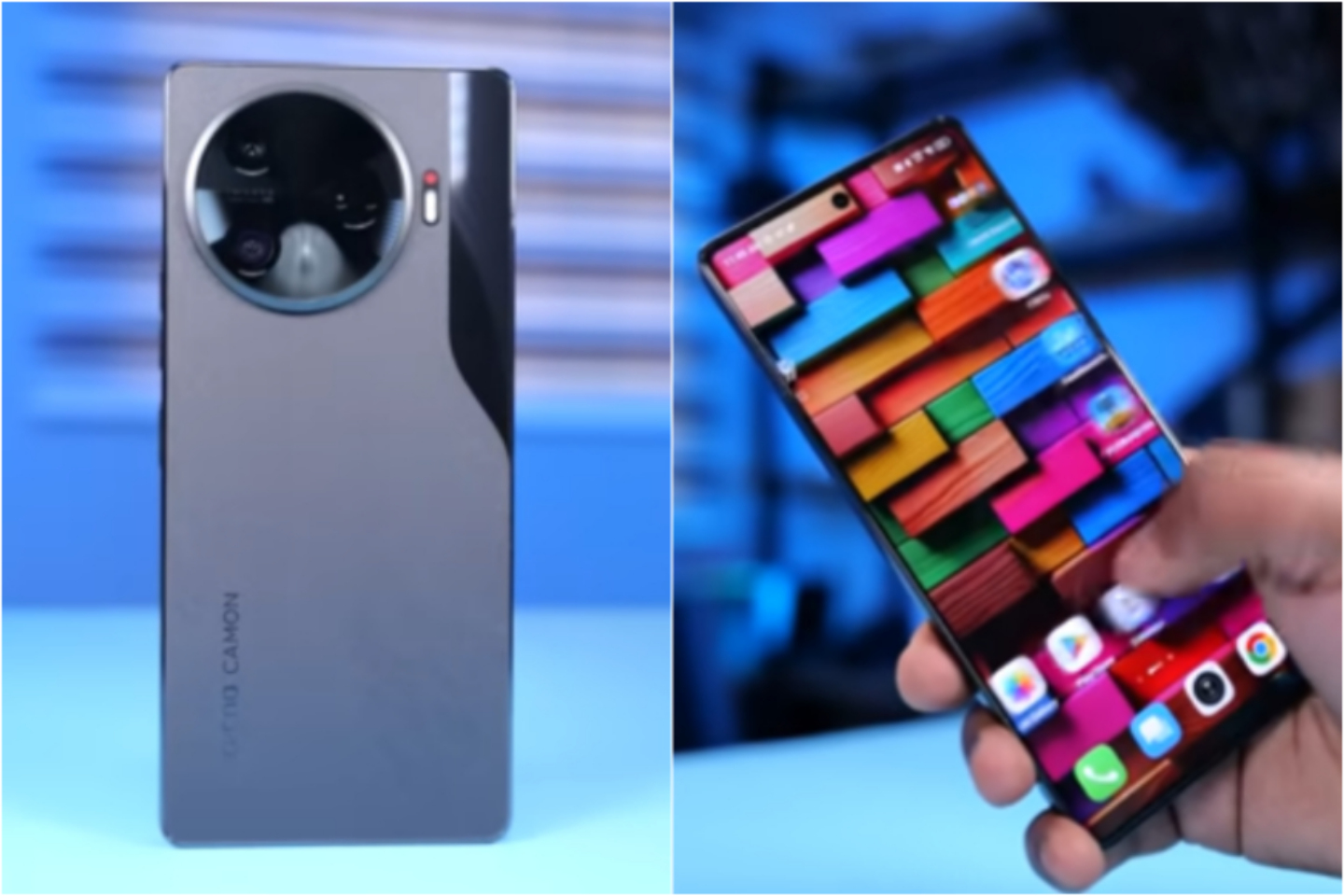
Let me be honest with you — when I first picked up the Camon 30 Pro, I was skeptical. Not because it looked bad or felt cheap (it absolutely doesn’t), but because I’ve been burned before by mid-range phones that show up loud on spec sheets and whisper in real life. Kindly read my New post about iPhone 17 pro max real world tips
Three months later, this phone is still in my pocket. Every single day.
Not because of the 50MP Sony IMX890 sensor everyone keeps quoting. Not because of the 144Hz AMOLED panel or the Dimensity 8200 Ultra chip — those are all expected at this price bracket now. What kept me hooked were the small, weird, genuinely clever things baked into this phone that I stumbled into by accident. The stuff no review video bothers to mention because it doesn’t look impressive in a thumbnail.
If you’ve read my deep dive on Camon 30 Pro overheating and gaming performance, you already know I’ve stress-tested this phone properly — not just benchmark screenshots, but real gaming sessions, thermal behavior, and sustained performance.
So here’s my real list. Five features on the Camon 30 Pro that I think are criminally underrated, explained the way I actually discovered and use them — no fluff, no corporate talking points.
1. The Action Dot: A Notification Light That Actually Does Something
Remember when phones used to have notification LEDs? That little blinking light that told you — without picking up the phone — whether you had a message, a missed call, or your phone was charging? Somewhere along the way, manufacturers decided bezels were more important than utility, and notification LEDs quietly disappeared.
Tecno brought them back. But smarter.
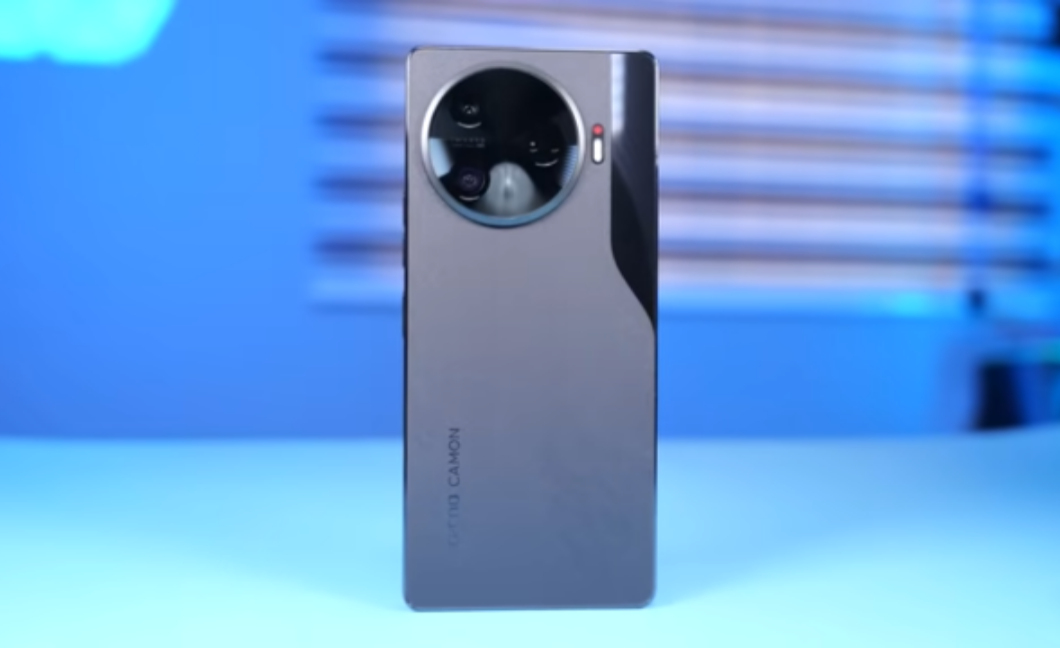
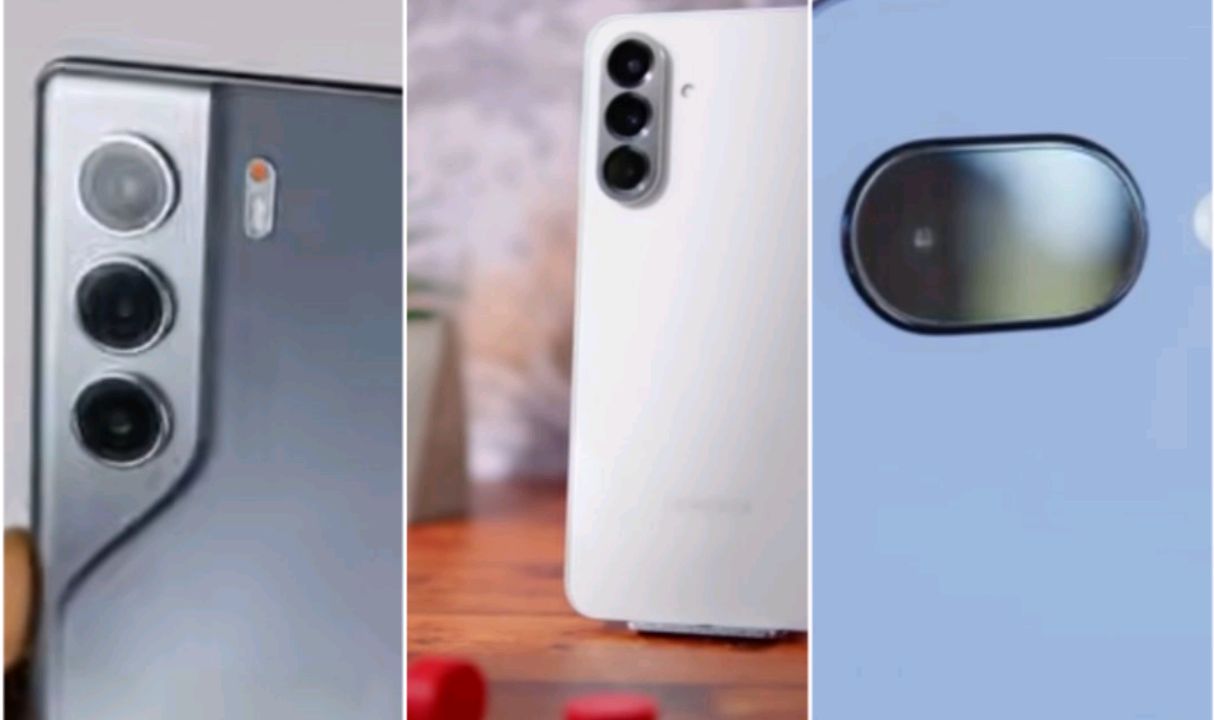
The Action Dot on the Camon 30 Pro sits right next to the rear camera module. It’s a small, almost unnoticeable circle until it lights up — and when it does, it earns its keep. During charging, it glows to tell you the battery status without you having to wake the screen. When you’re recording video, it lights up red, functioning as a visual indicator that you’re live — which, if you’ve ever accidentally stopped a recording or forgotten you were still rolling, you’ll appreciate more than you expect.
But the part that caught me off guard? It can act as a countdown timer when you set the camera on a timer mode. That tiny red pulse before the shutter fires is genuinely useful for group shots where you can’t see the screen properly.
It sounds like a small thing. It is a small thing. But I’ve started relying on it in ways I didn’t predict, and I genuinely notice when I pick up other phones and it’s just… not there.
2. Eye-Tracking Autofocus on the Front Camera — And It’s Not Gimmicky
Most selfie cameras “track faces.” They lock onto your general face region and call it autofocus. The Camon 30 Pro’s front 50MP camera does something meaningfully different: it tracks your eyes specifically.
I tested this probably forty times because I didn’t believe it the first time. Stand at an angle, tilt your head, turn slightly — the camera stays locked on your eyes. Not your nose, not your forehead. Your actual eyes. And because this is a 50MP sensor with PDAF and autofocus (which is rare enough for a selfie camera on its own), the resulting sharpness when it locks on is noticeably better than what I was used to.
Where this matters most isn’t selfies. It’s video calls. When you’re moving around during a call — gesturing, leaning in, looking down at notes — the camera doesn’t constantly blur and refocus. It anticipates your movement in a way that feels almost intelligent.
Combine this with the Social Turbo feature (which we’ll circle back to), and your front camera experience starts feeling less like an afterthought and more like a deliberate product choice.
The one caveat: in very low light, the eye-tracking gets confused. It falls back to face-level tracking, which is fine, but worth knowing so you don’t blame the feature unfairly.
3. Social Turbo: Background Changing in Any App, Without a Green Screen
Here’s where things get interesting — and where most people don’t realize what they’re actually holding.
Social Turbo is Tecno’s answer to “I want Zoom/Google Meet-style virtual backgrounds but in WhatsApp, Instagram Live, and literally anything else.” The implementation is system-level, meaning it hooks into the camera feed before any app gets it. You set your background, enable Social Turbo, open any app that uses your camera, and your virtual background is just… there.
The segmentation quality surprised me. On a plain wall, it’s clean. On a busy background, it struggles at the edges around hair — but so does every other phone-level background replacement I’ve tested. The key differentiator is that it works everywhere, not just in apps that explicitly support it.
For content creators who do a lot of video calling or streaming from the phone, this is genuinely useful. You’re not dependent on the app supporting it. You set it once and it follows you.
Interestingly, this ties into something I realized while writing about gaming discipline and performance habits in What Call of Duty Mobile Taught Me About Real-Life Discipline. Phones aren’t just communication tools anymore — they’re workflow devices. The Camon 30 Pro clearly understands that.
Add to this the Dual-view Video mode — which simultaneously records from both the front and rear cameras in a split view — and you start understanding why Tecno positions this as a creator device. These aren’t features you’d expect at this price point. They’re not even standard on most flagships.
4. The Ultrawide Camera Has PDAF — Use It for Macro Shots
This one took me the longest to figure out, and I’m still a little annoyed that Tecno doesn’t advertise it more clearly.
The 50MP ultrawide camera on the Camon 30 Pro has phase-detect autofocus. That’s the same autofocus system as the main camera — which is unusual. Most ultrawide cameras, even on flagship phones, use fixed-focus lenses because it keeps costs down and most people don’t need autofocus on an ultrawide.
What this means in practice: you can get extremely close to subjects with the ultrawide and it will focus accurately. Not the dedicated 2MP macro camera (which exists and is fine for casual shots but 2MP is 2MP). The ultrawide. With autofocus. At 50 megapixels.
I’ve been using this to shoot product details, textures, food close-ups, and anything that benefits from a slightly wider perspective while still being close. The results beat dedicated macro cameras on phones twice the price because resolution actually matters when you’re cropping in.
The trick is knowing that the phone doesn’t automatically switch to ultrawide for macro — you have to manually select it and get close. Once you know that, though, the creative possibilities genuinely open up.
| Feature | Dedicated Macro Lens | Camon 30 Pro Ultrawide (used as macro) |
|---|---|---|
| Resolution | 2 MP | 50 MP |
| Autofocus | Fixed | Phase-Detect (PDAF) |
| Flexibility | Very Limited | Wide-angle + Close Focus |
| Crop Headroom | Minimal | Significant |
| Real-world Detail | Average | Sharp and usable |
5. RAM Extension + Memory Management: It’s More Aggressive Than You Think
The Camon 30 Pro supports up to 12GB of extended RAM — virtual memory carved out of your storage. I know, I know. Extended RAM is a marketing trick on most phones. It sounds like double the memory but in practice it’s slower, inconsistent, and only kicks in for idle background apps.
On this phone, it’s different. Not because the technology fundamentally changed, but because HIOS 14’s memory management is actually tuned well.
During one of my gaming stress tests (documented in my overheating article), I ran Call of Duty Mobile at high graphics for nearly an hour, switched into Chrome with multiple tabs open, jumped into CapCut, then returned to the game — and it resumed without a full reload. That’s not typical behavior for mid-range devices in this class.
The other piece of this is the 9-layer cooling system Tecno put into this device. During longer gaming sessions or 4K recording, the phone gets warm — but it doesn’t throttle aggressively the way I expected it to. The Dimensity 8200 Ultra is allowed to breathe because the thermal design actually supports it.

Quick Specs Reference
| Specification | Detail |
|---|---|
| Display | 6.78” AMOLED, 144Hz, 1080×2436 |
| Chipset | MediaTek Dimensity 8200 Ultra |
| RAM | 12GB LPDDR5X (+ 12GB Extended) |
| Storage | 256GB / 512GB UFS 3.1 |
| Main Camera | 50MP Sony IMX890, f/1.9, OIS, PDAF |
| Ultrawide Camera | 50MP Samsung JN1, f/2.2, PDAF |
| Front Camera | 50MP, Eye-Tracking AF, 4K60fps |
| Battery | 5000mAh, 70W charging |
| OS | Android 14, HIOS 14 |
| IP Rating | IP54 |
| Thickness | 7.7mm |
Who Should Actually Buy the Camon 30 Pro?
- Mobile content creators
- Students who multitask heavily
- Casual gamers who care about stable performance
- People who video call often
- Anyone tired of spec-sheet hype but wanting real usability
If you’re looking purely for optical zoom or brand prestige, this isn’t your phone. If you care about creative flexibility and daily reliability, it might be exactly what you want.
Before the end of this story please check Smartphone vs laptop and check Astro vs WordPress.
Honest Take Before the FAQ
Look, this isn’t a perfect phone. The AI Eraser is inconsistent — it works beautifully on simple backgrounds and struggles with complex ones. There’s no telephoto lens, which you feel when you’re trying to zoom past 2x. The ultrawide’s edge distortion is present if you’re pixel-peeping. And the Dolby Atmos toggle being buried in settings rather than the quick panel is genuinely annoying.
But none of that is what this article was about.
What I wanted to highlight are the decisions Tecno made that show they thought carefully about how people actually use their phones — not just what looks good in a comparison chart. The Action Dot, the eye-tracking front camera, system-level Social Turbo, the PDAF ultrawide, and the memory management together form a coherent identity for a device that knows its audience.
If you’re a content creator, a heavy communicator, or someone who just wants a phone that keeps pace with your actual life — the Camon 30 Pro rewards you for paying attention.
Frequently Asked Questions
Does the Camon 30 Pro have a telephoto camera?
No. The telephoto lens is exclusive to the more expensive Camon 30 Premier. The Pro model relies on cropping from the main 50MP sensor for zoom, which works reasonably well at 2x but softens noticeably beyond that.
Is the IP54 rating enough for everyday use?
IP54 means splash and dust resistant — not waterproof. You can use it in light rain or with wet hands without worry, but don’t submerge it. For most daily situations, it’s more than adequate.
How long does the 5000mAh battery actually last?
In real usage — social media, camera use, occasional gaming, YouTube — I consistently get through a full day with 20–30% left. The 70W charging gets it from dead to full in under 50 minutes, so even if you drain it, recovery is fast.
Does the Social Turbo background feature work on WhatsApp video calls?
Yes. Because it operates at the system level before the app accesses the camera feed, it works with WhatsApp, Instagram, Zoom, Google Meet, and essentially any app that uses the camera. Quality varies by app due to how they compress video, but the feature itself functions universally.
Can the Camon 30 Pro record 4K video on the front camera?
Yes — 4K at 30fps on the front camera, and up to 4K at 60fps on the rear main and ultrawide cameras. This is one of the genuinely rare capabilities at this price tier.
Is HIOS 14 bloated?
It comes with some pre-installed apps that you may not want, and yes, it has some duplicate utilities. However, most of the bloat is either uninstallable or ignorable, and the core experience is smooth. The memory management, as discussed, is better than you might expect from a budget-adjacent Android skin.
How does the Camon 30 Pro compare to the Samsung Galaxy A55?
They sit in a similar price bracket but prioritize different things. The A55 has a telephoto lens and Samsung’s software ecosystem. The Camon 30 Pro has a significantly better main and ultrawide camera, faster charging, and a higher-refresh display. For camera quality and raw performance per dollar, the Camon 30 Pro wins. For Samsung ecosystem integration, obviously the A55 does.
What colors does the Camon 30 Pro come in?
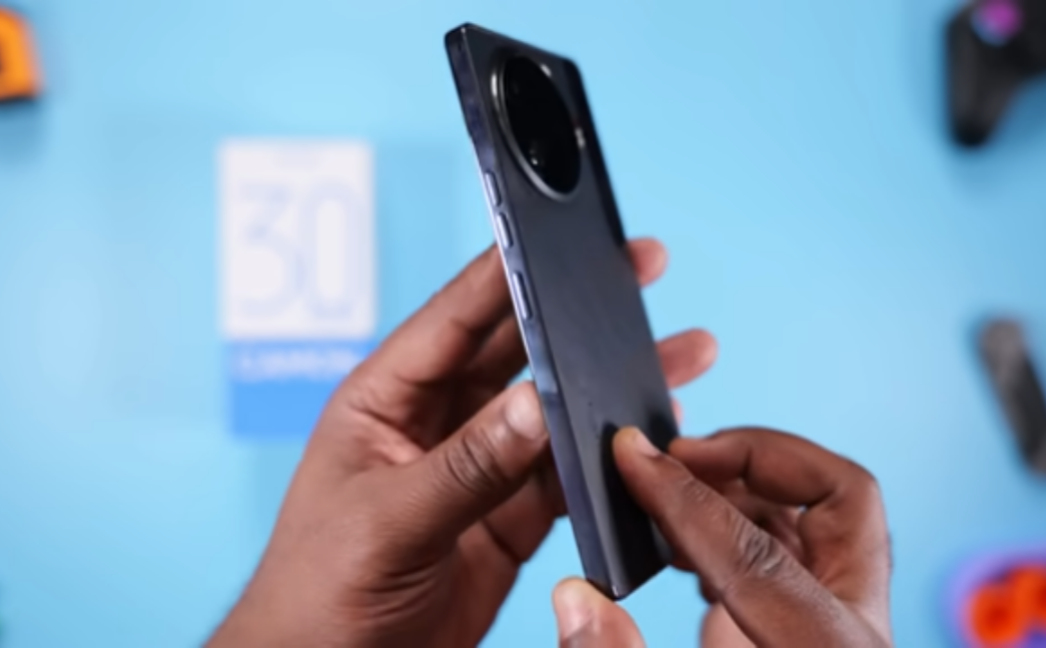
Three options at launch: Alps Snowy Silver (the suede Tech-Art Leather back), Iceland Basaltic Dark (glass back), and the LOEWE Design Edition (made with a back panel incorporating coffee grounds — yes, really). The Silver suede variant is the one that gets the most attention and handles fingerprints and drops without looking destroyed.
Have you found any hidden features on your Camon 30 Pro that I missed? Drop them in the comments — I’m genuinely curious what else this phone is hiding.


Comments 0
Leave a comment