Table of Contents
Open Table of Contents
- Rundown
- The Setup — What I Was Playing and How
- The First Time I Really Noticed It
- What Throttling Actually Means on This Phone
- Temperature Numbers I Actually Recorded
- Does the Case Make It Worse?
- The Workarounds I Actually Use Now
- Who Is This Phone Actually For?
- What I Wish Tecno Would Do
- After All This — Would I Still Buy It?
- Frequently Asked Questions
Rundown
On February 9 2026 I wrote Smartphones Are Replacing Computers — Do We Still Need Laptops?, now today i gather new story… let dive in
I bought the Tecno Camon 30 because I genuinely could not justify spending flagship money on a phone right now. The Camon 30 sat right in that sweet spot — a large gorgeous AMOLED display, a 50MP camera setup that makes my food look way better than it deserves to, and enough RAM to handle my day without complaining. For about three weeks, I was happy. Then I loaded Genshin Impact.
And then my phone got very, very warm.
I want to be upfront about something before we get into the details: I’m not a hardware engineer. I’m just a person who plays mobile games too long, has strong opinions about them, and owns a Tecno Camon 30 as my daily driver. What I’m about to share is a combination of personal testing, obsessive temperature-monitoring, and the kind of trial-and-error you only do when a game makes you invested enough to not quit even when your phone is melting in your hand.
The Setup — What I Was Playing and How
The Camon 30 runs a MediaTek Helio G99, which is a solid mid-range chip. On paper, that chip handles gaming fine — and honestly, for most games, it does. My usual rotation is Call of Duty Mobile, the occasional Subway Surfers when I’m tired and don’t want to think, and then Genshin Impact when I want to actually suffer for entertainment.
For CODM, I run it at High graphics with Max frame rate enabled. Sessions usually go between 45 minutes to an hour and a half. For Genshin, I play on the default settings the game throws at you when you install — Medium graphics, 30fps cap — because I wasn’t trying to push it, I just wanted to explore Fontaine in peace.
The environment matters too. I’m usually playing either on my bed (bad airflow, I know), or at my desk with the phone sitting flat. No cooling fan attached, no case removed. Normal human conditions.
The First Time I Really Noticed It
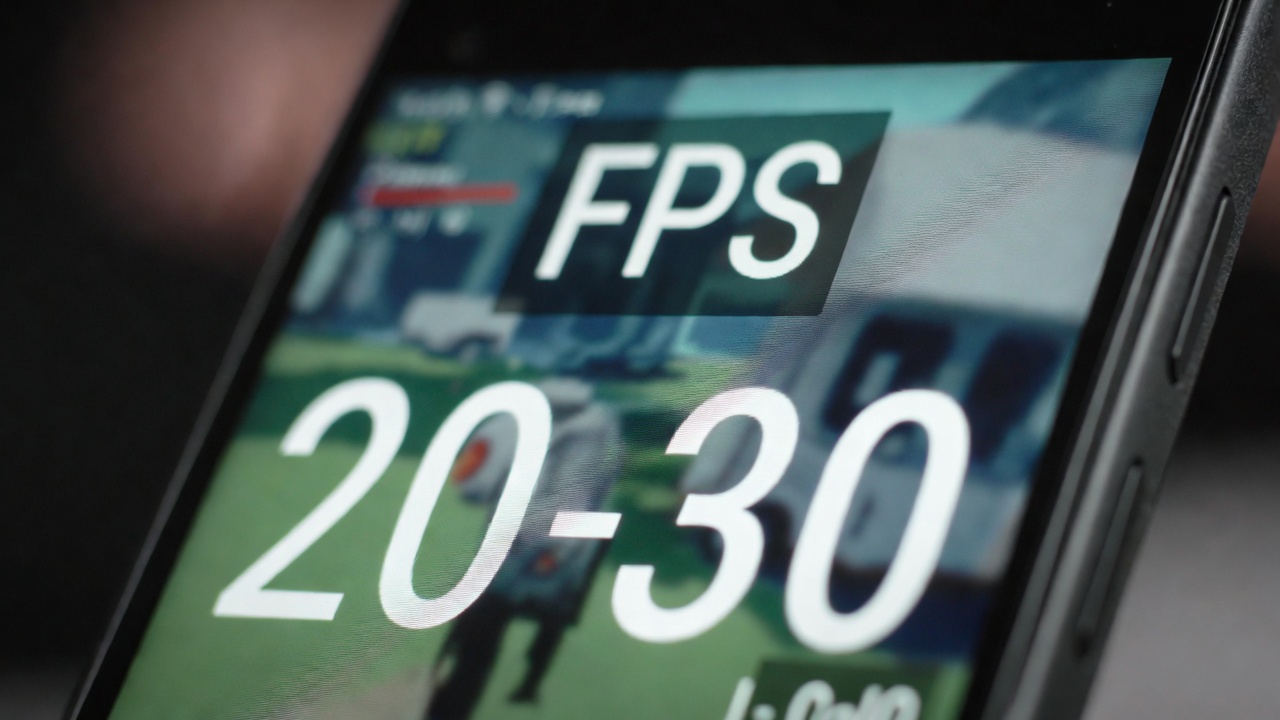 Frame drops during extended gaming sessions are a known challenge on mid-range chips under thermal pressure
It happened during a Genshin world boss fight. I was about 40 minutes into a session — fully loaded in, audio cranked, fighting the Hydro Tulpa. My hits started landing a half-second after I pressed them. The animation was there, but something felt off. Like the phone was thinking about it first.
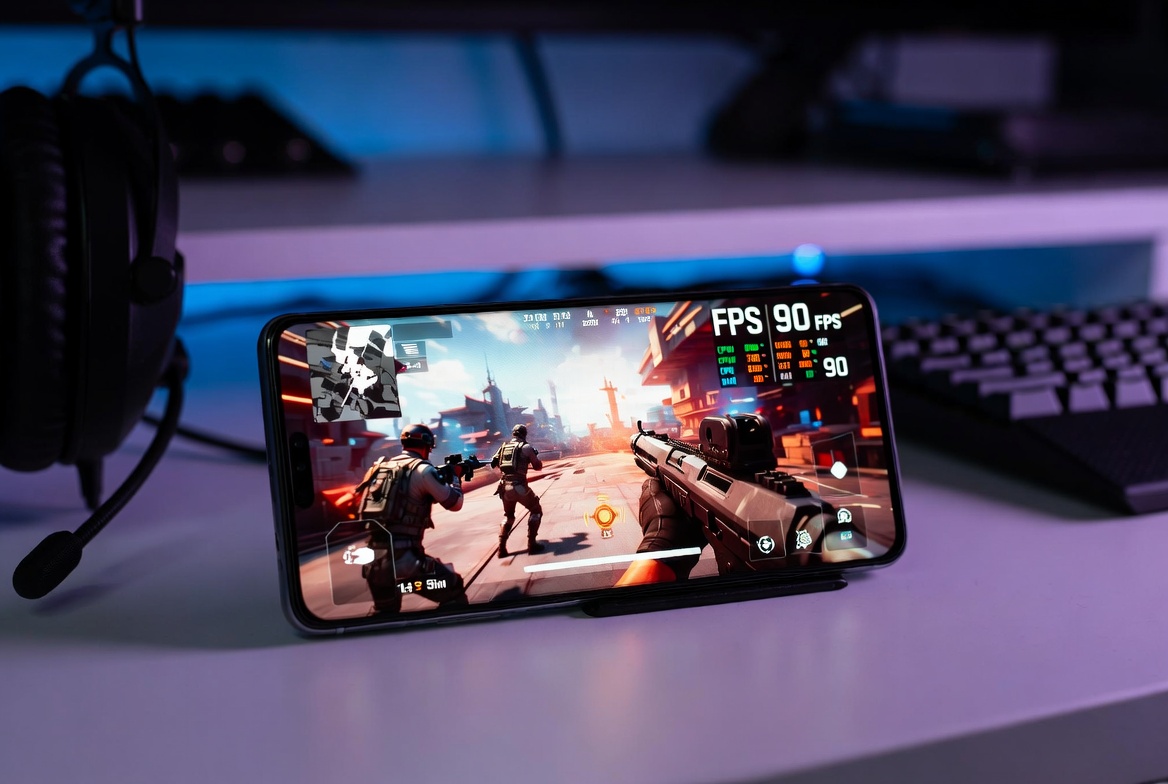
I checked the in-game FPS indicator I’d turned on in the settings. I was getting 18 to 22 frames per second. For context, I’d started the session at a stable 28–30fps. The phone had throttled itself down almost by a third — not because the game asked for more, but because the device was protecting itself from its own heat.
I put my hand on the back of the phone and it was genuinely uncomfortable to hold. Not “that’s a bit warm” warm. Hot. Like the kind of hot that makes you feel slightly guilty for what you’re putting the device through.
That was the moment I stopped thinking of this as a mild inconvenience and started paying actual attention.
What Throttling Actually Means on This Phone
Thermal throttling is not some exotic malfunction — it’s a completely normal, intentional thing every modern chip does. When the processor runs at full speed for too long, it generates heat. When that heat crosses a threshold, the chip reduces its own clock speed to cool things down. It’s protecting itself. The Helio G99 in the Camon 30 does this.
The problem isn’t that throttling exists. The problem is when it kicks in earlier than you’d expect, more aggressively than necessary, and in ways that break your experience mid-game.
On my unit, I noticed the following pattern:
The first 20–25 minutes of Genshin are consistently smooth. The chip runs hot but not critically. Performance feels like what the phone promised. Then somewhere between the 25 and 35 minute mark, depending on how intense the scene is, the throttle starts. FPS drops, animations look choppier, loading between zones takes noticeably longer, and the entire game feels like it’s wading through wet cement.
CODM behaves better, but only marginally. A full battle royale match runs around 20 to 22 minutes, and I can usually get through one without problems. Two back-to-back? The second match is measurably worse by the halfway point.
Temperature Numbers I Actually Recorded
I started using an app called CPU-Z to monitor surface temperature and general chip load. I know CPU-Z isn’t giving me exact die temperatures, but it gives a consistent relative picture.
At idle, the phone sits around 32–34°C. That’s completely normal. During light use — social media, streaming, messages — it hovers around 36–38°C. Fine.
During the first 20 minutes of Genshin: 43–46°C. You feel it but it’s manageable.
After 40 minutes of Genshin in a visually heavy zone like Sumeru’s rainforest or Fontaine’s underwater sections: 51–54°C. This is where throttling kicks in hard. The phone will also trigger a brief on-screen heat warning once or twice, which mostly just adds insult to injury while you’re mid-fight.
CODM stays slightly lower — around 46–49°C during a full multiplayer session — which explains why it handles better. The game is lighter on GPU demands by design.
Does the Case Make It Worse?
 Removing a phone case during heavy gaming sessions can meaningfully reduce surface temperature by 2–4°C
Short answer: yes, absolutely.
I run the Camon 30 with the transparent TPU case it ships with, partly because the back design looks nice and I don’t want to scratch it, partly out of habit. But TPU cases are terrible at dissipating heat. They trap it. The silicone wraps around the device like a poorly ventilated sleeping bag.
I started doing the same gaming sessions with the case off as a test. Same game, same settings, same location. The surface temperature dropped by 3 to 5 degrees consistently. That alone delayed the throttle threshold by roughly 8 to 10 minutes. Not a solution by itself, but meaningful.
If you’re going to do a long Genshin session and you care about maintaining performance, case off is the single easiest thing you can do. It sounds obvious. I still didn’t do it for three weeks because I was lazy about it.
The Workarounds I Actually Use Now
Let me be honest: none of these are perfect. They’re all trade-offs. But they’ve made extended gaming sessions noticeably more functional on my Camon 30.
Airplane Mode off, Notifications off. When Genshin is running and your phone is simultaneously checking Gmail, serving Instagram notifications, and trying to sync something in the background, you’re giving the CPU extra tasks on top of the game. I now keep notifications paused and background sync off during gaming. It doesn’t eliminate throttling but it delays it.
Keep the phone flat and elevated slightly. I bought a cheap $3 phone stand that tilts the device at about a 30-degree angle. Air circulates under the back of the phone. It’s not a cooling fan, but it genuinely helps. The 3 to 4°C difference adds up over a long session.
Lower screen brightness. The display on the Camon 30 is bright and beautiful. It also eats power and generates heat. I drop brightness to around 60–65% during gaming. You lose a little visual impact, but you buy yourself time before throttle sets in.
30fps is not a failure. I resisted this for a while. But running Genshin at 30fps on Medium graphics, accepting that this is what the hardware supports comfortably, is genuinely a better experience than chasing 60fps for 15 minutes and then getting choppy 18fps for the rest of the session. Stable average beats high peaks with bad lows, every time.
Play in sessions, not marathons. Three 30-minute sessions with breaks are better than one 90-minute session. The phone recovers during breaks. You recover during breaks. This is how I’ve been playing Genshin for the past few weeks and it actually works fine.
Who Is This Phone Actually For?
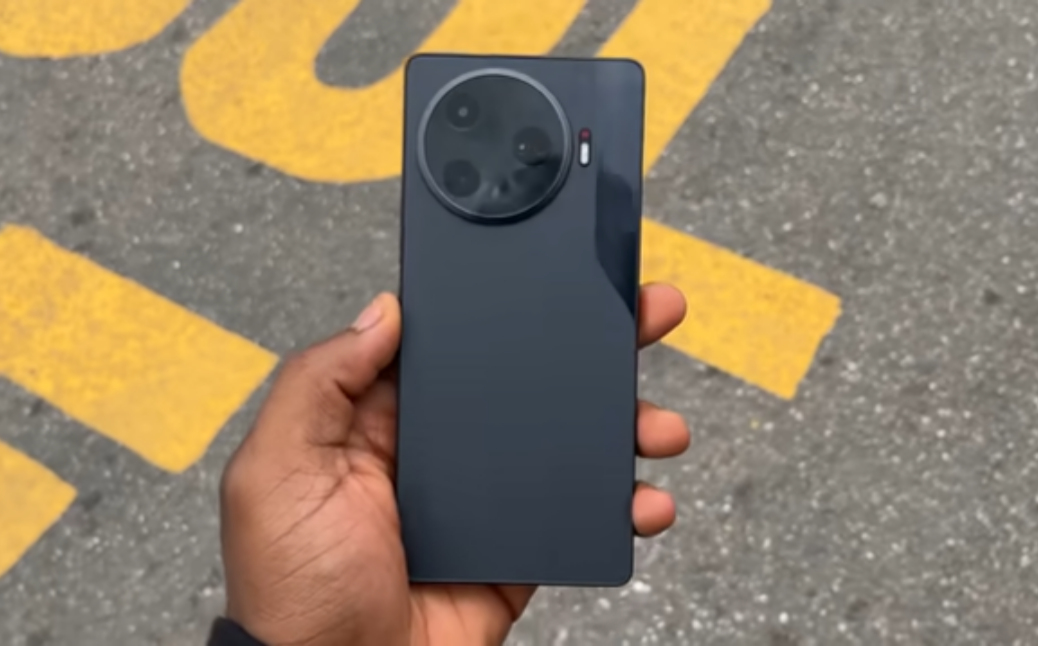
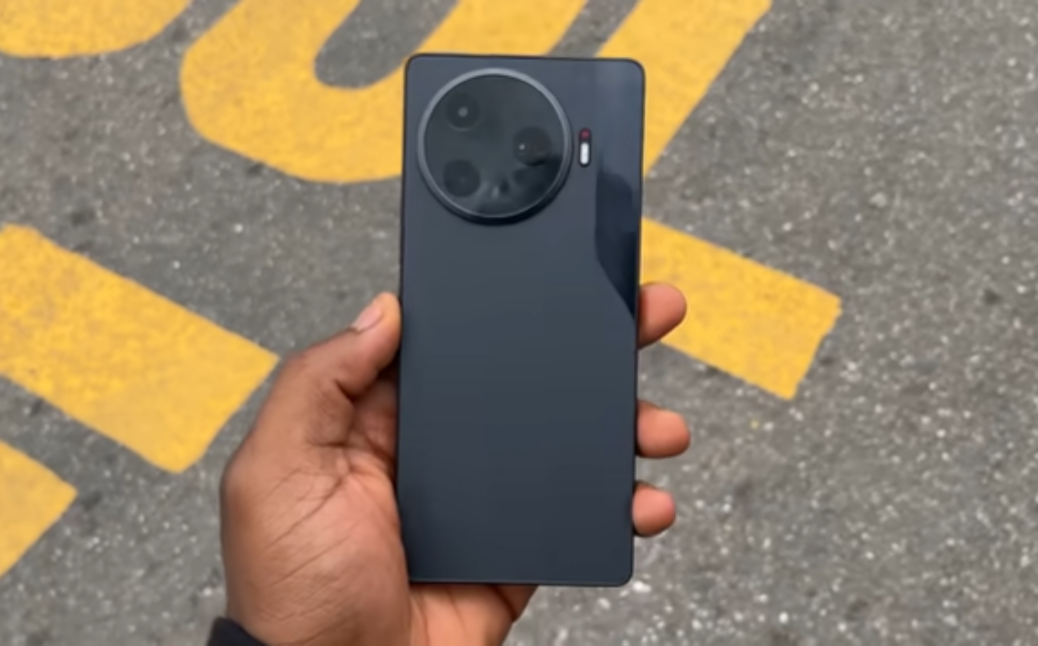 The Tecno Camon 30 impresses with its camera and AMOLED display — but its thermal management is a real conversation when gaming is your primary use case
This is the part where I have to be fair, because I think there’s a tendency in reviews — including personal ones — to either excuse everything or condemn everything. The Camon 30 is neither a disaster nor secretly great for gaming.
It is a camera-first, display-first, everyday-use phone that happens to have enough processor power to run demanding games. But “run” and “handle” are different things. It runs Genshin. It does not handle Genshin comfortably for extended periods without compromise.
For casual gaming — shorter sessions, lighter titles, anything below the visual complexity of open-world games — the Camon 30 is completely fine. CODM works well enough that I don’t feel handicapped during matches. Mobile Legends, PUBG on Smooth settings, most fighting games — all fine.
If you’re someone who plays Genshin for two hours every evening and wants to do it on your phone comfortably, the Camon 30 will frustrate you the longer you sit with it. That’s honest.
What I Wish Tecno Would Do
A few things bother me less about the hardware and more about the software.
The heat warning overlay that appears on screen during gaming is kind of useless. It just says the device is hot. I know. What I want is the option to see live thermal state in a floating HUD, or a performance mode toggle that pre-emptively manages background processes before thermals become a problem, rather than reacting after throttling has already started.
There’s also no official game mode in HiOS that does what competing brands’ game modes do. Samsung’s Game Booster, for example, lets you set per-app performance preferences and actively monitors memory allocation. The Camon 30’s equivalent feels like an afterthought — a way to suppress notifications and turn on DND rather than actual performance management.
This is fixable in software. I genuinely hope Tecno addresses it with an update. The hardware is doing what it can within its thermal envelope. The software should be helping it do that smarter.
After All This — Would I Still Buy It?
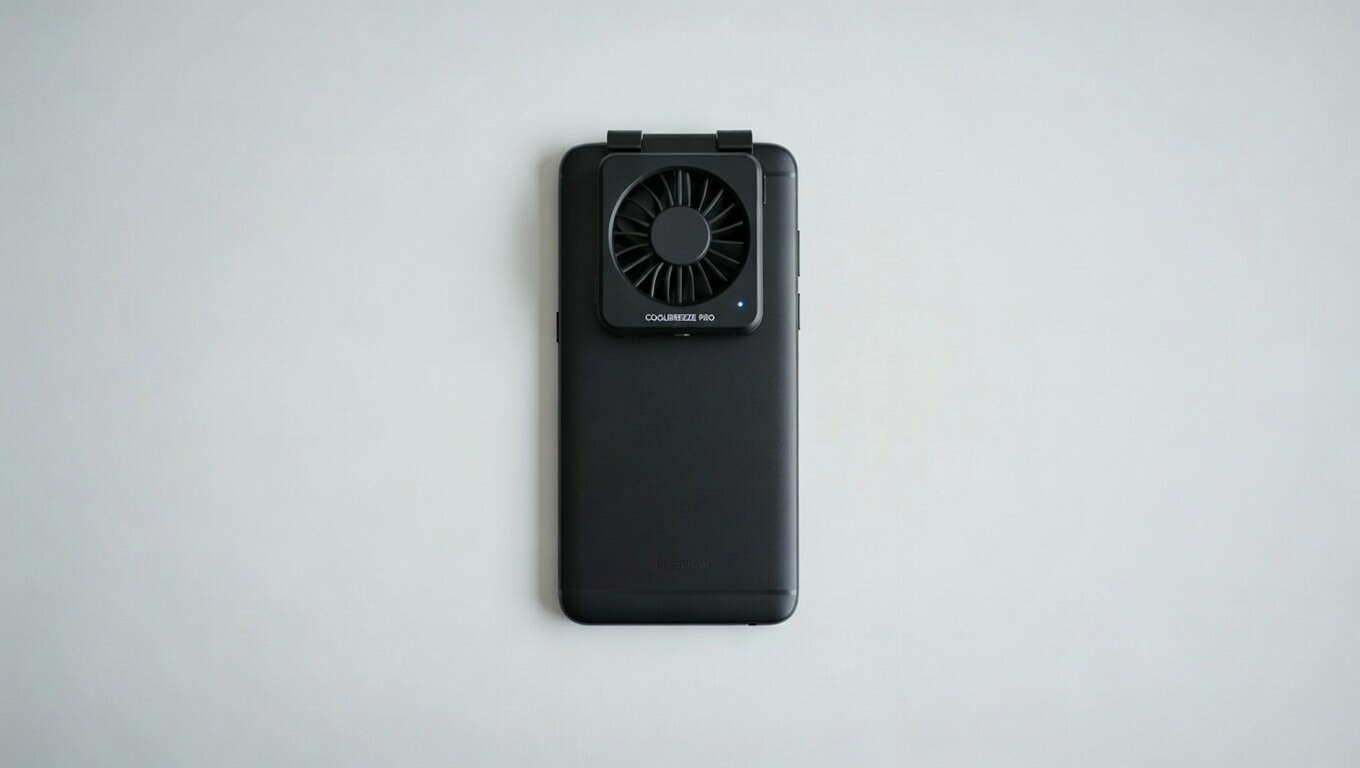 A dedicated phone cooler is a genuine option for mid-range gaming phones — and costs far less than upgrading to a flagship
Yes. Not without hesitation, but yes.
The Camon 30’s camera legitimately impresses me daily. The display is great. It handles everything I need my phone to do for work, communication, and light entertainment without complaint. The battery lasts comfortably through a full day of real use. For the price, it overdelivers on the things it was designed to do.
Gaming is just not what it was designed to do — not at the intensity level I was trying to push it. And I think that’s okay to say. A phone doesn’t have to excel at everything to be a good phone. The Camon 30 is a good phone that struggles at something specific, and now that I understand that struggle, I’ve adjusted around it.
The workarounds work. The sessions-not-marathons approach works. If you’re a Genshin die-hard who won’t compromise on multi-hour uninterrupted gameplay, you need to budget up to something like the Poco X6 Pro or wait for a Camon with a different chip. If you’re someone who plays casually, treats gaming as one part of a broader phone usage day, and can accept “good enough with trade-offs” — the Camon 30 is still worth your attention.
I don’t regret buying it. I just play smarter now.
And I keep the case off when I’m playing Genshin.
Before the end of this article you can read itel at first time user and aslo What Ai is Good at
Tested over approximately 6 weeks of regular use. All temperature readings taken with CPU-Z on the same unit under consistent conditions. Your experience may vary based on firmware version, ambient temperature, and usage habits.
Frequently Asked Questions
Does the Tecno Camon 30 overheat during normal everyday use?
No, not really. Regular day-to-day stuff — scrolling, calls, streaming YouTube, taking photos — the phone stays comfortable the whole time. The heat issue is specifically tied to extended, graphically demanding gaming. If you’re not a heavy gamer, this probably won’t affect you much at all.
How long can I play Genshin Impact before the Camon 30 starts throttling?
In my experience, you get a solid 20 to 25 minutes of smooth gameplay before you start noticing the first dip. By the 35 to 40 minute mark, throttling is pretty aggressive. That window gets shorter if you’re in a visually heavy zone, have the brightness cranked up, or haven’t given the phone a break between sessions.
Does CODM have the same overheating problem on the Camon 30?
It’s milder. CODM is less GPU-intensive than Genshin, so the phone runs cooler and throttling kicks in later. A single battle royale match usually goes fine. Two or three back-to-back is where you’ll start feeling the second and third match degrade compared to the first.
Will removing the phone case actually help with heat?
Yes, meaningfully so. Dropping the case brought my surface temps down by 3 to 5°C consistently during testing, which delayed the throttle threshold by around 8 to 10 minutes. It’s the easiest free fix you can do right now without buying anything.
Should I buy a phone cooler for the Camon 30?
If gaming is a big part of why you bought this phone, a clip-on semiconductor cooler is genuinely worth the $10 to $15. They clamp onto the back and actively pull heat away from the device. Combined with case-off gaming, it makes a real difference for long sessions. I haven’t gone that route yet personally, but I’ve tested a friend’s setup and the temperature numbers are noticeably better.
Can a software update fix the throttling on the Camon 30?
Partially, maybe. Throttling is ultimately a thermal engineering constraint — the chip generates heat and the chassis can only dissipate so much of it. Software can make it smarter though. Better background process management, a proper game mode that pre-empts overload rather than reacting to it, and finer-grained performance profiles could all push the throttle threshold later. Whether Tecno actually ships that kind of update is a different question.
Is the Tecno Camon 30 worth buying if I play mobile games a lot?
Depends on what “a lot” means to you. Casual to moderate gaming — yes, still worth it, especially for the price. If your primary reason for buying a phone is sustained high-performance gaming for hours at a time, you’ll want to look at something with better thermal headroom, like the Poco X6 Pro or a Redmi Note 13 Pro+. The Camon 30 is a fantastic all-rounder that has a specific ceiling when it comes to extended gaming, and knowing that ceiling going in changes how frustrating it is to live with.


Comments 0
Leave a comment