Table of Contents
Open Table of Contents
Overview
If you’re weighing a new Galaxy phone against how long it’ll stay current, the short answer is: it depends heavily on which Galaxy you buy. Samsung doesn’t apply one blanket policy across its entire lineup — a flagship bought today and a budget A-series phone from the same year can be on completely different update clocks, and older Galaxy phones follow an entirely different, shorter set of rules than anything released since 2024.
Here’s how it actually breaks down — and because Samsung’s policy has changed multiple times since 2020, the honest answer is “it depends on exactly which model and generation you own,” not just which series.
Samsung’s update policy, by generation
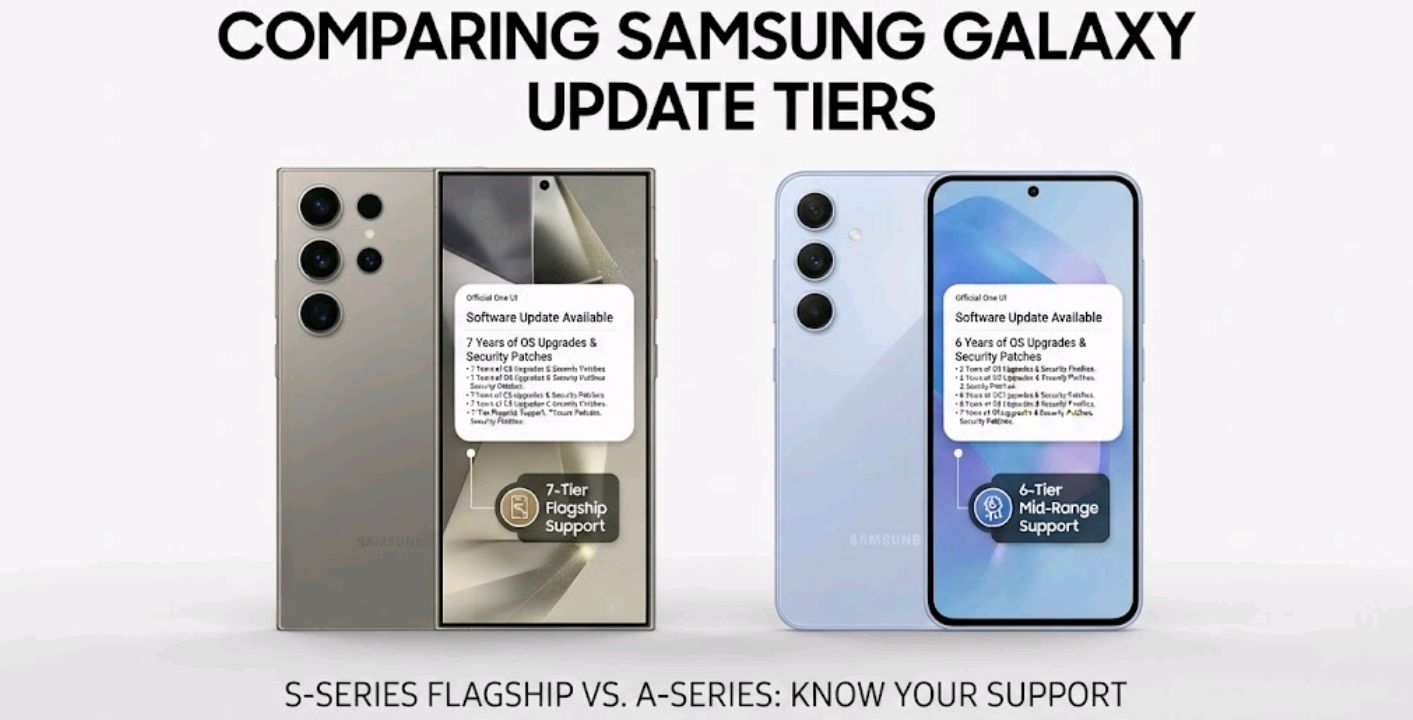
Samsung has revised its update commitment several times, and the newer policies generally apply to specific eligible models rather than automatically covering every older Galaxy device. That means two Galaxy phones released just a couple of years apart can be on entirely different support timelines. The table below reflects Samsung’s confirmed, model-specific commitments rather than a single blanket rule per series.
| Devices | OS version upgrades | Security update years | Notes |
|---|---|---|---|
| Galaxy S24, S25, S26 series; Galaxy Z Fold 6/Flip 6 and newer; selected premium Galaxy tablets including Tab S10+ / Tab S10 Ultra and the Tab S11 series | 7 major Android versions | 7 years | Samsung’s current top-tier commitment, confirmed on official product pages |
| Galaxy S21, S22, S23 series; Galaxy Z Fold 3/Flip 3 through Z Fold 5/Flip 5; Galaxy Tab S8 and Tab S9 series | 4 major Android versions | 5 years | The policy Samsung ran from 2022 until the S24 launch in January 2024 |
| Selected Galaxy S20-era devices and other eligible 2020 models | Up to 3 major Android versions | Up to 4 years | Samsung’s original update pledge, introduced in 2020 |
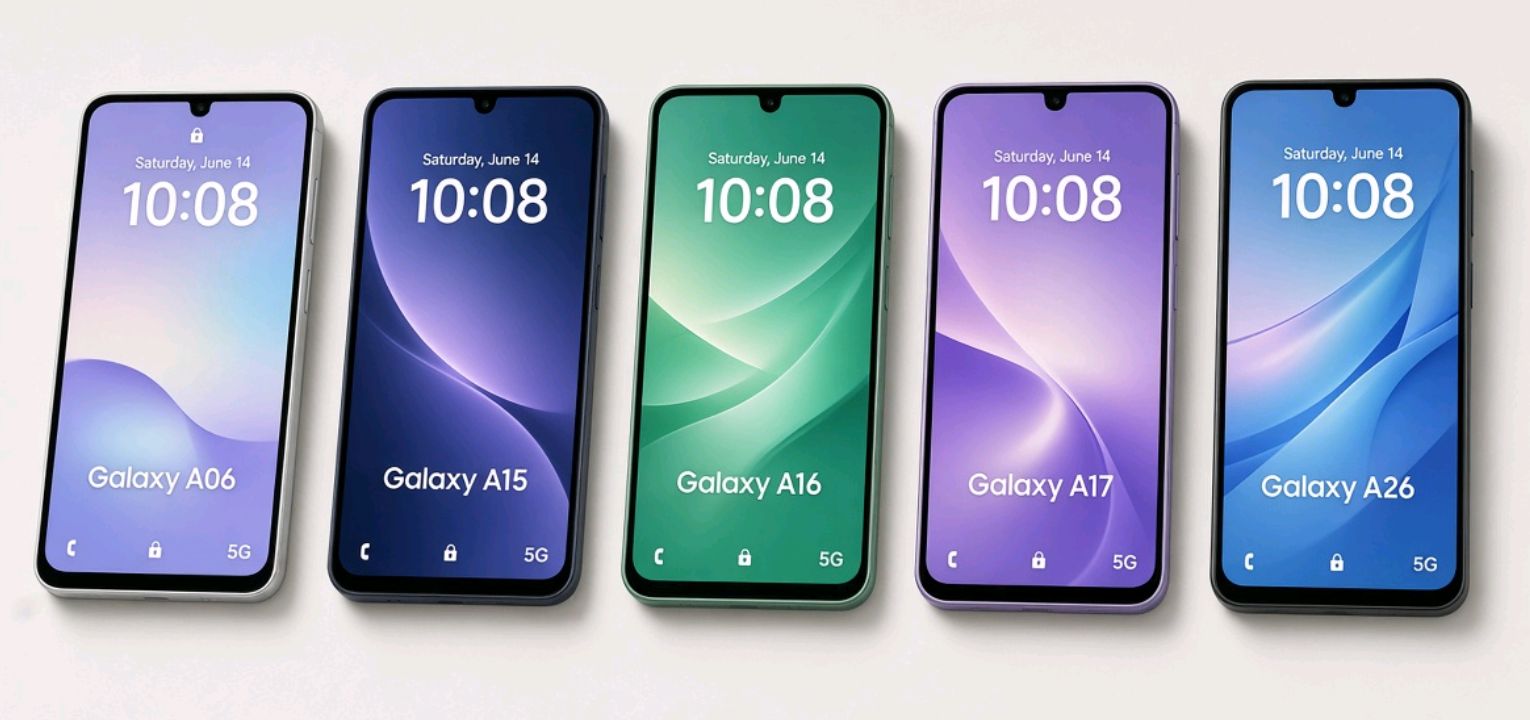
| Galaxy A16 5G, A36 5G, A56 5G and other specifically eligible A-series models | 6 major Android versions | 6 years | Samsung has confirmed six generations of OS/One UI upgrades and six years of security updates for several newer A-series models, but support still varies by model |
| Other Galaxy A-series models | Varies — 3, 4, or 6 major versions depending on model and year | Varies accordingly | No single A-series rule; check the specific model |
A few things worth flagging about this table. First, Samsung’s Galaxy Tab S line has historically trailed its phones — Tab S9 and earlier tablets sit on the 4-year/5-year tier alongside the S21–S23 phones, not the newer 7-year tier. It’s only the more recent premium tablets, starting with the Tab S10+ and Tab S10 Ultra and continuing with the Tab S11 series, that have moved up to match the S24-generation policy — and that’s still model-specific rather than a blanket “all Tab S tablets” rule. Second, the Galaxy A-series doesn’t follow one rule at all: Samsung has confirmed six generations of OS/One UI upgrades and six years of security updates for several newer A-series models, including the A16 5G, A36 5G and A56 5G, but support still varies by model. Plenty of A-series phones — including older or lower-tier models released the same year — remain on shorter cycles. There’s no shortcut here; the model number is what determines the answer, not the series name or release year alone.
Security patches also aren’t delivered at a uniform pace. Samsung splits devices into monthly and quarterly patch schedules, and phones typically get moved from monthly to quarterly as they age, well before their support window closes entirely — the exact timing varies by device, so it’s worth checking Samsung’s update scope page for a specific model rather than assuming a fixed schedule.
Why the update math changed in 2024
Samsung’s update commitment has grown in stages rather than one jump. It started in 2020, with select Galaxy devices — including specific S20-era models — promised three years of OS upgrades. In 2022, alongside the Galaxy S22 launch, Samsung extended a four-year OS / five-year security commitment to a defined set of devices, including the Galaxy S21, S21+, S21 Ultra, and S21 FE specifically. Then, with the Galaxy S24 launch in January 2024, Samsung made its biggest jump yet: seven years of both OS upgrades and security patches for eligible flagship Galaxy devices, matching what Google had already promised for Pixel.
That current seven-year commitment has carried forward through the Galaxy S25 and Galaxy S26 families, and Samsung has extended equivalent seven-year terms to its newer foldables (Z Fold 6/Flip 6 onward) and to selected premium tablets — the Tab S10+ / Tab S10 Ultra and the newer Tab S11 series — though, notably, not to every tablet or every A-series phone at once.
How to check your own Galaxy’s support window
The fastest way to confirm where a specific device sits isn’t to guess from its release year — it’s to check Samsung’s own scope. A few practical ways to do it:
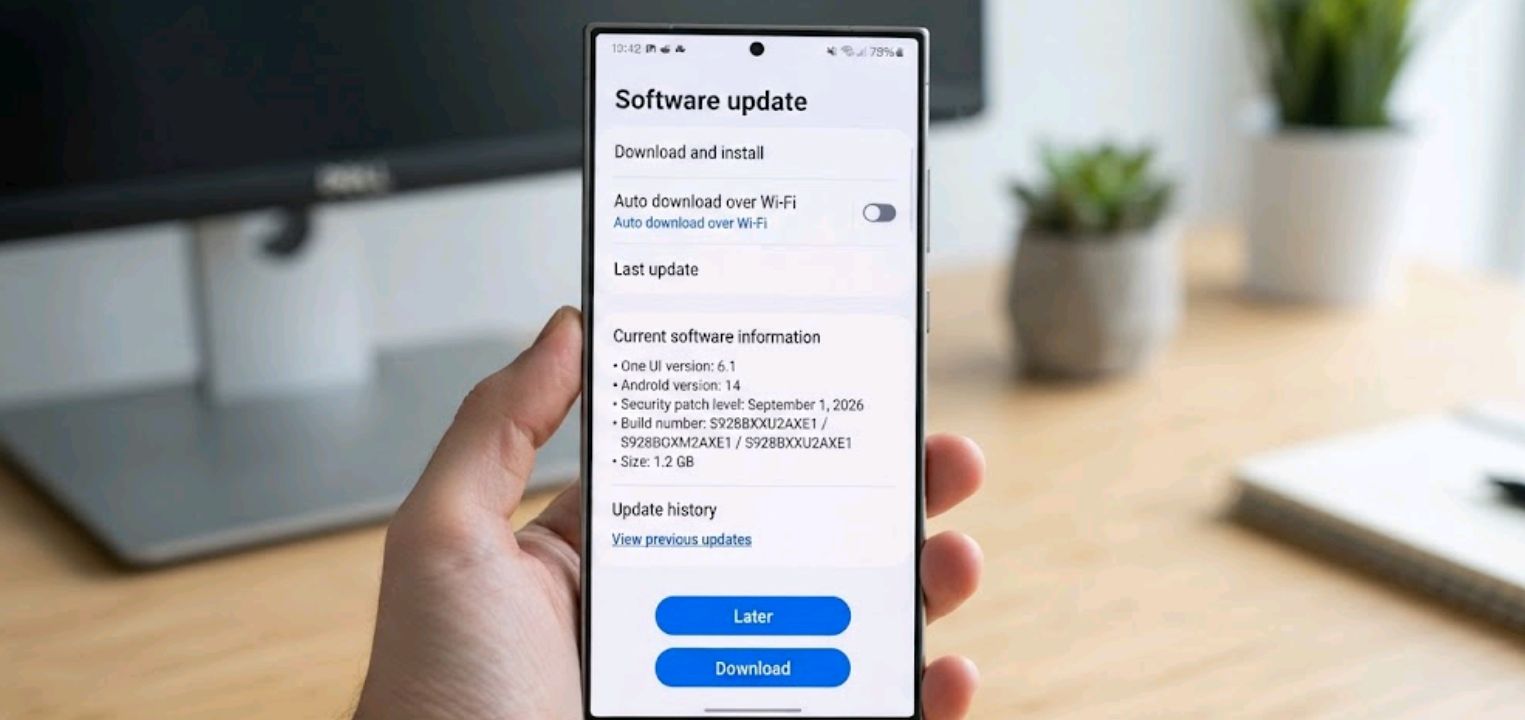
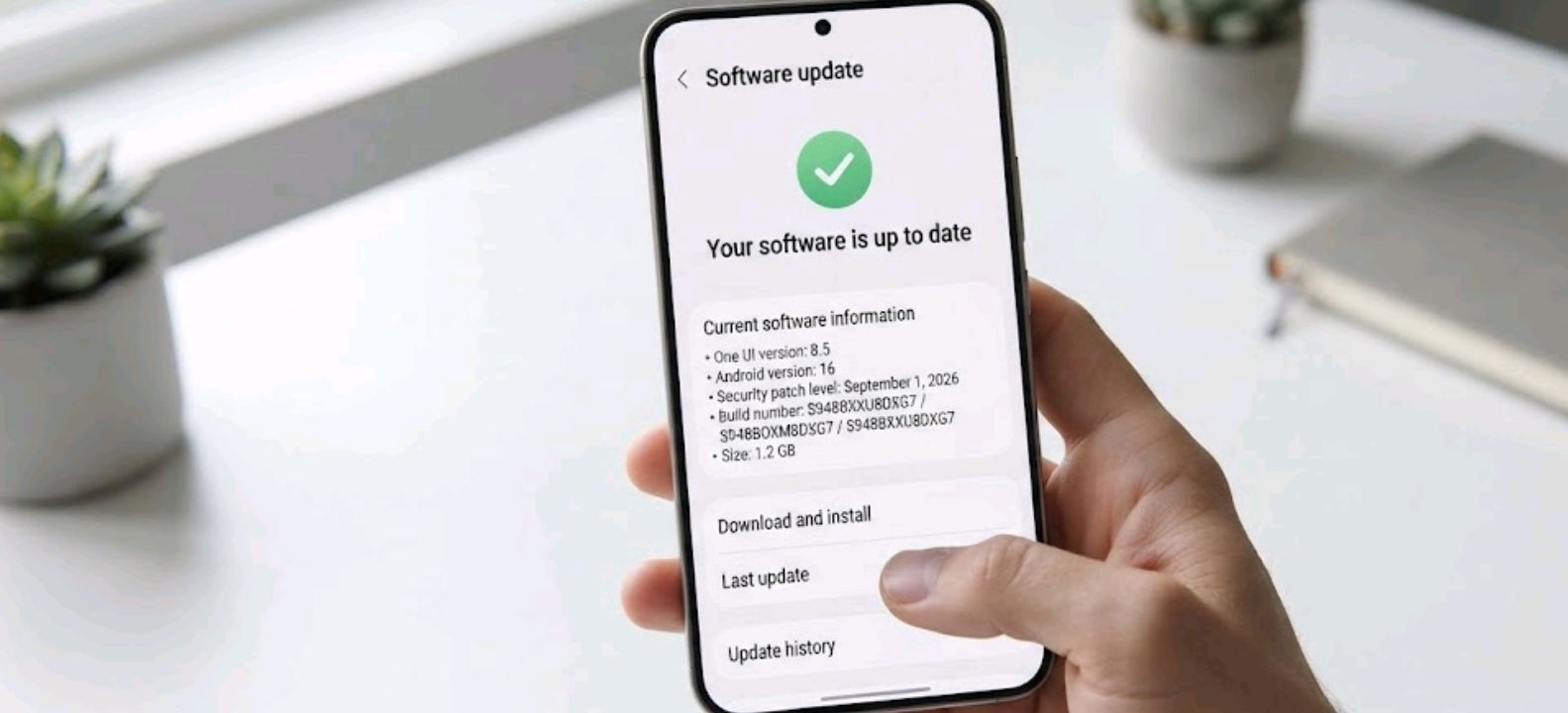
- Check Settings > Software update on the phone itself to see whether it’s currently receiving updates and confirm the installed Android/One UI version.
- Cross-reference the exact model number against Samsung’s published security update scope page, which lists devices individually and is updated as new phones and tablets launch — this is the most reliable source, more so than the general series name.
- Remember that support is counted from the phone’s original release date, not your purchase date — buying a two-year-old flagship at a discount still means two years have already come off its update clock.
This matters more the closer a phone gets to its cutoff. Once a device ages out of monthly patches and eventually out of the program entirely, it keeps working, but known vulnerabilities stop getting fixed — worth factoring in if the phone handles banking apps or work accounts.
How Samsung compares to other brands
Samsung’s seven-year commitment currently sits at the top of the Android pack alongside Google’s Pixel line, and it’s a noticeably longer window than what most of the competition offers. Motorola, for instance, still supports most of its lineup on a much shorter cycle — worth reading if you’re cross-shopping, in our breakdown of how long Motorola phones get Android updates. If foldables specifically are on your radar, our Motorola Razr vs Samsung Galaxy Z Flip comparison covers how the two brands’ folding phones stack up beyond just software support.
If you’re comparing across ecosystems rather than staying within Android, Google’s own Pixel 10 vs 10 Pro vs 10a breakdown is a useful reference point, since Pixel is the other brand running a comparable seven-year window. And if Huawei’s HarmonyOS devices are also on your shortlist, our guide to Huawei’s Pura, Mate, and Nova series explains how that ecosystem’s update model differs from standard Android entirely.
Frequently asked questions
Does the seven-year update promise apply to every Samsung phone I can buy today? No. It applies specifically to the Galaxy S24 series onward, the Z Fold 6/Flip 6 onward, and selected premium tablets like the Tab S10+ / Tab S10 Ultra and the Tab S11 series. It does not automatically extend to every Galaxy Tab or every A-series model — those follow separate, model-specific policies, some of them considerably shorter. Galaxy devices released before the January 2024 policy change generally fall under earlier support commitments, although the exact terms depend on the model.
Do OS updates and security updates always end at the same time? No, and there isn’t one universal gap between them — it varies by device and generation. The safest way to check a specific phone’s cutoff for both is Samsung’s official security update scope page rather than assuming a fixed rule.
If I buy a used or discounted older-generation Galaxy, how do I know how much support is left? Check the model’s original launch date, not the date you’re buying it. Support is calculated from release, so a three-year-old flagship bought secondhand already has three years shaved off its remaining update window.
Does Samsung’s update policy match Google’s Pixel devices? For their current flagship lines, yes — both Samsung’s Galaxy S24-and-newer phones and Google’s recent Pixel devices offer up to seven years of OS and security updates, making them the longest-supported Android phones as of 2026.
What happens once a Galaxy phone stops getting updates? The phone continues to function normally, but newly discovered security vulnerabilities go unpatched. It’s generally not recommended to keep using an unsupported phone for sensitive tasks like banking or work email.

Comments 0
Leave a comment