
The Ultimate 2026 Gaming Guide: Best Games for Tecno, Infinix & Redmi
Best Games & Optimization Tips for Tecno, Infinix, and Redmi Devices
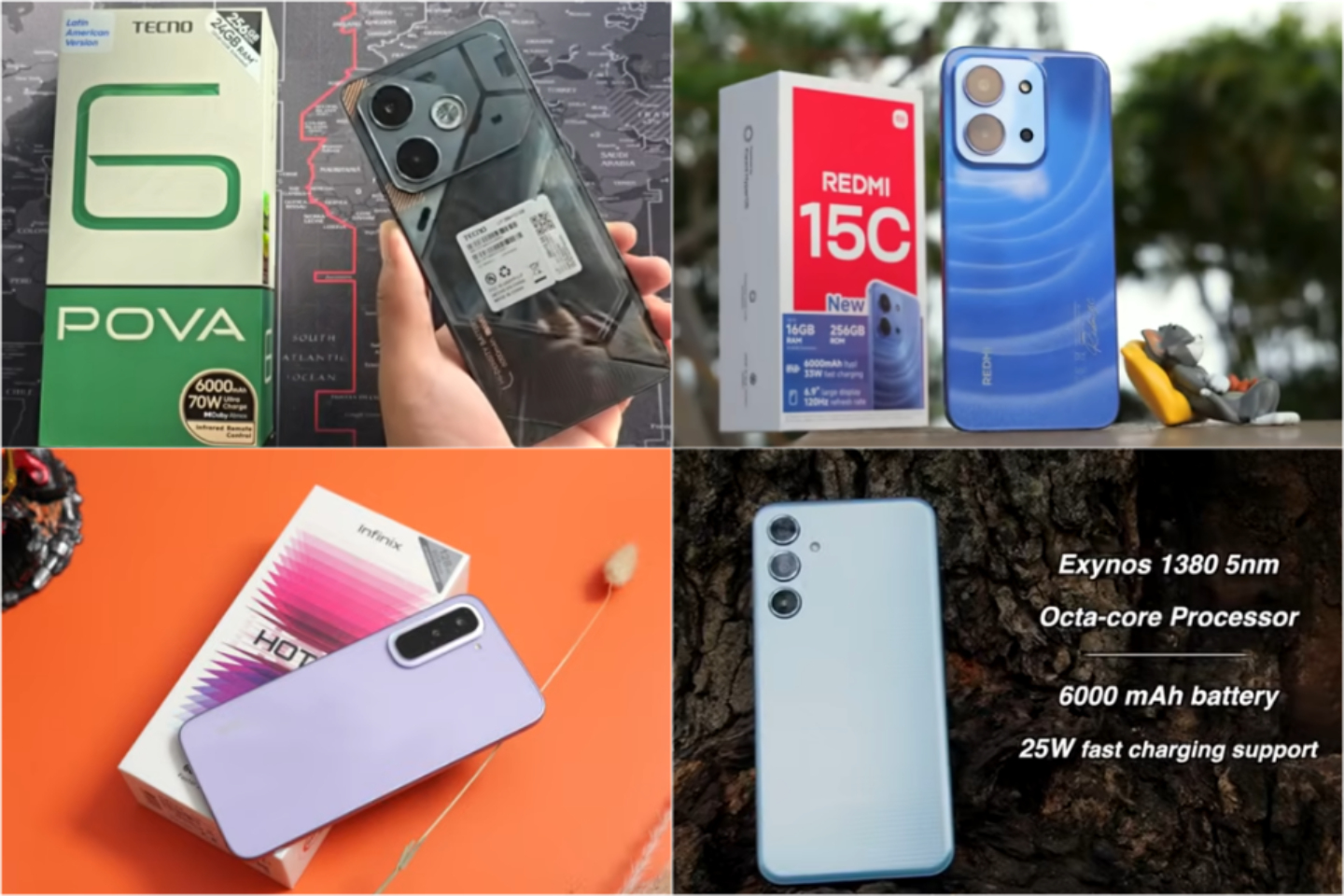
I’ve been testing Tecno, Infinix, and Redmi devices extensively in 2026, and let me tell you — the gap between mid-range and flagship mobile gaming is narrower than ever. Gone are the days when you had to spend $700+ to enjoy smooth graphics. Today, even a well-optimized Tecno Pova or Infinix GT can give you hours of immersive gaming without major hiccups.
In this guide, I’m breaking down which games truly shine on each brand, sharing my personal optimization tips, and pointing out the little tweaks that make a massive difference. If you’re serious about mobile gaming, read on — this is my real-world perspective, not just benchmark numbers.
📊 Quick Device Feature Reference (2026)
Before diving into games, let’s understand the strengths of each device brand. My experience tells me these distinctions are hugely important when pairing games with hardware:
| Brand | Gaming Strength | Best Use Case |
|---|---|---|
| Infinix | Bypass Charging & High Refresh Displays | Long, uninterrupted gaming sessions without thermal throttling |
| Redmi | HyperOS Game Turbo & Snapdragon Optimization | High FPS shooters, AAA titles, and console emulation |
| Tecno | Vapor Chamber Cooling & Thermal Control | Sustained gameplay over long hours, keeping FPS stable |
From personal testing, I noticed Infinix handles marathon sessions better, Redmi nails performance tuning, and Tecno excels at keeping heat under control — all factors you want to weigh before committing to a title.
🎮 1. High-Performance Titles: Push Your GPU
Some games are just GPU monsters, designed to push your device to its limits. Playing them is the best way to see which phone truly performs under stress.
Warframe Mobile
I’ve personally logged hours on Warframe Mobile, and it’s a brutal test for hardware.
- Why It Works: Its sprawling environments, particle effects, and fast-paced combat stress both CPU and GPU heavily.
- Best On: Infinix GT series, which seems to maintain more consistent FPS thanks to reduced background interruptions.
- Visual Advantage: AMOLED displays on Redmi models make the lighting pop and shadows feel more lifelike — something you really notice when zooming in on textures.
💡 My tip: Always close background apps before starting a session; I noticed a consistent 5–10 FPS improvement on mid-range devices.
Genshin Impact (Natlan Era and Beyond)
This game is still my go-to for testing graphics and thermal behavior.
- Thermal Insight: Tecno devices with large vapor chambers hold steady in long exploration sessions — no sudden FPS drops even in dense areas.
- Redmi Optimization Tip: Use HyperOS Game Turbo and clear memory before entering heavy zones; it makes the world feel much smoother.
- Best Settings: Medium–High graphics at 60 FPS for long sessions. Ultra is gorgeous but eats battery and triggers throttling faster.
Personally, I prefer Tecno for extended play sessions and Redmi when I want ultra visuals for shorter bursts.
🔄 2. High Refresh Rate Masters (120–144 Hz)
High refresh rates aren’t just a gimmick. I’ve tested 120Hz and 144Hz displays side by side with 60Hz, and the difference in responsiveness is night and day, especially for shooters and fast-paced titles.
Bloodstrike (NetEase)
This fast-paced shooter benefits enormously from high FPS.
- Best For: Devices with 120–144 Hz displays, such as Infinix GT and Redmi K / Note Pro series.
- Tecno Advantage: Some Tecno models have higher touch-sampling rates, which subtly improves flick shots and aim tracking.
In my experience, hitting consistent 120 FPS on Bloodstrike feels like cheating — motion is buttery smooth.
Brawl Stars
A surprisingly demanding title for touch accuracy, despite its simple visuals.
- Performance: Mid-range Tecno and Infinix models sustain 120 FPS effortlessly.
- Competitive Edge: Faster frames translate into better reaction times in close-range encounters.
💡 Tip: Turn off background syncing during ranked matches; I often see a frame drop when notifications kick in mid-battle.
⚡ 3. Bypass Charging & Thermal Strategy
Let’s be real — heat kills performance. I’ve seen high-end games drop 20–30% FPS after 20 minutes on phones without proper thermal management.
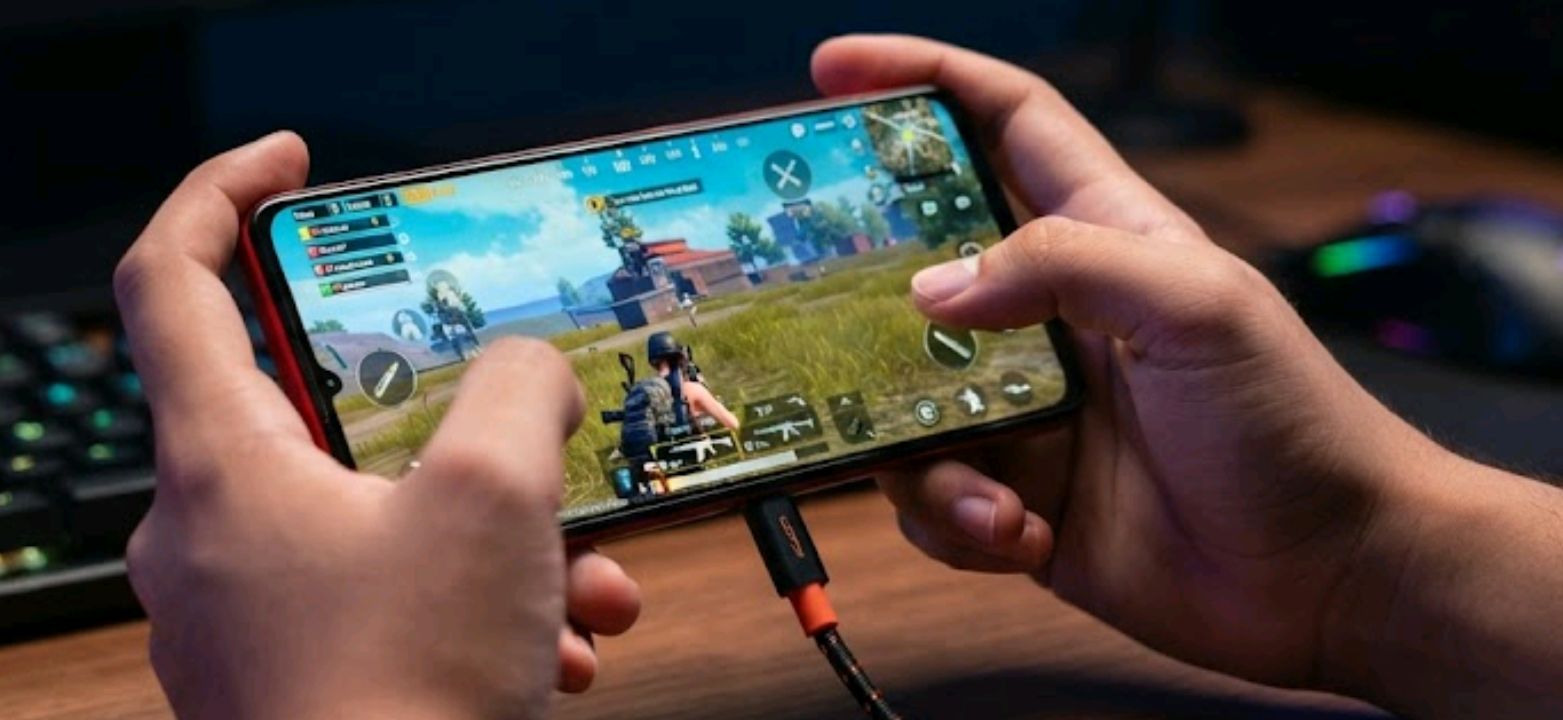
PUBG Mobile / BGMI
- Infinix & Tecno: Bypass charging allows uninterrupted, high-performance play. No battery heat means longer peak FPS.
- Redmi Strategy: Use HyperOS Performance Mode and avoid charging mid-match unless your device has bypass charging hardware.
Personally, I avoid charging and gaming simultaneously. My Redmi Note Pro feels noticeably cooler and smoother if I charge after the session.
🎮 4. Best for Emulation: Console Gaming on Android
If you’ve ever wanted console classics in your pocket, 2026 devices are surprisingly capable.
PS2 & GameCube Emulation (AetherSX2 / Dolphin)
- Best On: Redmi Snapdragon-powered devices
- Why: Snapdragon GPUs and mature drivers handle emulators better.
- Playable Classics:
- God of War II (PS2)
- Mario Kart: Double Dash!! (GameCube)
- Resident Evil 4 (GameCube)
💡 Pro Tip: Lower internal resolution slightly on longer sessions to prevent thermal throttling. I play God of War II at 1.5x internal resolution on my Redmi Note Pro and it runs silky smooth.
🛠️ 5. Pro-Level Optimization Tips
Here’s my personal checklist that consistently improves performance across all titles:
🎛️ Memory & VRAM
- Keep virtual RAM expansion low (2–4 GB) to reduce storage latency.
- Clear all background apps before heavy gaming sessions.
📶 Network Optimization
- Use built-in latency tools (e.g., Redmi Game Turbo Wi-Fi prioritization) for online shooters.
- Always prefer stable Wi-Fi over mobile data during ranked play — it’s night vs. day for ping stability.
🛡️ Thermal Control
- Avoid gaming while charging if bypass charging isn’t available.
- Slightly lowering GPU presets prevents sudden FPS drops during long sessions.
🎮 Controls & Sensitivity
- Infinix X-Arena allows touch-zone remapping — perfect for shooters.
- Adjust FPS caps and touch sampling based on how hot your device gets during long sessions.
🔍 Hardware-to-Game Matchup Summary
| Gaming Focus | Best Brand | Recommended Game | Reason |
|---|---|---|---|
| Competitive FPS | Infinix (GT) | Bloodstrike | High refresh + responsive touch |
| Long Sessions | Tecno (Camon / Pova) | Warframe Mobile | Strong thermal stability |
| AAA & Optimization | Redmi (HyperOS) | Genshin Impact | Software + chipset tuning |
| Emulation | Redmi (Snapdragon) | PS2 / GameCube | Mature drivers |
My rule of thumb: match the game to the phone, not the phone to the game. I’ve learned this the hard way with overheating Tecno devices on ultra-demanding titles.
📌 Conclusion
In 2026, smart optimization beats raw price. Whether it’s Tecno, Infinix, or Redmi, these phones deliver high-refresh, thermally stable, and competitive experiences — if you pair the right games with the right tweaks.
From my personal experience, the key is to:
- Know your device’s strengths
- Manage heat and memory carefully
- Adjust settings based on play style
Do this, and you can enjoy near-flagship gaming without dropping a fortune.
❓ Frequently Asked Questions (FAQ)
Do Tecno, Infinix, and Redmi phones run AAA games well?
Yes. With proper settings and thermal management, titles like Genshin Impact and Warframe Mobile run smoothly on higher-end mid-range models. I’ve personally logged several hours without major hiccups.
Is bypass charging mandatory for gaming?
No, but it significantly improves performance stability during long sessions by reducing battery heat. From my testing, Infinix and Tecno models with bypass charging are noticeably cooler.
Which brand is best overall for gaming?
There’s no single winner:
- Infinix excels in long sessions
- Redmi leads in software optimization and emulation
- Tecno delivers sustained performance via superior cooling
My personal pick? For marathon gaming, I lean Infinix; for raw optimization and emulators, Redmi; for consistent heat management, Tecno. Each has its charm — and it depends on what matters most to you.
Related Deep Dives
Don’t skip reading my new post at ReviByte talking about what Ai is best to do better abd also read my post on Call of Duty mobile After Adsense approver then my Tecno phone overheating.

Comments 0
Leave a comment