Table of Contents
Open Table of Contents
Overview
I am going to be honest with you. When I moved ReviByte from Blogger and WordPress to Astro last December, I thought the hardest part was done. I had escaped the sluggishness of WordPress, the indexing nightmares of Blogger, and I was running on a clean, fast static site deployed on Vercel. I even wrote about going live with ReviByte for the first time because I was genuinely excited about the fresh start. I thought Google would reward that. I was wrong.
For months, almost nothing changed. My posts sat in that painful GSC status — Discovered, currently not indexed. I was publishing consistently, fixing technical issues one by one, and still Google was largely ignoring my individual post pages. But the strangest thing kept happening. My images were going online fast. Really fast. I would publish a post and within hours the cover image would show up on Google Images and Google Lens. Just not pointing to the right place.
That was the clue that eventually led me to the fix I am writing about today.
The Problem Nobody Talks About With Astro Blogs
When you search for help with Astro SEO, most guides tell you the same things. Install @astrojs/sitemap. Add your site URL to astro.config.ts. Submit to Google Search Console. Done.
But here is what those guides do not tell you. That sitemap the integration generates includes the image namespace in the XML header — xmlns:image="http://www.google.com/schemas/sitemap-image/1.1" — but it does not actually put any image data inside your URL entries. The namespace is there, but the image tags are empty. Completely empty.
So when Google crawls your sitemap, it finds your post URLs fine. But it has no idea which image belongs to which post. Now think about where Google actually finds your images. It finds them on your homepage and your tag pages — because those are the pages it trusts most on a new domain. Those are the pages with the most internal links pointing to them. So Google crawls your homepage, sees your cover images listed there in the post cards, and says: this image belongs to the homepage.
That is why Google Lens was sending people to my homepage. Google did not know the image actually belonged to the individual post.
The damage from this is bigger than just a bad Lens experience. When Google does not associate your images with your post pages, it has less reason to crawl those post pages at all. Your images are essentially pointing Google away from your posts rather than toward them. The two things that should be helping each other — images and posts — are working against each other.
What I Was Dealing With on ReviByte
Let me give you the full picture of where ReviByte was before I fixed this.
| Issue | Status Before Fix |
|---|---|
| Post pages indexed | Very few — most stuck as “Discovered, not indexed” |
| Google Lens destination | Homepage or tag pages |
| Image → Post association | None — Google didn’t link them |
| Image sitemap | Not submitted |
| Main sitemap | Submitted but posts being ignored |
I had already fixed a bunch of other technical problems before getting here. Broken sitemap filters in astro.config.ts. A trailing slash mismatch in getPath.ts that was causing redirect loops. Duplicate meta descriptions in Layout.astro. These are real issues that real Astro Paper users hit and nobody documents properly. I wrote about some of those wins in detail — how ReviByte gradually expanded its search visibility through those fixes — but even after all of that, post indexing was still stuck.
Then I noticed something. I would publish a new post and within a short time the cover image would appear on Google. Not the post — just the image, pointing to the wrong page. And that observation changed how I thought about the whole problem.
If Google is already crawling my images fast, what if I just told Google exactly which post each image belongs to? Would that create a second path for Google to discover and index the post itself?
That is the theory I decided to test.
Building the Image Sitemap
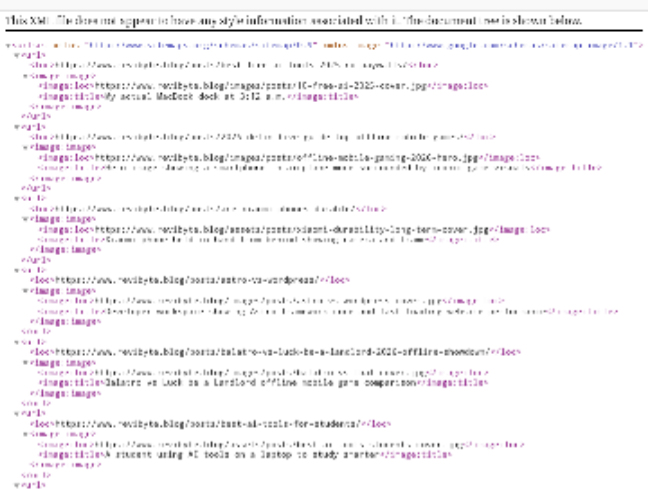
The fix was creating a dedicated image sitemap — a separate XML file that explicitly maps every post URL to its cover image. Not the vague namespace the default Astro sitemap includes, but actual <image:image> entries inside each <url> block.
I created src/pages/sitemap-post-images.xml.ts in my Astro project. The file pulls every published post from the blog content collection, reads the coverImage field from the frontmatter, and builds a proper XML sitemap with full absolute URLs for both the post and the image.
The key things that make this work properly:
Absolute URLs everywhere. Not relative paths like /assets/posts/cover.jpg but full https://revibyte.blog/assets/posts/cover.jpg. Google needs absolute URLs in sitemaps. Relative paths cause confusion.
Post URL as the <loc> tag. The <loc> is the post page URL, not the image URL. The image sits inside <image:image> nested under the post URL. This is the structure that tells Google: this image lives on this specific post page.
Image title from frontmatter. I pull the coverImageAlt field as the image title, falling back to the post title. This gives Google extra context about what the image shows.
Filtered for posts with images only. Posts without a coverImage field in frontmatter are skipped entirely. No point adding empty image entries.
The route is available at revibyte.blog/sitemap-post-images.xml and it generates fresh XML on every build, so new posts automatically get added without me doing anything.
Submitting to Google Search Console
Once the file was deployed — make sure it is in src/pages/ not anywhere else, Astro only generates routes from that folder — I submitted it in GSC.
Go to Search Console → Sitemaps → Add a new sitemap and enter:
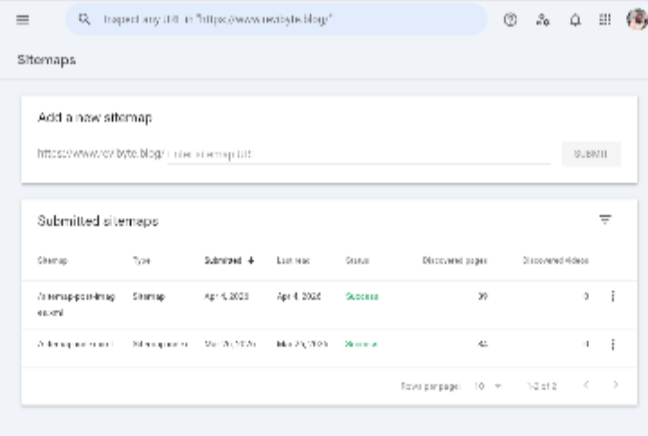
sitemap-post-images.xmlWithin a short time GSC showed me this:
| Sitemap | Status | Images Discovered |
|---|---|---|
| sitemap-index.xml | Success | — |
| sitemap-post-images.xml | Success | 39 |
39 images. One for every published post on ReviByte that has a cover image. Google processed all of them.
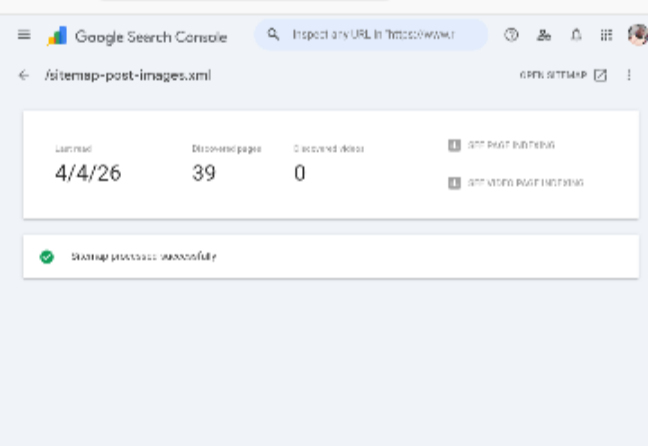
That number confirmed the sitemap was working exactly as intended. Google now had a complete map of which image belongs to which post page on ReviByte.
The Two Sitemap Strategy
Here is why this matters beyond just fixing Google Lens. ReviByte now gives Google two completely independent paths to discover each post:
Path 1 — Main sitemap:
sitemap-index.xml → post URL
Path 2 — Image sitemap:
sitemap-post-images.xml → image URL → post URL
Before this fix, Google had one path and was largely ignoring it on new posts. Now even if Google delays acting on the main sitemap, the image sitemap gives it a second reason to visit that post URL. Two independent signals pointing to the same destination.
The results started showing almost immediately. Images that were previously pointing to my homepage or tag pages began pointing to the correct post URLs. I checked a few posts on Google Lens and they were landing on the actual post. Not perfect across the board yet — Google takes time to re-crawl and re-associate everything — but I could see it working. I went from maybe 3 posts with correct Lens paths to steady improvement and I expect everything to be properly associated before the end of this month.
More importantly, new posts benefit immediately. I publish a post, Vercel builds the site, the image sitemap updates automatically with the new entry, and Google’s next crawl of the sitemap finds the new image already mapped to the correct post URL. The image crawling speed that was working against me is now working for me.
Why This Happens Specifically on Astro
Static site generators like Astro and Hugo feel like they should index faster than WordPress. Fast pages, clean HTML, no JavaScript for Google to execute. The reality is more complicated.
| Factor | WordPress | Astro/Hugo |
|---|---|---|
| Auto ping Google on publish | Yes (via plugins) | No — manual only |
| Image → post association | Handled by WordPress SEO plugins | Manual setup required |
| Domain authority (typical) | Often higher due to age | Starts from zero |
| Crawl budget allocation | Established sites get more | New sites get less |
| Related posts | Built into most themes | You build it yourself |
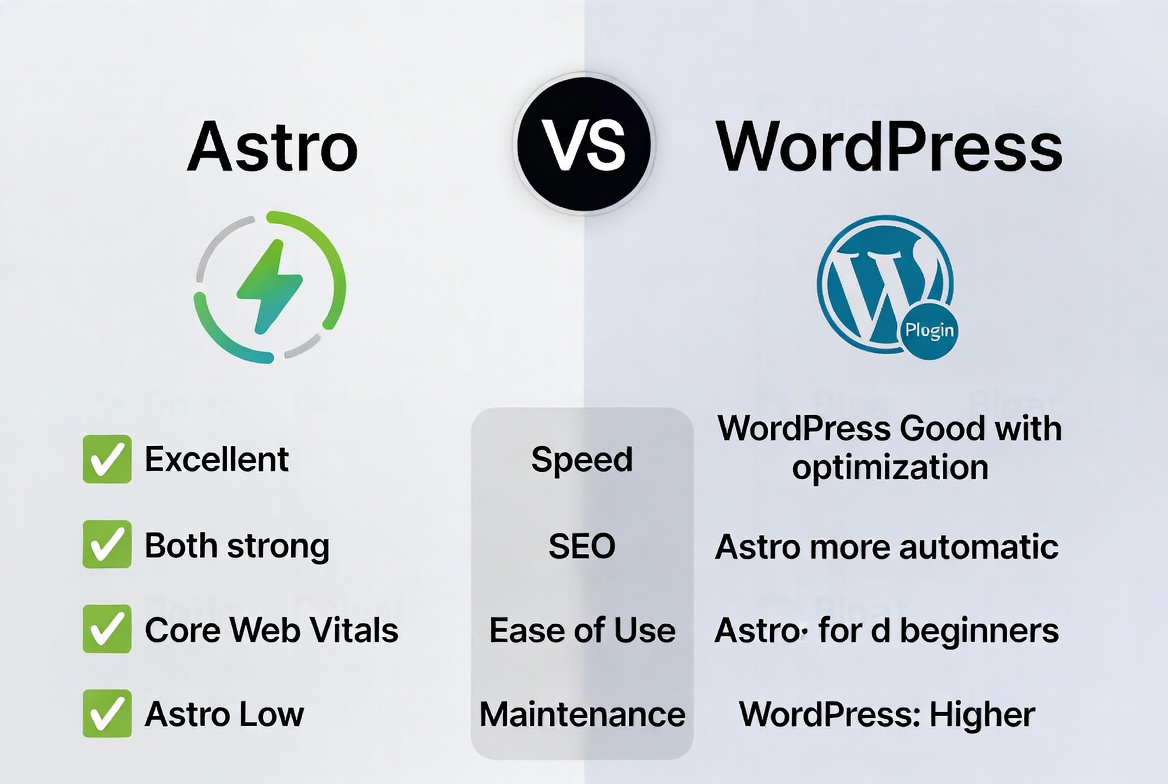
WordPress wins on indexing speed for new content not because of technology but because of ecosystem maturity. Plugins like Yoast and Rank Math handle a lot of this automatically. With Astro you are doing it manually. That is not a reason to go back to WordPress — I actually broke down exactly why Astro beats WordPress for a blog like ReviByte if you want the full comparison — but you need to be deliberate about filling the gaps.
The image sitemap is one of those gaps. AstroPaper does not come with it. The official @astrojs/sitemap integration does not generate image data. You have to build it yourself. Now you know how.
What to Check If You Are Hitting This Problem
If you are on an Astro blog and seeing Google Lens point to the wrong pages, work through this list:
-
Check your actual sitemap output. Visit
yourdomain.com/sitemap-0.xmland look inside the<url>entries. If you see no<image:image>tags, your images are not mapped. -
Check GSC Coverage. If most of your posts show as “Discovered, currently not indexed,” the image sitemap alone will not fix everything but it helps.
-
Make sure your
coverImagefield has absolute URLs or that your sitemap code resolves them to absolute URLs. Relative paths will not work. -
Put the sitemap file in
src/pages/exactly. Astro only generates routes from that directory. Anywhere else and the file does not exist as a live route. -
Submit the sitemap in GSC separately. Do not rely on Google discovering it automatically. Submit it directly so Google processes it on your schedule not its own.
Frequently Asked Questions
Do I need to submit an image sitemap if I already have a main sitemap?
Yes, if you care about Google Images and Google Lens pointing to the right pages. The main sitemap tells Google about your post URLs. The image sitemap tells Google which images belong to which posts. They do different jobs and both matter for a content blog that uses cover images.
Does Astro’s built-in sitemap integration handle images automatically?
No. The @astrojs/sitemap integration includes the image XML namespace in the sitemap header but does not populate any actual image data inside the URL entries. You have to build the image data yourself using the serialize option or a separate custom sitemap file like I did.
Will this fix my posts not being indexed?
It helps but it is not a complete fix on its own. The image sitemap gives Google additional paths to discover your posts and strengthens the association between your content and your images. But domain authority and external backlinks are still the primary drivers of indexing for new sites. Think of the image sitemap as removing a technical barrier, not as a substitute for building authority.
How many sitemaps can I submit to Google Search Console?
Up to 500 per property. You are unlikely to ever hit that limit as a blog. Submit as many as are useful — main sitemap, image sitemap, and a news sitemap if you publish frequently enough to benefit from Google News consideration.
Will this work on other Astro themes or just AstroPaper?
The approach works on any Astro site. The specific field names (coverImage, coverImageAlt) are AstroPaper conventions. If you use a different theme, adjust the frontmatter field names to match whatever your theme uses for post images. The XML structure and the GSC submission process are the same regardless of theme.
How long before Google re-associates images with the correct posts?
It varies. In my case I started seeing correct Lens paths within days of submission for newer posts. Older posts that Google had already indexed with wrong associations take longer because Google needs to re-crawl and update its records. Give it two to four weeks for full re-association across all posts.
Moving ReviByte from Blogger and WordPress to Astro was the right decision. The site is faster, cleaner, and more in my control than it ever was on those platforms. But I will not pretend the SEO setup is easier. It is not. You are building things manually that WordPress handles automatically, and you need to understand what you are building and why.
The image sitemap was one of the pieces I did not know was missing until Google Lens started sending people to my homepage. Now it is fixed, the system is automatic for every new post, and ReviByte is in a better technical position than it has been since launch. There are other gaps I have had to fill manually too — like why ReviByte had no push notifications for so long and how I eventually fixed that — but the image sitemap is probably the most impactful technical fix I have made since moving to Astro.
If you are on Astro and hitting the same problem, the fix is not complicated. It is just not documented anywhere. Now it is.


Comments 0
Leave a comment