Table of Contents
Open Table of Contents
Overview
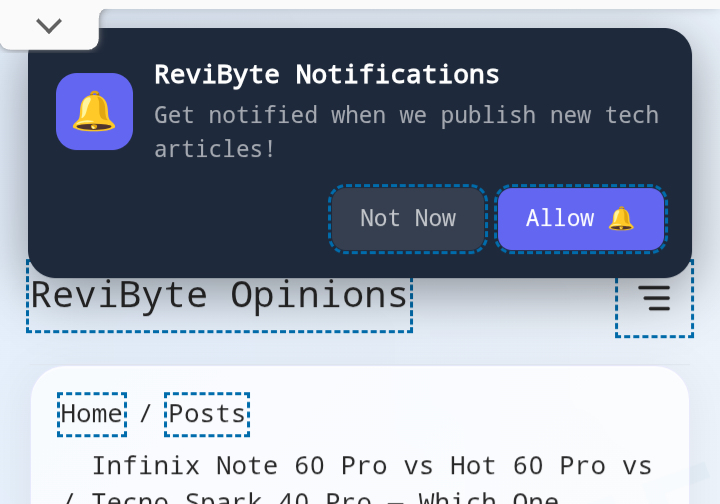
Let me be upfront with you — for months, ReviByte had a push notification bell sitting right there on the homepage, subscribers clicking it, people opting in, and absolutely nothing happening when I published a new post. Zero. Silence. I was basically collecting subscribers like trophies and never doing anything with them.
I didn’t even know it was broken until I started asking myself why none of my readers were coming back organically after a post went live. That’s when I went digging, and what I found was almost embarrassing.
If you’ve followed ReviByte from the beginning, you know this blog was built from scratch — no shortcuts, no templates, just figuring things out one problem at a time. Push notifications were supposed to be a solved problem. They weren’t.
I Had OneSignal. I Just Never Automated It.
Here’s the thing — setting up OneSignal on an Astro site feels like a full task on its own. You create the app, grab the SDK script, add the service worker, configure the prompt timing, test on desktop and mobile. By the time all of that is working, it genuinely feels like the job is done.
But OneSignal on its own is just a delivery system. It doesn’t know when you publish a post unless something tells it. That “something” is either:
- You manually creating a push every single time you publish (not sustainable)
- An automation that watches your RSS feed and fires the notification for you
I had done option 1 exactly zero times. And option 2? I genuinely thought OneSignal handled it automatically once the feed was connected. It does not — at least not on the free plan without setting up the RSS automation properly.
So yes, I had subscribers. I had OneSignal. I just had no bridge between them.
What My Setup Looked Like Before the Fix
| Component | Status |
|---|---|
| OneSignal account | ✅ Active |
| Service worker installed | ✅ Working |
| Push prompt on site | ✅ Showing |
| Subscribers collected | ✅ Growing |
| Notifications actually sent | ❌ Never |
| RSS automation | ❌ Not configured |
Looking at that table hurts a little. Everything was in place except the one thing that made any of it useful.
Part of what makes this frustrating is that ReviByte has been growing its search visibility steadily — people are finding the blog through Google, reading posts, subscribing to notifications — and I was letting all of that momentum go to waste by not following up with them.
The Fix: Zapier + OneSignal + RSS
The simplest free solution I found was using Zapier as the middleman. Here’s how the flow works:
Zapier watches your RSS feed → detects a new post → sends the notification through OneSignal to all your subscribers.
That’s it. No code. No server. No cron job. Just three things connected properly.
Step-by-Step: How I Set It Up
1. Verify your RSS feed is working
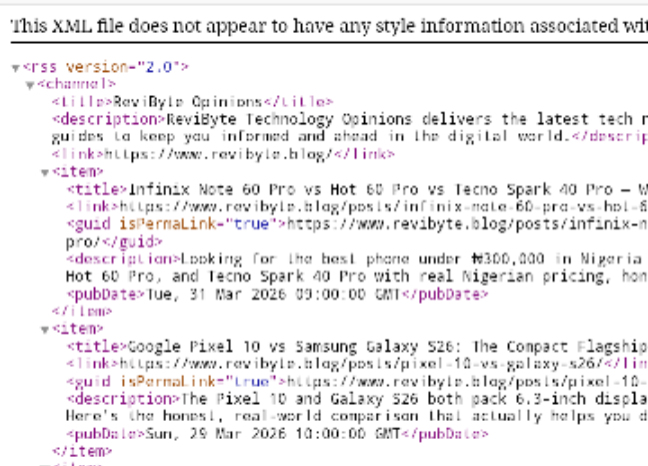
Before anything else, open https://yourdomain.com/rss.xml in your browser. If it loads with your posts listed, you’re good. If it’s blank or broken, fix that first — Zapier can’t trigger on a feed it can’t read.
For Astro sites, your RSS is usually generated automatically if you have the @astrojs/rss integration. Make sure your astro.config.ts sitemap filter isn’t accidentally excluding posts.
2. Create a free Zapier account
Go to zapier.com and sign up. The free tier gives you 5 Zaps and 100 tasks/month — more than enough for a blog.
3. Set up the Trigger
- Create a new Zap
- Choose RSS by Zapier as the trigger app
- Event: New Item in Feed
- Feed URL: your RSS URL
- Leave Username and Password blank
- Keep “What Triggers a New Feed Item” as Different Guid/URL (recommended)
- Click Continue and test it — Zapier will pull your latest post to confirm the feed works
4. Connect OneSignal as the Action
- Choose OneSignal as the action app
- Event: Send Push Notification
- Click Sign In and connect your OneSignal account using your User Auth Key (found in OneSignal → Settings → Keys & IDs)
5. Configure the notification fields
This is where most people get confused because Zapier auto-fills all fields with the same RSS “Title” variable. Fix it like this:
| Field | What to map |
|---|---|
| Notification Content | RSS → Description |
| Title | RSS → Title |
| Send Time | Leave blank (sends immediately) |
| Open URL | RSS → Link |
6. Publish the Zap
Hit Publish. Done. From now on, every new post you publish will automatically trigger a push notification to all your subscribers within 15 minutes (Zapier checks the feed every 15 minutes on the free plan).
What I Wish I Had Known Earlier
The whole thing took me about 20 minutes once I actually sat down to do it. The delay wasn’t technical — it was just me assuming things were set up when they weren’t, and never stopping to verify.
A few things I’d tell anyone setting this up:
Test your RSS feed first. I’ve seen Astro sites where the RSS generates but doesn’t include the full list of posts because of a misconfigured filter in astro.config.ts. If Zapier can’t find new items in your feed, nothing fires.
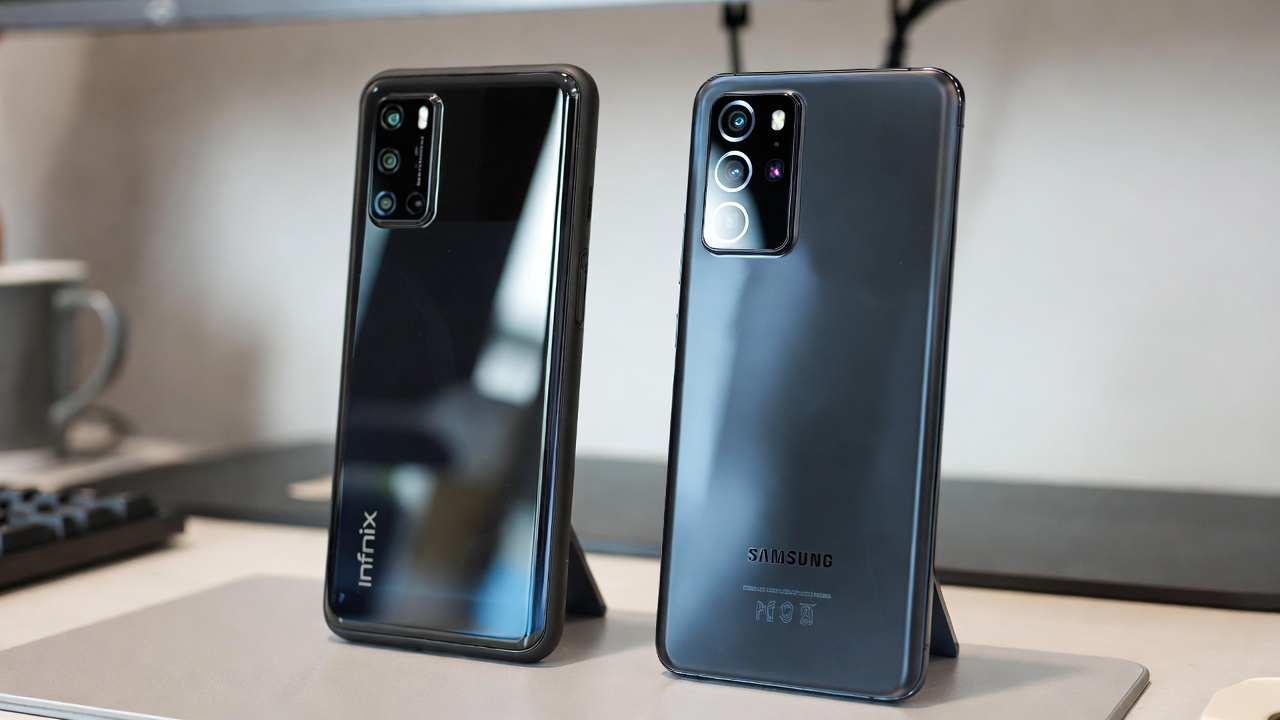
Don’t overthink the notification content. The post title and description pulled directly from RSS is clean and readable. You don’t need custom copy for each notification — the automation handles it. For example, when I published the Infinix Note 60 Pro vs Hot 60 Pro vs Tecno Spark 40 Pro comparison, the notification would have gone out automatically with the post title and description — exactly what subscribers need to decide if they want to click.
OneSignal Journeys won’t help you here on the free plan. I spent time poking around that part of the dashboard thinking I could set up RSS-based triggers natively. The free plan doesn’t support it. Zapier fills that gap for free.
Your subscribers won’t know it wasn’t working before. The first notification that fires after setup feels like a proper launch. No one remembers the silence.
Frequently Asked Questions
Does this work for all browsers, not just Chrome? Yes. The Zapier → OneSignal integration sends to all subscribed users regardless of browser — Chrome, Firefox, Edge, and Safari (with APNS configured). The notification delivery is handled by OneSignal, not the browser.
What happens if I publish two posts on the same day? Zapier will trigger separately for each new RSS item it detects. Both notifications go out independently.
Will my old posts trigger notifications after I set this up? No. Zapier marks the current state of your feed as “seen” during setup. Only posts published after the Zap is live will trigger notifications.
Is Zapier free enough for a small blog? Yes. The free tier allows 5 Zaps and 100 task runs per month. If you publish daily, that’s 30 notification triggers per month — well within the free limit.
Can I customise the notification message per post? Not automatically unless you add custom fields to your RSS feed. For most blogs, title + description is enough.
What if my RSS feed URL changes? Go back into your Zapier trigger settings and update the Feed URL. The rest of the Zap stays the same.
Who runs ReviByte? ReviByte is an independent Nigerian tech blog. You can read more on the About page.
Push notifications feel like a small thing until you realise your subscribers opted in expecting to hear from you. Getting this finally working on ReviByte felt less like a technical fix and more like keeping a promise I didn’t know I’d made.
If you run a blog and you’ve been collecting notification subscribers without sending anything — set this up today. Takes 20 minutes. You already did the harder part by getting people to subscribe.
Have questions about setting this up on your own Astro site? Drop a comment below.


Comments 0
Leave a comment