Table of Contents
Open Table of Contents
- Overview
- What “AI-Built Website” Actually Means
- The Numbers First
- Tools That Actually Generate Websites with AI
- Real Examples: What the Prompts and Output Actually Look Like
- Where AI Genuinely Helps in Web Development
- Where It Falls Apart
- What a Realistic AI Web Workflow Looks Like
- AI vs. Human Developer: The Honest Comparison
- Should You Use AI to Build Your Website?
- Frequently Asked Questions
Overview
There’s a version of this conversation happening everywhere right now. Someone hears about an AI website builder, types a few sentences into a prompt box, and seconds later they’re looking at something that resembles a website. The question is: did AI actually build that?
The short answer is — kind of. The longer answer is what this post is actually about.
I’ve spent real time testing these tools while building and running ReviByte entirely on mobile — no laptop, no local dev environment, just a Tecno Camon 30, GitHub’s browser interface, and Vercel auto-deploys. That context gives me a fairly unromantic view of where AI genuinely helps with web development and where it quietly overpromises.
Quick Answer
Yes — AI can create websites, but mostly as a starting point. It’s genuinely good at generating layouts, UI components, and boilerplate code fast. Where it struggles: architecture decisions, performance optimization, security, and anything that requires understanding your specific context. The best results consistently come from AI working alongside someone who can read and evaluate what it produces. If you’re looking to build a website with AI and ship something real, this post maps exactly where the line is.
What “AI-Built Website” Actually Means
When a tool markets itself as an AI website builder, it usually means one of three things:
- Template generation — AI selects a layout and fills it with placeholder content based on your business description.
- Code generation — AI writes HTML, CSS, and sometimes JavaScript from a natural language prompt.
- Natural language editing — You describe a change (“make the header sticky, add a contact form below the hero”) and the AI applies it to existing code or a drag-and-drop builder canvas.
None of these is the same as a developer who understands your business, makes structural decisions, writes production-ready code, and debugs it across devices and browsers. That distinction matters more than the marketing copy suggests — and it’s the gap this whole post is trying to map honestly.
The Numbers First
Before getting into tools and workflows, it’s worth anchoring this with what’s actually happening in the industry.
According to the JetBrains 2025 Developer Ecosystem Survey — which covered 24,534 developers across 194 countries — 85% of developers now regularly use AI tools for coding and development, with 62% relying on at least one dedicated AI coding assistant or agent. The Stack Overflow 2025 Developer Survey of over 49,000 developers found that 84% are using or plan to use AI tools, up from 76% in 2024.
But here’s the more interesting number: the same Stack Overflow survey found that 66% of developers say AI solutions are “almost right, but not quite” — which causes the second-biggest frustration cited: debugging AI-generated code takes longer than writing it yourself.
That tension — high adoption, growing frustration with partial reliability — is exactly what you need to understand before deciding how much to trust an AI to build your website.
Tools That Actually Generate Websites with AI
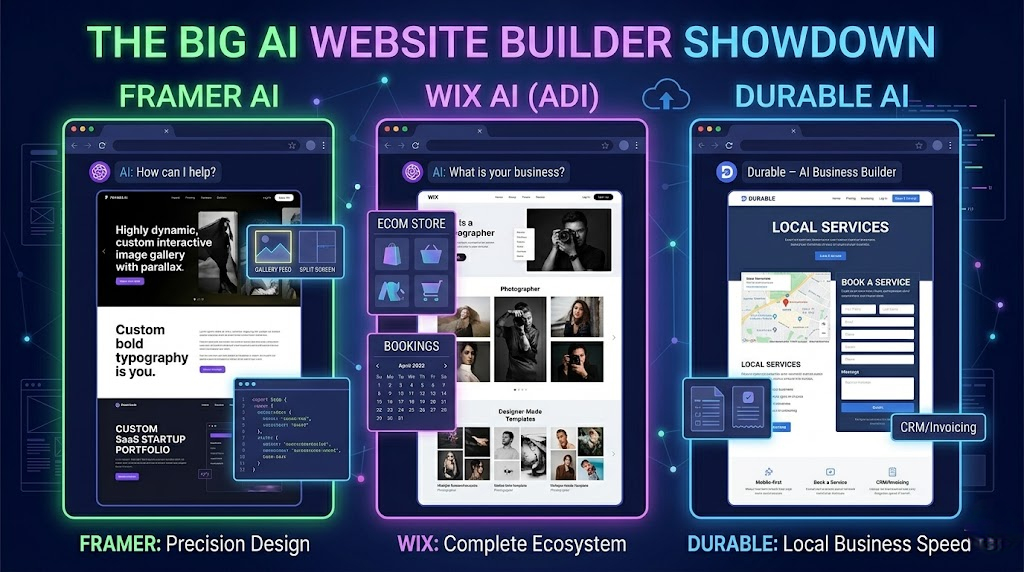
Here’s a realistic look at the main players and what they’re actually doing under the hood:
| Tool | What AI Does | Best For | Limitations |
|---|---|---|---|
| Wix ADI | Picks layout based on business type | Quick business landing pages | Generic output, weak SEO defaults |
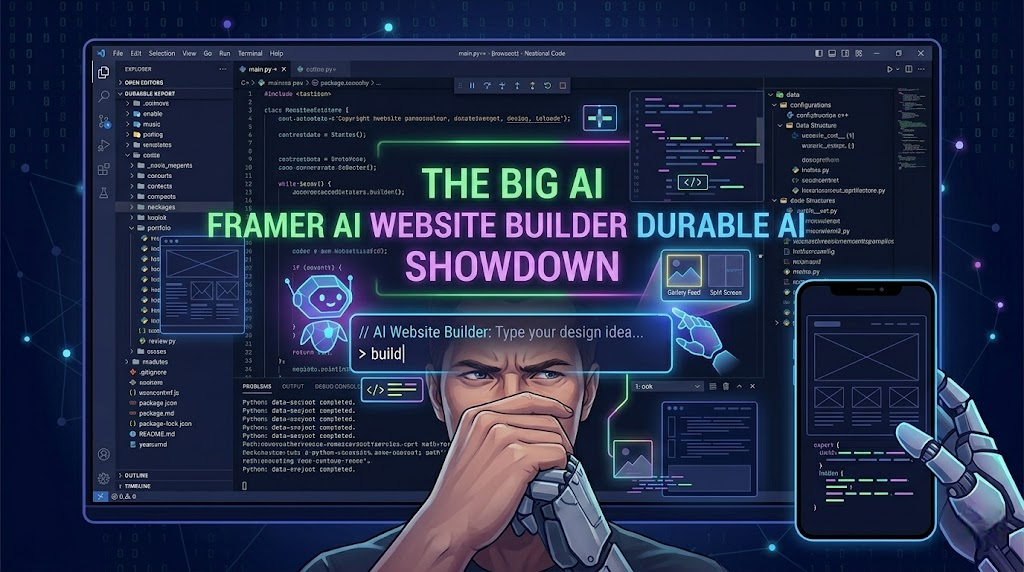
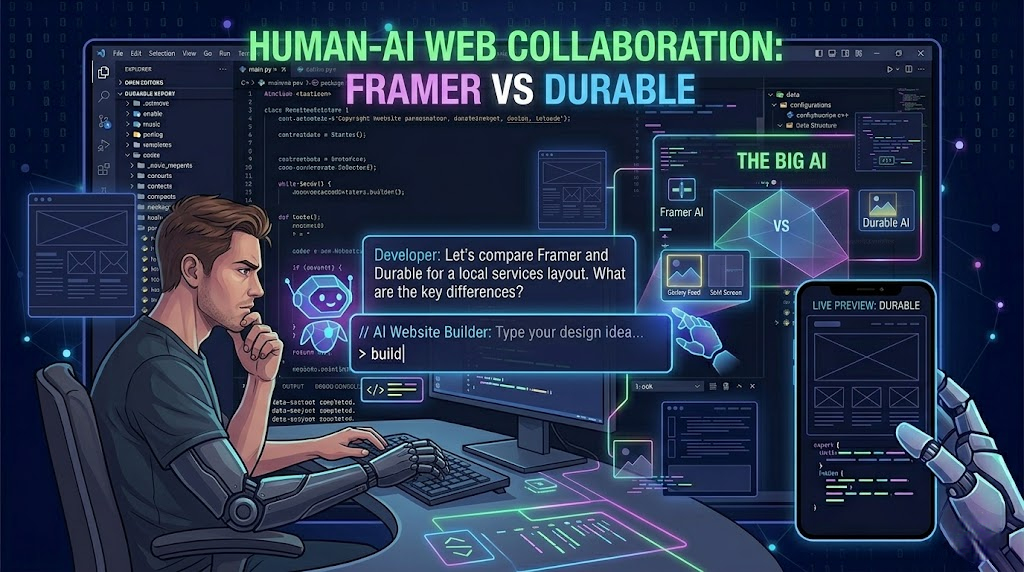
| Framer AI | Generates full pages from text prompts | Designers wanting a visual starting point | Needs heavy editing for production use |
| Durable | Builds a full business site in seconds | Service businesses with no technical skills | Very templated, limited real customization |
| GitHub Copilot | Inline code suggestions while you type | Developers already in VS Code | Accepts only ~30% of suggestions on average |
| Claude | Full components, debugging, architecture help | Custom builds from any device | Still requires you to review and understand output |
| Builder.io | AI-to-code from Figma design files | Teams with existing design assets | Requires design input to work from |
| Webflow AI | Layout logic and copy assistance | Existing Webflow users | Not a standalone builder |
The tools in the top half create something fast. The tools in the bottom half create better things but require someone who knows what they’re doing. The middle column — Copilot and Claude — is where most actual web development with AI is happening right now.
Real Examples: What the Prompts and Output Actually Look Like
This is where most articles on AI web development go vague. Let me be specific.
Example 1 — Framer AI, text prompt to landing page
Prompt used:
“Create a landing page for a mobile tech blog called ReviByte. Dark theme, clean typography, hero section with tagline, featured posts grid below, footer with social links.”
What came back: A visually clean dark-mode page with a hero section, a placeholder three-column post grid, and a footer. The layout was genuinely decent as a visual starting point. Typography and spacing were reasonable.
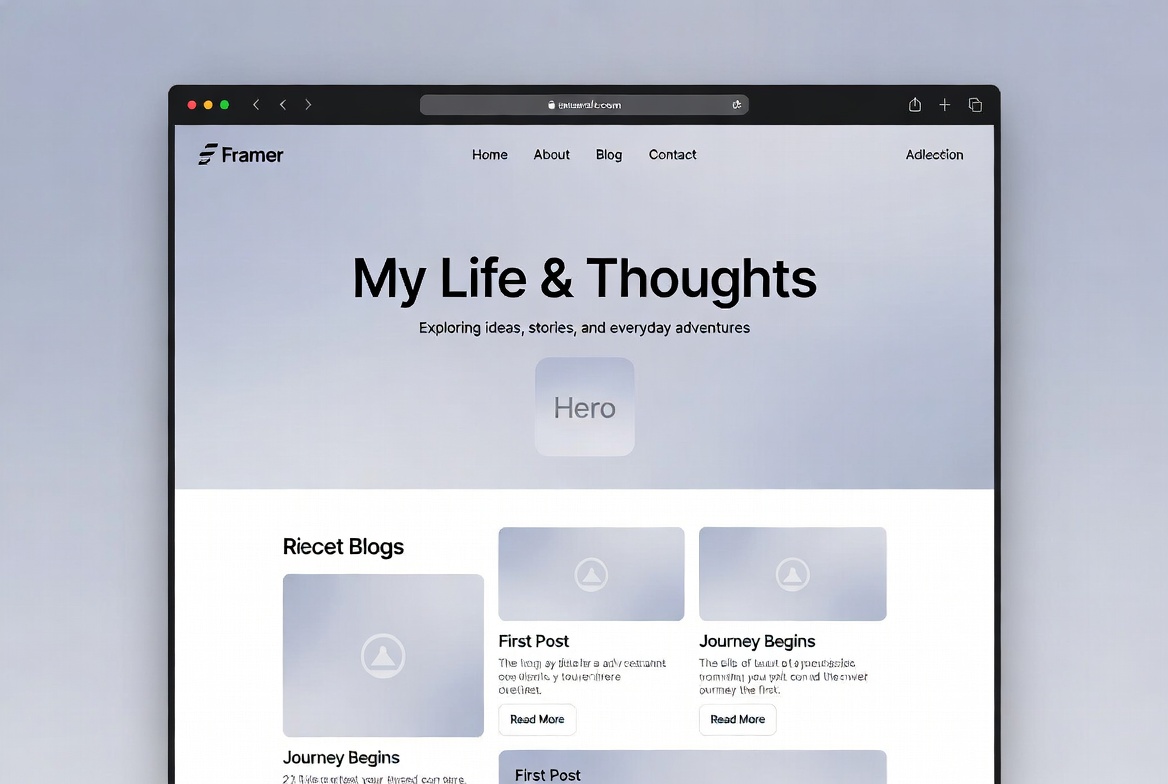
Problems encountered: The generated code used inline styles heavily instead of CSS classes, which made it painful to maintain. There were no semantic HTML elements — everything was a div. No meta tags, no Open Graph, no schema markup. The “featured posts grid” was three hardcoded placeholder cards with no connection to any data source. Good prototype, bad foundation.
Verdict: Useful for getting a visual direction quickly. Not something you can ship as-is if you care about SEO, accessibility, or loading speed.
Example 2 — Claude, custom Astro component on mobile
Prompt used:
“Write an Astro component called ShareBar.astro that accepts a
urlandtitleprop and renders share buttons for X/Twitter, WhatsApp, and a Copy Link button. Use the site’s existing CSS variable--accentfor the button color. No external libraries.”
What came back: A clean, functional Astro component using the Web Share API with a clipboard fallback, correct prop types, and --accent properly referenced in the style block. About 60 lines of code.
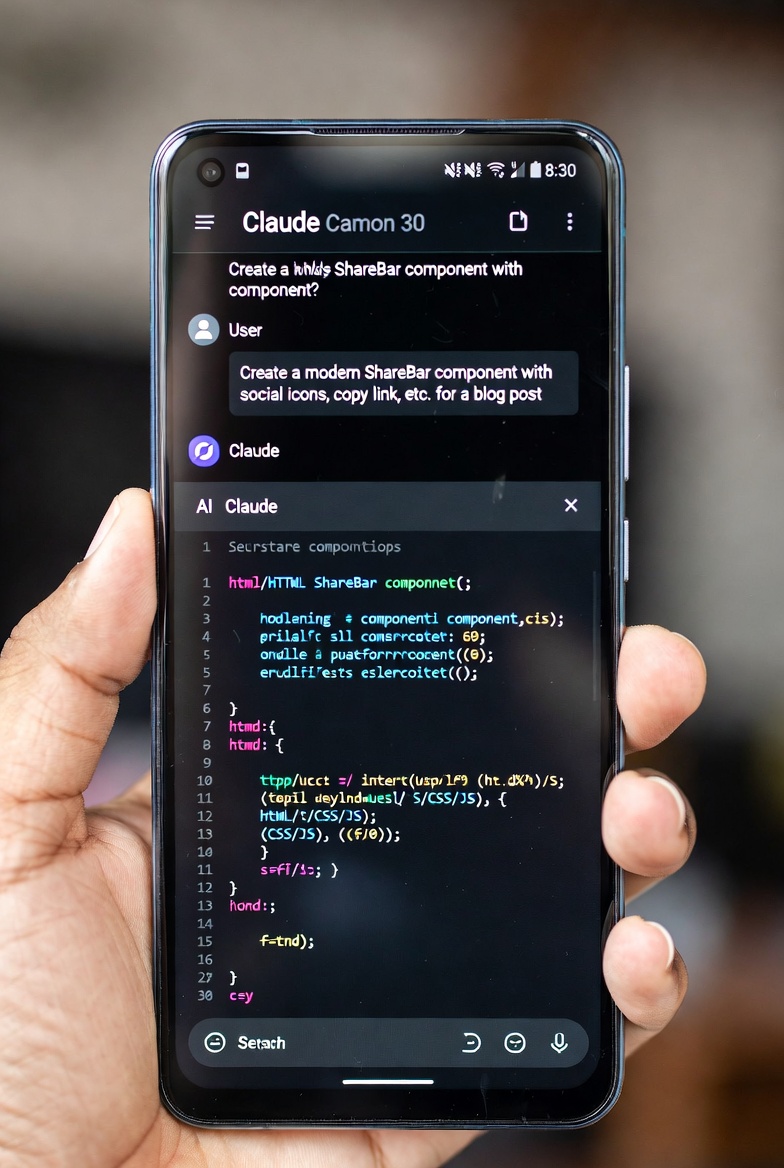
Problems encountered: The copy button initially used document.execCommand('copy'), which is deprecated in modern browsers. Pasted the error back in, Claude immediately identified the issue and replaced it with navigator.clipboard.writeText(). One back-and-forth, five minutes total.
Verdict: This is where AI as a coding assistant earns its place. I use this type of prompt constantly when building ReviByte features from my phone. The ShareBar that’s on every post right now started from a prompt very close to that one.
Example 3 — Claude, debugging a Vercel build failure
Prompt used:
“My Astro site is failing on Vercel with this error:
Cannot read properties of undefined (reading 'data'). Here’s the component: [pasted code]. The error points to line 14.”
What came back: Claude identified that I was trying to destructure data from a content collection entry before checking whether the entry existed — a null reference issue that only surfaced in the production build because Vercel’s Node environment handles undefined differently from the dev server.
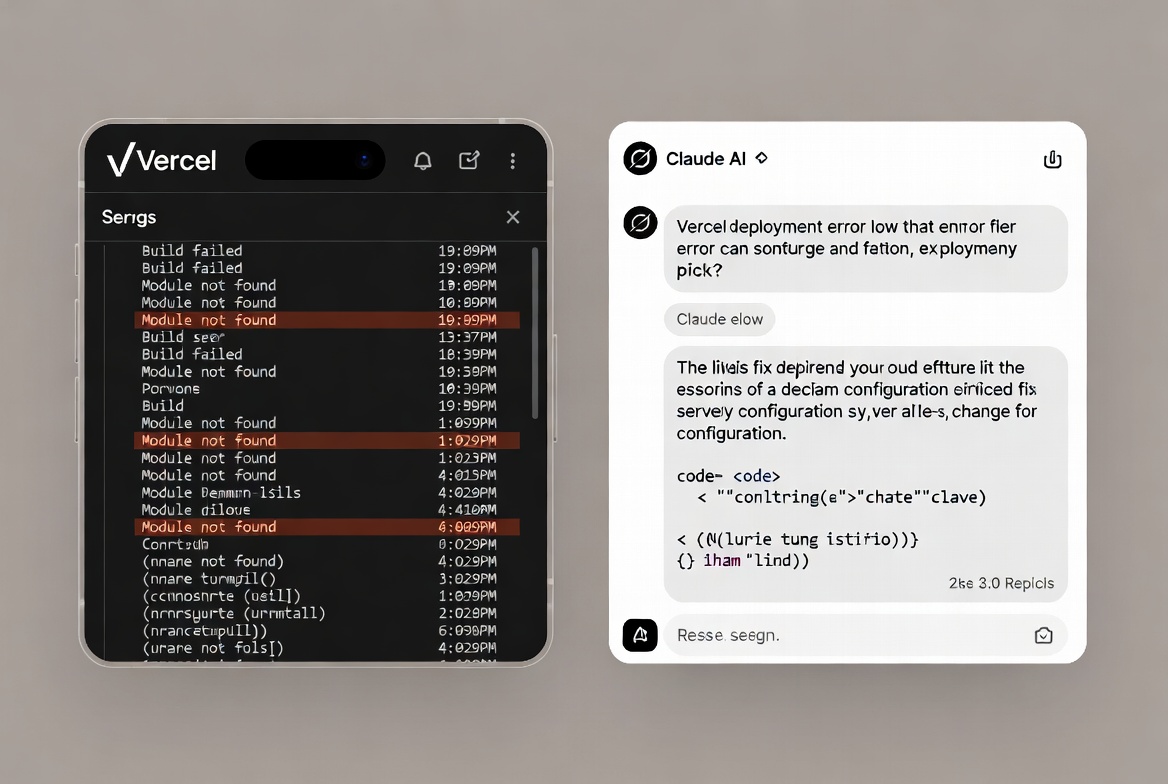
Problems encountered: None that time. It was a clean, correct diagnosis.
Verdict: This is legitimately one of the highest-value uses of AI for web development. Error messages that would take 30–45 minutes of Googling get resolved in two minutes. Not every time — but enough of the time that it’s changed how I approach build failures.
Example 4 — Claude, generating a social media banner
Prompt used:
“Write an HTML file that renders a 1200×630 Open Graph banner for a blog post. Background: dark (#0f172a). Title text: ‘Best Phones Under ₦150k in Nigeria’. Subtitle: ‘ReviByte’. Logo placeholder top-left. Large bold title centered. Use Google Fonts — Inter. Export-ready layout.”
What came back: A complete single HTML file, self-contained, with the correct 1200×630 canvas dimensions, Inter loaded from Google Fonts, and the layout roughly matching the description. I open it in my phone’s browser, screenshot it, crop to exact dimensions.
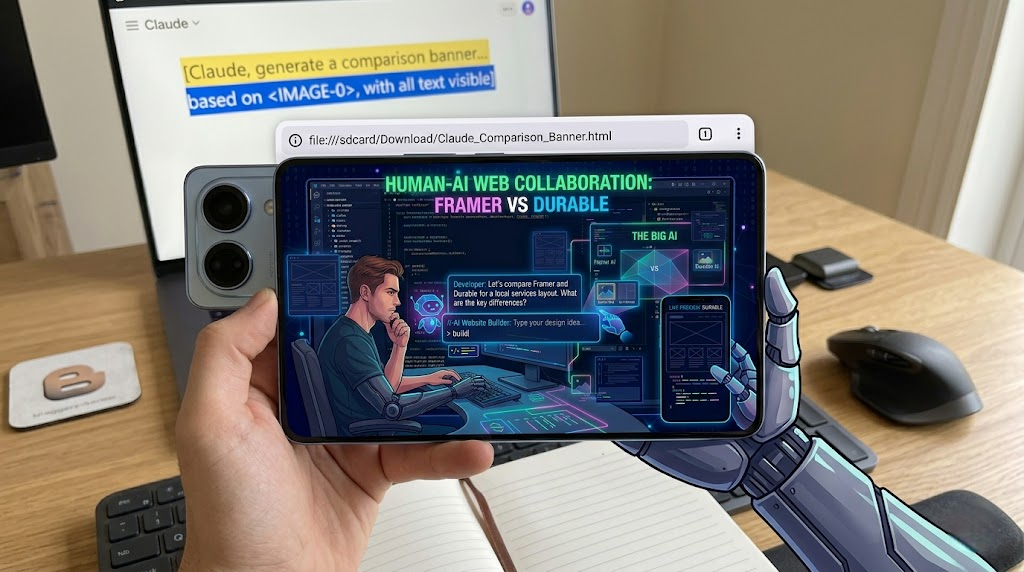
Problems encountered: First attempt had the title overflowing on two lines due to font-size being too large for the container. Described the issue, got a corrected version with font-size: clamp() applied. Done.
Verdict: This is a workflow I use regularly for generating ReviByte post banners from mobile. AI writes the HTML template, I change the text, screenshot it. No design software needed.
Where AI Genuinely Helps in Web Development
Let me be systematic about this because the “where it helps” list is actually long — it’s the scope of the help that gets overstated.
Writing boilerplate code fast — Responsive navbars, modal components, form validation, hero sections. What used to take 20–30 minutes of referencing MDN and tweaking margins now takes under two minutes with a specific prompt. That’s real, compounding productivity.
Explaining unfamiliar code — You find a snippet, you don’t fully understand a line, you paste it and ask. No more digging through Stack Overflow threads from 2017. This is one of the most underrated uses for anyone learning web development.
Debugging — Paste broken code, describe the expected versus actual behavior. AI catches syntax errors, logic issues, and missing dependencies well for common frameworks. I’ve used this to debug Astro component errors, Supabase query issues, and Vercel build failures — the examples above aren’t cherry-picked.
CSS and styling tasks — “Center this div vertically,” “make this grid collapse to one column below 768px,” “add a fade-in animation on scroll” — these targeted questions have correct, demonstrable answers that AI handles consistently well.
Generating page copy — About pages, meta descriptions, product descriptions. AI drafts fast, you edit into your voice. That’s how most people who say “AI writes my content” actually work — not hands-off generation, but fast drafts they rewrite. See how I use ChatGPT and Claude to run this blog faster for the honest breakdown of that process.
Building things you can’t easily Google — Custom Astro components, Supabase edge functions, Vercel config files. Documentation for newer frameworks isn’t always comprehensive. AI fills gaps that search results don’t cover well yet.
Where It Falls Apart
Structure and architecture decisions — Should this be a static site or server-side rendered? Where does the data layer live? How do you handle routing with SEO in mind? AI can explain options but can’t make the right call for your specific project without deeply understanding your constraints. I covered some of these tradeoffs in my post on Astro vs WordPress — those kinds of decisions require context AI doesn’t have.
Debugging novel problems — AI is trained on patterns. When your problem is unusual — an obscure Vercel deployment edge case, a weird interaction between two packages, a rendering bug on older Android WebView — it starts guessing. Sometimes it’s useful guessing. Often it sends you down the wrong path with complete confidence, which wastes more time than it saves.
Performance optimization — Generating a page that looks good is different from building something that scores well on Core Web Vitals and loads fast on mobile connections. LCP, CLS, FID require intentional human decisions about resource loading order, image optimization, and script deferral. AI can help implement fixes once you know what to look for, but it won’t proactively design for performance.
Security — AI-generated code can contain vulnerabilities. Not always, not obviously, but the Stack Overflow 2025 survey found that 75% of developers still manually review every AI-generated code snippet before merging. That number exists for a reason. Don’t ship code you don’t understand.
What a Realistic AI Web Workflow Looks Like
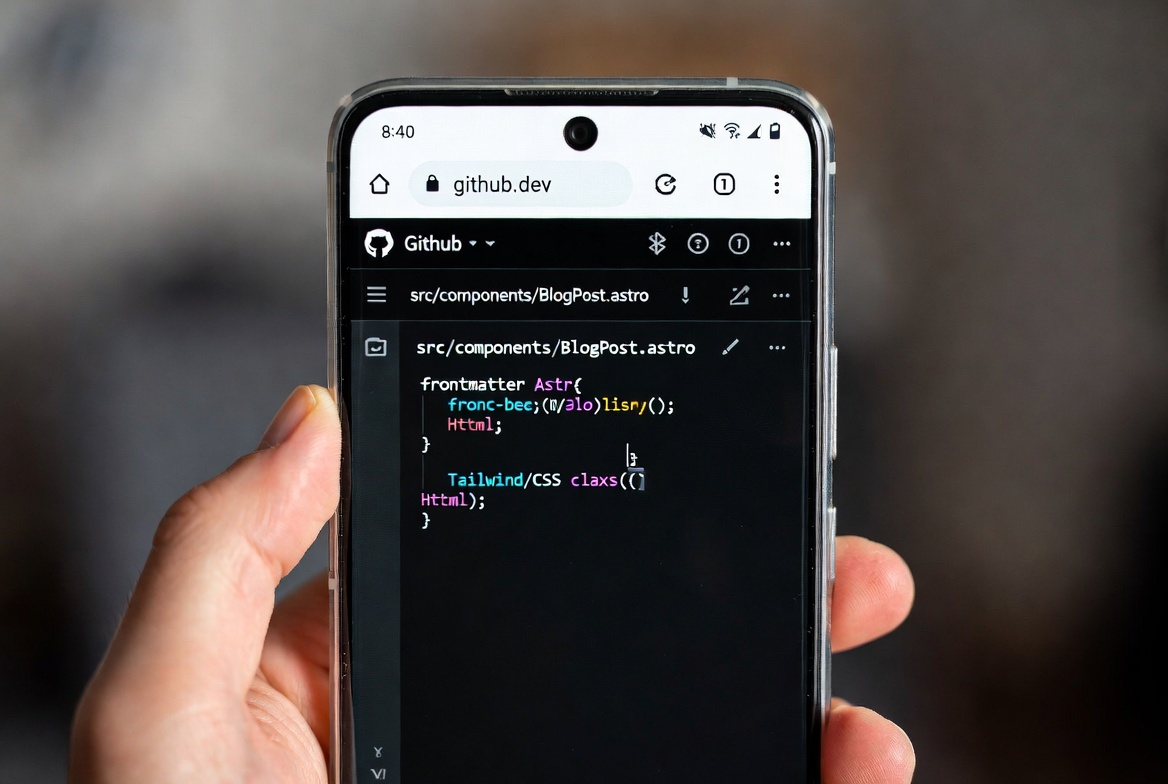
I run ReviByte entirely from my phone. The stack is Astro, deployed on Vercel, with Supabase for the database layer. Every component, every config file, every Supabase function has been written through GitHub’s browser interface with AI handling the code generation.
Here’s how a typical feature build actually goes:
- I describe the component I need to Claude — specifically, including which props it takes, what CSS variables exist on the site, and what framework syntax it should use.
- Claude returns a starting point. I read it fully before copying anything.
- I paste it into the file via GitHub’s editor, commit, and let Vercel build.
- If the build fails or the component behaves wrong, I paste the error or describe the problem back to Claude.
- One or two exchanges usually resolves it. If it doesn’t, I reconsider the approach from scratch.
This is also how the banner workflow runs. I describe the layout — dimensions, colors, font, content — Claude writes an HTML file, I load it in my browser, screenshot it, done. No Photoshop, no Canva, no design app. The whole thing runs on a mid-range Android phone.
AI cuts the time between “I need this feature” and “this feature exists” significantly. But I’ve never shipped something I didn’t read. The blog you’re on right now wasn’t built by AI — it was built with it. There’s a meaningful difference.
AI vs. Human Developer: The Honest Comparison
| Task | AI Alone | Human Developer | AI + Human |
|---|---|---|---|
| Build a landing page in 30 minutes | Possible, generic | Not realistic | Realistic and customized |
| Production e-commerce site | No | Yes | Faster with AI assistance |
| Custom animations and interactions | Basic only | Full control | Strong starting point |
| Accessibility (a11y) compliance | Inconsistent | Reliable if prioritized | Better with AI flagging issues |
| SEO-optimized site structure | Partial | Deliberate | Deliberate, faster to implement |
| Core Web Vitals performance | Rarely proactive | Intentional | Intentional, faster to implement |
| Ongoing maintenance | Unreliable | Reliable | Efficient |
| Debugging novel errors | Hit or miss | Experienced judgment | Faster with AI as first pass |
The middle ground — AI plus someone who understands what they’re doing — is where the actual value lives. Pure AI-generated websites tend to look similar, perform inconsistently, and carry structural problems that only become obvious once you care about search rankings or scale.
For the broader picture of which AI tools are worth your time across different use cases, the best AI tools for students post covers a lot of overlap with developer tools, and the best AI apps for Android is useful if you’re working from mobile like I do. For context on where AI genuinely performs well versus where it’s overhyped, what AI is best at goes deeper on that question.
Should You Use AI to Build Your Website?
Depends entirely on what you’re building and what you already know.
Use an AI website builder if:
- You need a simple landing page or portfolio live this week
- You have no budget for a developer and no plans to scale significantly
- You’re validating an idea before investing in a real build
Use AI as a coding assistant if:
- You understand enough to review and explain what it writes
- You’re building something custom on a framework you’re actively learning
- You want to move faster without contracting out every small component
Hire a developer if:
- You’re building anything that handles user data, accounts, or payments
- Performance and organic search matter significantly to the business
- You need custom functionality that goes well beyond what templates can do
The honest version of this hasn’t changed much since developers started taking AI seriously: the tool lowers the floor. Getting something live has never been easier. But raising the ceiling — something fast, secure, well-structured, and genuinely yours — still requires understanding what you’re building.
AI didn’t change that. It just made the gap between floor and ceiling more visible to everyone.
Frequently Asked Questions
Can AI build a fully functional website without any human input? For very simple sites — a static landing page, a personal portfolio — tools like Durable or Framer AI produce something functional fast. But “functional” and “production-ready” are different things. SEO structure, performance, accessibility, and security all need human attention at some point. The more your site needs to do, the sooner that gap appears.
Is an AI-generated website good for SEO? Generally weak out of the box. Most AI-built sites have thin content, inconsistent heading structure, missing meta tags, and no real keyword strategy. You need to layer deliberate SEO work on top of whatever the AI produces. See what AI is best at — content strategy is specifically one area where AI needs direction, not autonomy.
What’s the best AI coding assistant for web development? For complex, long-form code generation, Claude handles multi-step tasks and full component builds better than most. GitHub Copilot integrates more smoothly into VS Code for line-by-line assistance while you’re actively typing. Both are tools, not replacements for understanding what you’re building.
Can AI update and maintain a website after it’s built? Partially. AI can help you write updates, generate new content, and diagnose bugs when you describe them clearly. It can’t monitor your site autonomously, catch performance regressions, or respond to server issues on its own. Maintenance still requires a human making the calls.
Is no-code plus AI the future of websites? It’s part of it. No-code tools already changed who can build a functional site. AI accelerates the process further and lowers the skill floor. But complex, high-performance web experiences — the ones that actually rank, convert, and scale — will continue to require engineering judgment that AI can support but not replace.
How do I know if AI-generated code is safe to ship? Read it. Understand it well enough to explain it. Test it. There’s a reason 75% of professional developers manually review every AI-generated snippet before it goes into a codebase. If you’re not at the level where you can read and evaluate what AI writes, either keep learning or work with someone who is. Shipping code you don’t understand is how vulnerabilities get introduced — AI authorship doesn’t change that risk.



Comments 0
Leave a comment