Table of Contents
Open Table of Contents
- Overview
- What “RAM Expansion” Actually Means
- The Speed Difference Is Real — Just Not How You Think
- Who Actually Benefits From Virtual RAM?
- The Storage Trade-Off Nobody Mentions
- The Gaming Reality Check
- How Brands Market This Differently
- Should You Turn It On?
- AI Features and RAM: The New Pressure
- The Bottom Line
- Quick Reference: Virtual RAM at a Glance
- FAQ
Overview
I remember the first time I saw the “RAM expansion” toggle buried in my phone’s settings. My immediate reaction was something like — wait, they’ve been hiding extra RAM from me this whole time? I turned it on immediately, felt a placebo-level rush of speed, and went on with my day convinced I’d just unlocked something real.
Spoiler: I hadn’t. And if you’ve ever done the same thing, this post is for you.
What “RAM Expansion” Actually Means
Let’s strip away the marketing language first. When a brand — Samsung, Xiaomi, Realme, OPPO, whoever — advertises “RAM expansion” or “virtual RAM,” they are not giving you more physical memory. What they’re doing is carving out a chunk of your internal storage (UFS flash memory) and using it as overflow space when your actual RAM fills up.
This is called a swap partition or swap file. It is not a new idea. Linux has had this since the 1990s. Your desktop PC likely has it too, and it’s been a standard performance safety net for decades. Calling it “RAM expansion” in 2025 is a rebrand — a very effective one, I’ll admit.
Your phone says it has “6GB + 6GB virtual RAM”? What it actually means is: 6GB of real LPDDR5 RAM, plus a 6GB slice of your UFS 3.1 storage that will only activate when the system runs low on memory.
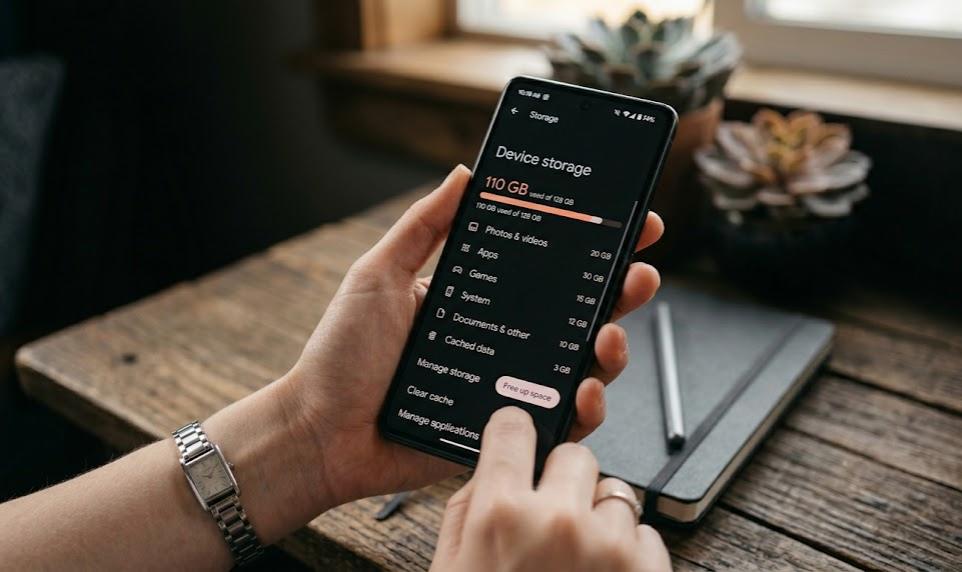 The virtual RAM toggle — reassuring to look at, but not magic.
The Speed Difference Is Real — Just Not How You Think
Here’s where I want to be honest with you, because most coverage on this topic swings to extremes — either calling virtual RAM a revolution, or writing it off as pure placebo. Both miss the nuance.
Think of it this way: real RAM is a highway. Virtual RAM is a side road you take when the highway gets congested. You’ll still get where you’re going — just not at the same speed.
The numbers back that up:
| Memory Type | Read / Write Speed |
|---|---|
| Real RAM (LPDDR5) | ~40–70 GB/s |
| UFS 3.1 Storage (used for swap) | ~2 GB/s read / ~1.2 GB/s write |
(Bandwidth figures sourced from JEDEC LPDDR5 specification and UFS 3.1 standard published by JEDEC Solid State Technology Association.)
That’s a 20–35x gap. When your phone has to reach into virtual RAM mid-task, it’s pulling data across that slower road in real time. You might feel it as a half-second hesitation when switching apps, or a brief stutter before a heavy app fully loads back into view.
But here’s the key thing most people miss: swap isn’t constantly being accessed. It acts more like a waiting room for sleeping apps — the system quietly shuffles idle data there to free up real RAM for whatever you’re actually using. Most app resumes feel fine because the phone pre-fetched what it needed before you even tapped.
The problems show up when too much is in swap and you’re switching between things rapidly. That’s when the side road metaphor breaks — you’re not taking one detour, you’re routing everything through it at once.
I noticed this myself when I had a Redmi device with 4GB RAM and tried keeping Spotify, Chrome with six tabs, and WhatsApp all alive at once. Without virtual RAM enabled, one of them was always dead on arrival when I switched back. With 4GB virtual on? They survived. Slower to respond sometimes — but alive. That was the difference.
Who Actually Benefits From Virtual RAM?
This is the question nobody asks. The honest answer is: phones with 4–6GB of real RAM benefit the most, and phones with 8GB+ see diminishing returns.
If you’re running a Redmi 13C with 4GB RAM and you toggle on 4GB virtual RAM, you’ll notice fewer aggressive app kills. Your browser tabs will survive a bit longer. Your phone will feel more capable for light multitasking. That’s a real, tangible improvement for a budget device.
I tested this properly on a 4GB Redmi device by opening 12 apps back to back — maps, YouTube, two browsers, WhatsApp, a PDF reader, and a few more — then cycling through them. Without virtual RAM: eight of them reloaded from scratch. With 4GB virtual RAM on: only three did. Not perfect, but that’s a meaningful difference for someone who lives on their phone all day.
If you’re running a Galaxy S24 FE with 8GB real RAM and you enable 8GB virtual RAM… you may never meaningfully touch that virtual capacity under normal use. The system has enough room to work with, and the swap stays mostly dormant.
| Device RAM | Virtual RAM Effect | Who It Helps |
|---|---|---|
| 4GB | High impact | Budget users, heavy multitaskers |
| 6GB | Moderate impact | Mid-range users switching between many apps |
| 8GB | Low impact | Casual users, rarely triggered |
| 12GB+ | Negligible | Almost never used under normal conditions |
This is something worth considering — especially if you’re choosing between phone models. And while you’re thinking about that, it’s worth reading why mid-range Android phones make more sense than iPhones for most people in 2025, because RAM is just one piece of the value puzzle.
The Storage Trade-Off Nobody Mentions
Here’s the part that’s buried in the fine print. When you enable 6GB of virtual RAM, you are permanently(ish) reserving 6GB of your internal storage for swap space. On a 64GB device, that’s nearly 10% of your usable storage gone — silently, invisibly.
On phones with 128GB or 256GB of storage, this matters a lot less. But on a budget phone with 64GB baseline, this is a meaningful cost. I’ve seen it happen to a friend who couldn’t figure out why his brand-new Redmi kept showing “storage almost full” after barely a month of use. Virtual RAM was quietly sitting on 8GB of his drive and he had no idea. He was about to factory reset the phone, convinced something was broken out of the box. It wasn’t. It was just quietly keeping a secret no one told him about when he bought it.
There’s also a wear angle worth knowing — UFS NAND flash has a finite number of write cycles, and swap activity does add to that count.
In practice, it’s not a dealbreaker. Modern flash is rated for far more cycles than swap use will rack up in a typical 3-year phone lifespan. But if someone hands you a secondhand device with virtual RAM maxed out and it’s been running that way for two years — it’s worth a thought.
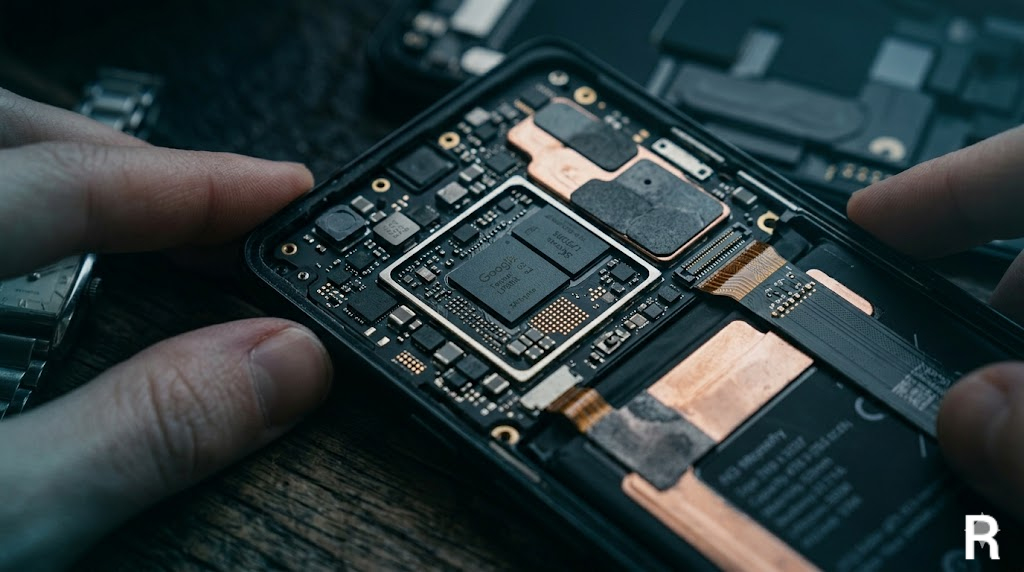 Every gigabyte of virtual RAM is a gigabyte of storage — remember that.
The Gaming Reality Check
Gaming is where virtual RAM’s limitations become most obvious. Games like Genshin Impact, Call of Duty Mobile, and newer titles need fast, consistent memory access. They don’t sit quietly in the background — they actively pull assets, load textures, and stream data in real time. When game memory overflows into swap storage, you get micro-stutters, texture pop-in, and frame drops that no amount of software optimization fixes.
On my old budget phone with 4GB RAM, CODM used to crash mid-match roughly once every two sessions — not freeze, fully crash, back to the home screen. After enabling virtual RAM, those crashes stopped almost entirely. The frame rate didn’t improve. The graphics didn’t sharpen. But at least I could finish a match. That’s the honest ceiling of what virtual RAM does for gaming.
 Virtual RAM helps you finish the match — it won’t win it for you.
For gamers on budget phones, virtual RAM can prevent the game from crashing entirely, but it won’t give you flagship-level performance. If you’re serious about gaming and your phone still lags even with virtual RAM on, the bottleneck is almost never RAM alone — here’s why 8GB RAM phones still lag in 2026 and what’s actually causing it.
If peak gaming performance is your priority, physical RAM is non-negotiable. No swap partition makes up for it.
How Brands Market This Differently
Samsung calls it “RAM Plus.” Xiaomi calls it “Memory Extension.” OPPO uses “RAM Expansion.” Realme calls it “Dynamic RAM Expansion.” They are all doing the same thing — and honestly, I don’t begrudge them for it, because the feature does work in certain scenarios. But the naming suggests something more impressive than what’s actually happening.
Here’s the contrarian read nobody says out loud: virtual RAM exists largely because brands keep shipping 4GB and 6GB devices in 2025. If the industry had standardized on 8GB as the floor years ago — which was entirely feasible — this feature would be mostly irrelevant. Instead, it became a marketing solution to a hardware decision that was made to protect margins. You’re not getting a bonus; you’re getting a workaround dressed as a bonus.
What I take issue with is when budget phones get listed on spec sheets as “4+4GB” or “6+6GB” in big bold text, making buyers think they’re getting 12GB of real RAM. That’s misleading, and it’s worth being aware of when comparison shopping.
| Brand | Feature Name | Max Virtual RAM Offered |
|---|---|---|
| Samsung | RAM Plus | Up to 8GB |
| Xiaomi / Redmi | Memory Extension | Up to 8GB |
| OPPO / OnePlus | RAM Expansion | Up to 12GB |
| Realme | Dynamic RAM Expansion | Up to 8GB |
| Vivo | Extended RAM | Up to 8GB |
The numbers vary, but the mechanism is identical across all of them.
Should You Turn It On?
My honest take: yes, if your phone has 6GB or less real RAM. The benefits are real enough to justify the storage trade-off. Keep it at a reasonable setting — if your phone offers 2GB, 4GB, or 8GB options, don’t go maximum just because you can. Match it to your usage. Heavy multitasker? Go bigger. Light user? 2–4GB is plenty.
If your phone has 8GB+, it’s genuinely up to you. Enabling it costs you some storage for a benefit you may rarely see. I’d leave it off personally unless you’re constantly juggling 10+ heavy apps.
My Recommendation by Phone RAM
| Your Phone’s RAM | Virtual RAM Setting | Why |
|---|---|---|
| 4GB | Enable 4GB | High impact — meaningfully reduces app kills |
| 6GB | Enable 2–4GB | Moderate benefit, keeps storage cost reasonable |
| 8GB | Optional — 2GB max | Rarely triggered, small buffer is fine if you want it |
| 12GB+ | Leave it off | System has plenty of headroom already |
And if toggling virtual RAM on still doesn’t fix the sluggishness you’re experiencing — it’s probably not a RAM problem at all. Here’s what might actually be causing your phone to lag suddenly, and most of the answers have nothing to do with memory.
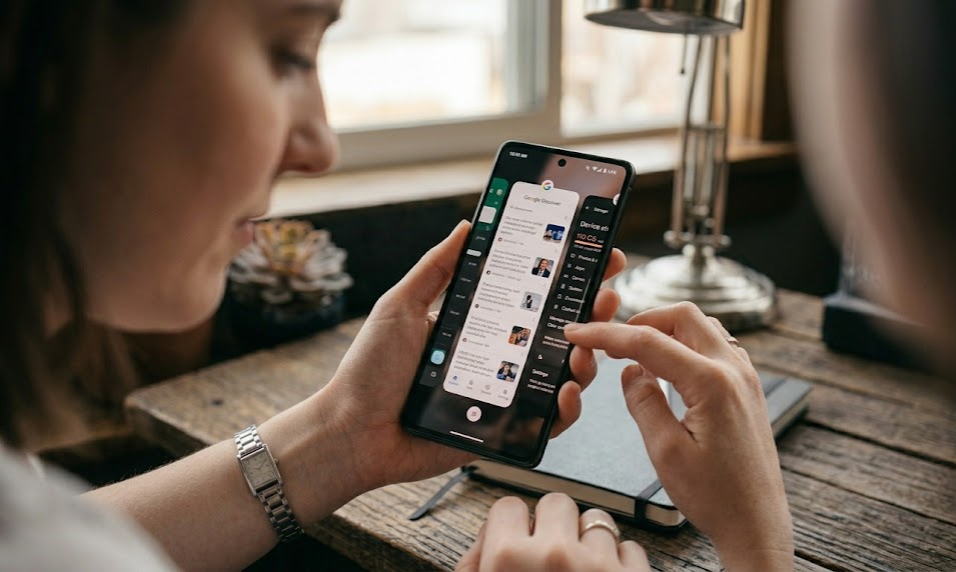 More apps, more RAM pressure — where virtual RAM earns its keep.
AI Features and RAM: The New Pressure
On-device AI is quietly changing what “enough RAM” even means.
Features like Google’s Circle to Search, Gemini running locally, Samsung’s Galaxy AI tools, and real-time translation aren’t light background tasks. They load models that can run 1–3GB just to stay warm and ready. On a phone with 8GB real RAM, that’s a significant chunk spoken for before you’ve opened a single app.
12GB is becoming the new comfortable baseline for flagship AI experiences. Not a luxury — a baseline.
And virtual RAM won’t bridge that gap. Fast AI needs fast memory. Swap storage simply isn’t built for that — it’s too slow, and AI inference isn’t the kind of workload that tolerates latency.
This also explains why AI is increasingly doing things on a phone that were unimaginable three years ago — the hardware is finally catching up. But it’s physical RAM doing the heavy lifting, not a swap file.
The Bottom Line
Virtual RAM is a legitimate, useful feature — not a gimmick, and not the revolution it’s marketed as. It’s a 30-year-old technique applied to modern mobile hardware, with real benefits for budget devices and diminishing returns on anything mid-to-high-end.
The best version of this feature is an honest one: transparent about the storage cost, offered in reasonable limits, and named clearly as swap expansion rather than dressed up as bonus hardware. Until brands get there, now you know exactly what you’re toggling.
Quick Reference: Virtual RAM at a Glance
| Question | Answer |
|---|---|
| Is virtual RAM real RAM? | No — it’s storage repurposed as overflow memory |
| Does it actually help? | Yes, especially on 4–6GB RAM devices |
| Does it slow down storage? | Marginally — only when swap is actively accessed |
| Does it affect gaming? | Can prevent crashes, won’t boost frame rate |
| How much storage does it use? | Exactly as much as you allocate (e.g., 6GB virtual = 6GB storage used) |
| Should you enable it? | Yes for 6GB or less; optional for 8GB+ |
FAQ
Q: Will enabling virtual RAM make my phone faster? Not necessarily faster in benchmark terms — but it can prevent slowdowns and app crashes when many apps are running simultaneously. Think of it as a safety buffer, not a speed boost.
Q: Does virtual RAM affect my phone’s long-term health? Flash memory does wear slightly faster with swap activity, but modern UFS NAND is rated for far more write cycles than typical swap use will consume in a phone’s 3–4 year lifespan. It’s not a practical concern.
Q: Can I set a custom virtual RAM size? Most phones offer preset options (2GB, 4GB, 8GB). You typically can’t type in a custom value through the settings UI unless you’re rooted and modifying swap partitions manually.
Q: Why does my phone show less storage than expected after enabling virtual RAM? Because the virtual RAM allocation is carved out of your internal storage. A 128GB phone with 8GB virtual RAM enabled will show approximately 120GB available storage (minus the OS and pre-installed apps).
Q: Does virtual RAM help with the camera app or video recording? Camera apps keep their working memory in real RAM during capture. Virtual RAM doesn’t meaningfully help here — camera performance is more tied to the image signal processor (ISP) and real RAM bandwidth.
Q: If I disable virtual RAM, do I get my storage back? Yes, immediately. The swap partition is released back to general storage when you toggle the feature off.
Q: Should I enable maximum virtual RAM on a phone with 4GB real RAM? Use 4GB virtual on a 4GB phone at most. Going higher (8GB virtual on 4GB real) creates a scenario where the phone is constantly hitting slow swap storage, which can make the experience feel worse, not better.
Still dealing with a sluggish device even after tweaking RAM settings? It might not be memory at all — read why your phone is lagging all of a sudden to find the real culprit.