
It’s December 2025, and the antivirus debate on Android still feels like a broken record. Every few months, headlines scream: banking Trojan here, spyware there — and suddenly everyone asks:
“Do I finally need to pay for an antivirus app?”
I’ve been tracking mobile security for years, and here’s my honest take: for most users who stick to Google Play, keep their devices updated, and avoid shady links, paying for antivirus software is increasingly optional.
Google Play Protect, paired with Android’s native security, now blocks the majority of real-world threats quietly and efficiently.
That doesn’t mean Android is bulletproof. Threats still exist, and your habits significantly shape your risk. But if we look at the actual data instead of fear-mongering marketing, things are far less dramatic than ads would have you believe.
🔍 The Real Android Threat Landscape in 2025
Android powers over 70% of smartphones globally, making it the largest target by volume. Security firms love to report scary numbers — but context matters.
Here’s what I found while reviewing independent research and testing trends in 2025:
- Kaspersky blocked ~12 million mobile attacks in Q1 alone. Numbers fluctuated, but the majority were non-destructive threats.
- AV-Comparatives tested protection using 3,300+ recent malware samples.
- Adware was the most common nuisance, particularly aggressive monetization apps.
- Banking Trojans and spyware persisted, but self-replicating malware was rare.
The overlooked reality
Most infections originate outside the Play Store.
The main culprits are:
- Sideloaded APKs from unofficial websites
- Phishing links via SMS, WhatsApp, or email
- Fake “updates” or cracked apps
- Third-party app stores with lax moderation
If you install apps only from Google Play, your exposure drops sharply. Google’s enforcement is serious — they blocked 2.3 million policy-violating apps in 2024, and that vigilance has continued.
Most threats today are annoying adware or PUPs, not catastrophic malware. Personally, I’d rather deal with pop-ups than a phone bricked by a virus.
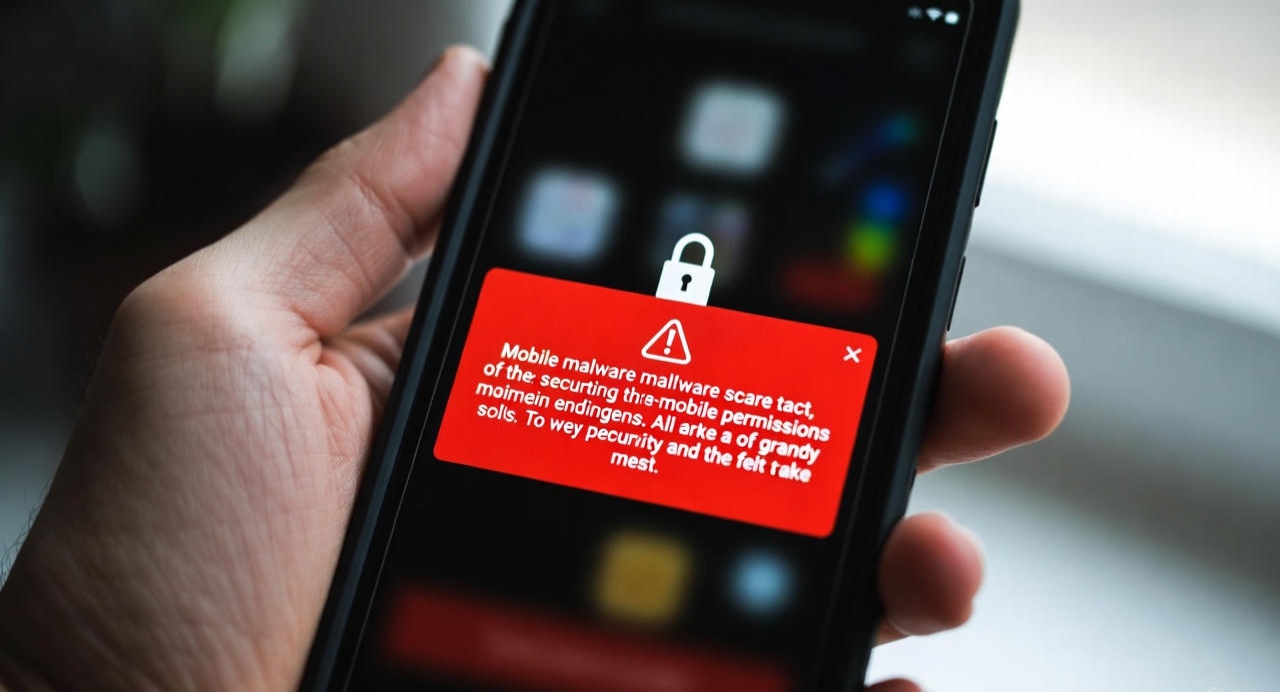 Red warning screens drive clicks, but smart habits prevent most real harm long before it happens.
✅ How Google Play Protect Got Quietly Smarter
Years ago, Play Protect lagged behind third-party apps in labs — no question. But by late 2025, the gap has narrowed considerably.
- Uses on-device machine learning, not just static signature scanning
- Scans apps before installation, after updates, and periodically afterward
- Can disable or remove harmful apps remotely
- Automatically revokes sensitive permissions from dormant apps
Independent tests still find gaps for niche threats, like stalkerware. But for everyday malware? Play Protect is more than competent.
The best part — it’s invisible, free, and doesn’t try to scare you into upgrades:
- Near-zero battery drain
- No ads or upsells
- Runs silently in the background
⚖️ Google Play Protect vs Paid Antivirus Apps (2026 Reality)
Here’s how I see it, based on years of testing and usage patterns:
| Feature | Google Play Protect | Paid Antivirus Apps |
|---|---|---|
| Cost | Free (built-in) | $15–$40/year |
| Play Store scanning | Yes | Yes |
| Sideload protection | Basic warnings | Advanced heuristics |
| Battery impact | Minimal | Low to moderate |
| Ads / upsells | None | Common in free tiers |
| Banking Trojan detection | Moderate | High |
| Extras (VPN, call blocking) | No | Often included |
| Best for | Average users | High-risk users |
This table explains why I’ve stopped recommending paid antivirus for casual users: Play Protect covers 90–95% of realistic risks.
🛡️ When Paid Antivirus Still Makes Sense
There are scenarios where a third-party solution adds real value:
- You sideload APKs frequently
- Use modded or cracked apps
- Live/work in regions heavily targeted by banking malware
- Own an older Android phone with no security updates
- Want extra features like VPNs, call blocking, or anti-theft
Even then, pick reputable apps. My go-to recommendations: Bitdefender Mobile Security, Norton 360, Malwarebytes Premium. Avoid ones that inflate threat counts or scare users unnecessarily — I’ve seen apps mark harmless adware as “critical threats.”
🧠 Who Really Needs Paid Antivirus?
| User Type | Paid Antivirus Needed? |
|---|---|
| Play Store-only user | ❌ No |
| Frequent APK sideloader | ✅ Yes |
| Older Android (no updates) | ✅ Yes |
| Casual social media user | ❌ No |
| Heavy mobile banking user | ⚠️ Maybe |
From my experience, most users fall in the “no” category.
🏆 Habits That Outperform Any App
Security is behavior-driven. I’ve found these steps more effective than any subscription:
- Stick to Google Play — most malware gets blocked upstream.
- Keep Play Protect enabled — manual scans are rarely needed.
- Install updates promptly — monthly security patches matter.
- Audit app permissions regularly — a flashlight app shouldn’t access your mic.
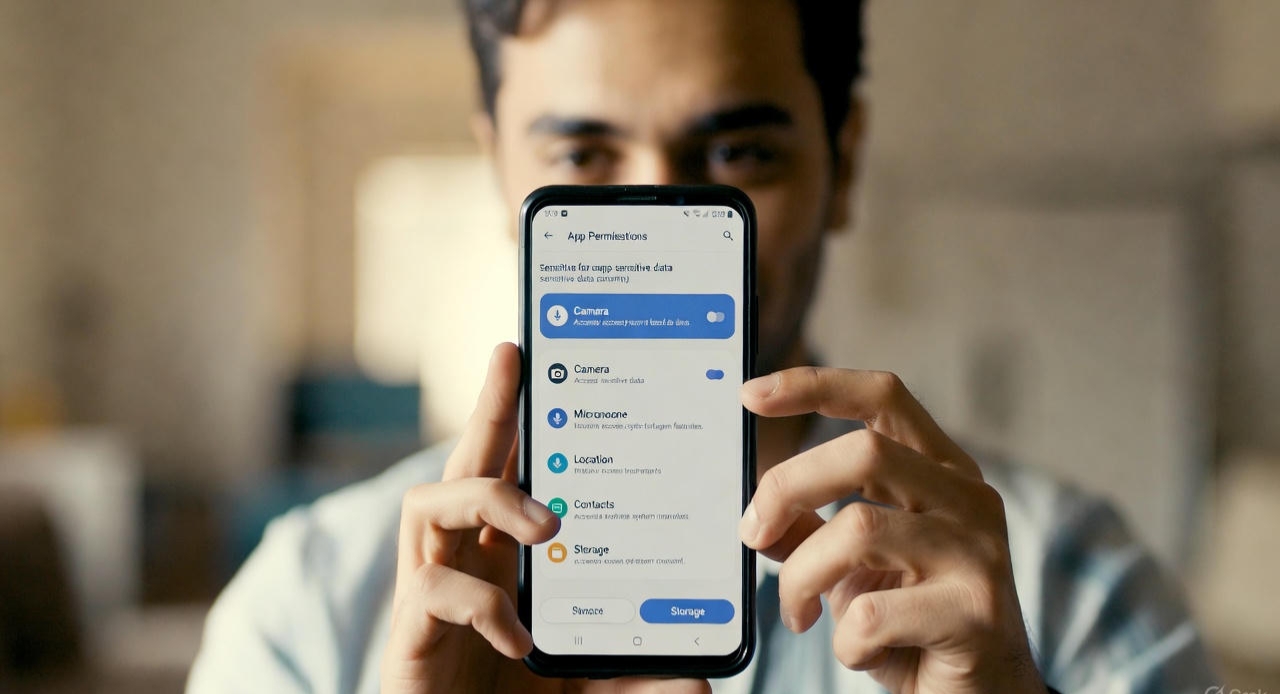 Permission audits stop risky apps before they cause real damage.
- Use app-based 2FA, not SMS
- Avoid unknown links, especially in messaging apps
- Backup data locally
- Use a password manager
Combined with Android’s sandboxing and verified boot, these habits outperform paid antivirus apps in everyday scenarios.
🔮 Looking Ahead to 2026
Expect Google to continue improving Play Protect:
- AI-driven malware detection
- Stricter Play Store enforcement
- Stronger sideload warnings
- Deeper system-level protections
Third-party apps will increasingly focus on premium features rather than basic malware scanning.
Industry consensus is clear: user behavior matters more than software subscriptions.
💡 Final Verdict: Save Money, Sharpen Your Habits
In 2026, Android security works best when treated like hygiene, not panic.
- Play Protect is free, seamless, and effective for most users
- Paid antivirus makes sense only for higher-risk behaviors or outdated devices
- The biggest risk? Human error, not missing software
Fix your habits first. Add apps second.
Personally, I stopped paying for mobile antivirus years ago — and I’ve yet to see a day where Play Protect let me down for regular usage. That said, I always stay cautious with sideloaded apps.
What about you?
Do you rely on third-party antivirus, or do you trust built-in protections? Share your experiences — it helps everyone make smarter choices.
Now check this interesting article The Truth About Ai Jobs and also Best Free Ai Tools 2025 No Paywalls


Comments 0
Leave a comment