Table of Contents
Open Table of Contents
Overview
A lot of AI app roundups feel shallow fast. Vague descriptions, the same recycled picks, recommendations that probably got deleted a week after the article went live. The genre has a pattern and most of it isn’t useful.
So here’s what this actually is: the AI apps still on the phone after months of real use. The ones that survived the “do I still open this?” test. Tested on mid-range hardware — nothing fancy — across things like running ReviByte, studying physics, and getting through the week with less friction.
Some of these overlap with tools covered before. For the broader picture of Android apps worth your storage, Best Apps for Android in 2026 covers that. Students specifically will find Best AI Tools for Students more targeted. This post is just AI — where it’s actually useful on Android right now, not where the marketing says it is.
The Thing Nobody Tells You About AI Apps
Most of them are wrappers. A clean UI sitting on top of the same GPT-4o API you could access yourself. The wrapper isn’t always bad — interface design matters — but you should know what you’re actually paying for. The apps worth your time are the ones where the integration is the product. Where the AI actually understands the context of what you’re doing inside the app, not just responding to prompts you could type anywhere.
That’s the filter I used building this list.
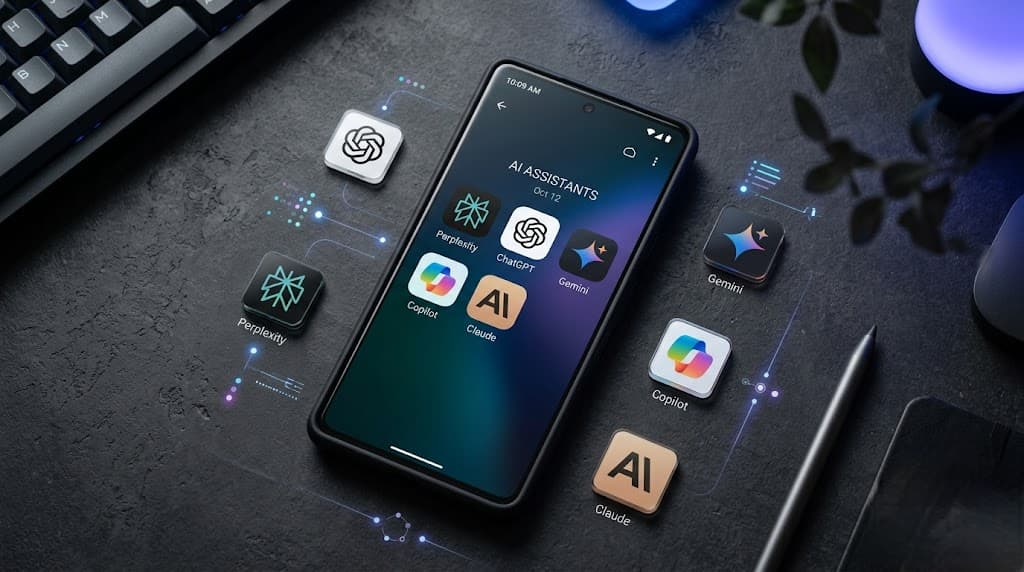
The AI Apps Actually Worth Installing
1. Claude (Anthropic)
This goes first because it’s where the most time gets saved — not because it’s the flashiest, but because it handles the kind of tasks that actually take up your day.
What separates Claude from the others isn’t raw capability. It’s how it handles complexity. Give it a meaty brief — a post outline, a technical argument to pressure-test, a concept that needs explaining without the textbook tone — and the response quality holds up in a way that others drop off. The Projects feature is the specific thing that changed my workflow: persistent context across multiple conversations, organized by topic, so you’re not re-explaining your situation every session.
That said, the trade-offs are real. The mobile UI is slower to load than ChatGPT’s. The free tier hits rate limits quickly if you’re doing serious work. And Claude is more cautious than the alternatives — it’ll occasionally push back on things that don’t need pushback, which gets annoying fast. Web access also isn’t as seamlessly integrated. If you want live information pulled in mid-conversation, Perplexity does that better.
Claude Pro makes sense for content creators and students doing research-heavy work. The free tier is genuinely usable, just rationed.

2. ChatGPT (OpenAI)
You already have it. The question is whether you’re using it for the right things.
ChatGPT’s real strength on Android is brainstorming and guide-building — it excels at expanding a rough idea into something structured fast. Throw it a topic (“budget phones under ₦150k, what angles haven’t been covered?”) and it’ll generate ten angles worth filtering through, some of which you wouldn’t have landed on alone. That’s the actual workflow: use it to break open a topic, not to finish it.
Voice mode is the other genuinely useful feature. It’s not transcription — it holds conversational context across the whole session and responds naturally. Useful for thinking through problems while moving around instead of staring at a screen.
The GPT-4o image analysis deserves a mention too. Interpreting screenshots, checking visual layouts, breaking down a diagram — it gets this right more consistently than anything else. For content creators, that’s a genuine time-saver.
Where it loses to Claude: depth on complex written tasks. ChatGPT tends to smooth things out into readable but sometimes shallow output. Good for drafts you’ll rework; less good for analysis you’ll publish directly. More on the actual workflow split in How I Use ChatGPT and Claude to Run My Blog Faster.
3. Perplexity AI
Search with citations. That’s the pitch and it’s mostly accurate.
When writing a phone review or comparison — say, Snapdragon vs MediaTek — the problem with regular AI is hallucinated specifics that sound plausible until you check. Perplexity shows sources inline, right next to the claim. Click through, verify, move on. That’s not a minor detail when the accuracy of your writing is the point.
It also handles follow-up questions better than Google for research-style queries. Ask something, dig into a detail, ask again — the thread stays coherent in a way search results don’t.
The Pro version adds image search and model options. The free version handles most research tasks without friction.

4. Microsoft Copilot
Hear me out before you scroll past. Copilot on Android isn’t the watered-down thing it was at launch. The free tier now runs GPT-4o — a flagship model with no subscription. For anyone budget-conscious who needs capable AI, this is the easiest win on the list.
DALL-E image generation comes free too. Quick thumbnail concepts, rough visual mockups, generated reference images — useful for content creators who need to move fast before committing to proper graphics.
The real limitations: conversational memory isn’t as sticky as Claude’s Projects, and the tone defaults to something corporate and cautious that you have to actively push back on. It’s not built for creative or editorial work. For structured, task-based queries, it performs well above its price point.
5. Gemini (Google)
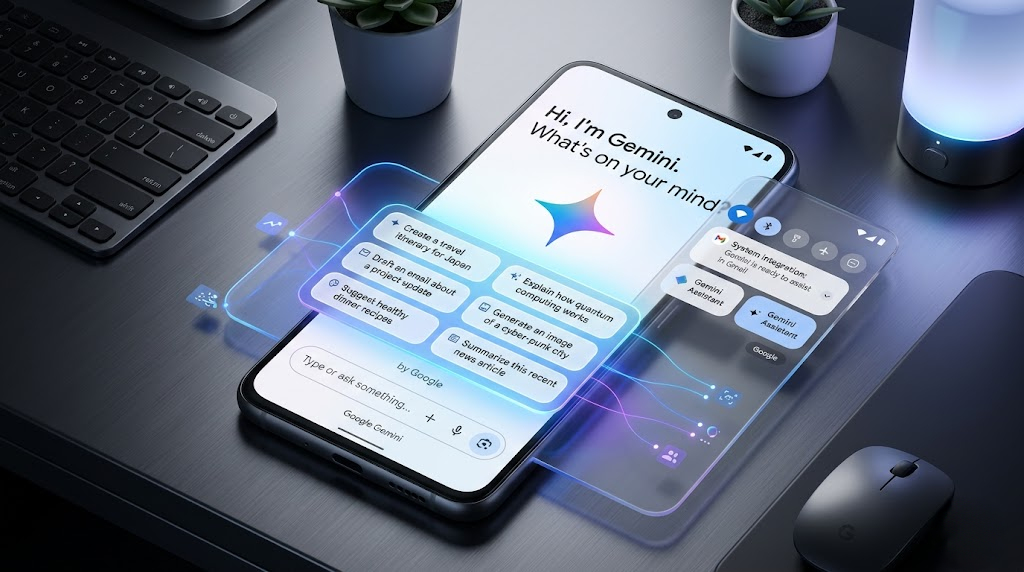
This one earns its spot purely on Android integration. Gemini is embedded in ways other AI apps can’t match because it’s Google — it can read your screen, pull from your Gmail, summarize your calendar, and respond in your notification shade. That level of OS-level access is genuinely different from an app you open separately.
For pure conversation quality, I’d rank it below Claude and ChatGPT. But if your workflow lives in Google’s ecosystem — Drive, Docs, Gmail — Gemini removes more friction than anything else on this list. The Gemini Advanced tier (bundled with Google One AI Premium) is where the serious features unlock, including the longer context window that makes document analysis actually useful.
Quick Comparison Table
| App | Best For | Free Tier | Standout Feature |
|---|---|---|---|
| Claude | Long-form writing, deep reasoning | ✅ Limited | Projects / persistent context |
| ChatGPT | Brainstorming, guides, voice | ✅ Limited | Voice mode, GPT-4o image input |
| Perplexity | Research with sources | ✅ Generous | Inline citations |
| Copilot | Budget-friendly GPT-4o access | ✅ Full GPT-4o | Free flagship model |
| Gemini | Google ecosystem integration | ✅ Good | OS-level Android access |
Which One Should You Actually Install?
- Need deep writing help → Claude
- Need brainstorming + voice → ChatGPT
- Need research with sources → Perplexity
- Need free GPT-4o access → Copilot
- Need Android integration → Gemini
- Not sure where to start → Copilot first. Free, capable, no commitment.
Chip Performance and AI Apps
Worth noting: AI apps run heavier on older chips. If you’re on a phone with a MediaTek Helio G or older Snapdragon 6-series, local features — on-device processing, real-time transcription, Pixel-style AI features — will either run slowly or not appear at all. The cloud-based parts (responses, search, generation) are chip-agnostic since computation happens server-side.
For anyone choosing between phones with AI performance in mind, the Snapdragon 8 Elite and Dimensity 9400 are where full AI feature support lives right now. Budget phones get cloud features. Mid-range gets most of them. Flagship gets everything. The full breakdown on how chip architecture affects real-world performance is in Snapdragon vs MediaTek: Which Performs Better.
What Didn’t Make the List (And Why)
Pi.ai — built around emotional, conversational support rather than task completion. It’s good at what it does — patient, non-judgmental, genuinely warm in tone — but that’s a different product category. For anyone needing an AI companion or a tool for processing thoughts out loud, Pi has a place. For getting work done, it doesn’t move fast enough and there’s no real output you can act on.
Bing AI — functionally redundant if Copilot is already installed. Both run on the same Microsoft backend and deliver similar results. The Bing version sits inside a browser rather than a dedicated app, which adds a step without adding anything. No reason to maintain both.
Character.AI — this one gets unfairly dismissed. It’s actually a well-built product, just for a completely different use case: creative roleplay, character interaction, collaborative fiction. That’s genuinely useful for writers and worldbuilders. It just doesn’t belong on a productivity-focused AI list, which is the only reason it’s not here.
Jasper — priced and scoped for marketing teams managing brand content at scale. The output quality is solid but not meaningfully ahead of Claude or ChatGPT for individual use. At its current pricing, it only makes financial sense if you’re running content operations across multiple clients or a large publication. Solo creators and students have better options for a fraction of the cost.
FAQ
Q: Do I need to pay for AI apps to get anything useful?
Not necessarily. Perplexity’s free tier is genuinely good for research. Copilot gives you GPT-4o free. Claude’s free tier handles most casual tasks. Where paid plans earn their cost is in higher message limits, longer context windows, and priority access during peak hours — if you use AI daily for work or content, the paid tiers pay for themselves quickly.
Q: Which AI app is best for Android specifically?
Gemini has the deepest Android integration, hands down. But “best for Android” and “most useful” aren’t the same thing. If I could only keep one, it’s Claude — the response quality on complex tasks is consistently higher than the alternatives.
Q: Are these apps safe to use on a budget phone?
Yes. The core AI features are all server-side, so your phone’s chip doesn’t affect response quality. What suffers on older hardware is on-device AI features like real-time voice processing or camera AI — not the chat functionality.
Q: Can I use multiple AI apps without it getting confusing?
Once each app has a clear job, no. Perplexity for cited facts. Claude for substantial written work. ChatGPT for brainstorming and voice. The use cases don’t overlap much — and having all three doesn’t mean reaching for all three on the same task.
Q: Will these apps drain my battery?
Less than you’d expect. Since processing is server-side, the battery cost is closer to a chat app than a game. Keep your screen on long enough for a conversation and you’ll see maybe 3–5% per session on most mid-range phones.
The Honest Bottom Line
AI on Android in 2026 is past the hype phase. The apps above do real things. They’re not magic and they’re not going to replace thinking — but they do compress the time between a thought and a finished output in ways that genuinely matter if you’re building something or studying something or just trying to get more done with less.
The list will change. It already has from six months ago. I’ll update this when something earns a spot or loses it.
Until then — if you want to dig deeper into how I actually use some of these day to day, the blog post on running ReviByte with AI tools is probably the most practical thing I’ve written on the topic.