Table of Contents
Open Table of Contents
Overview
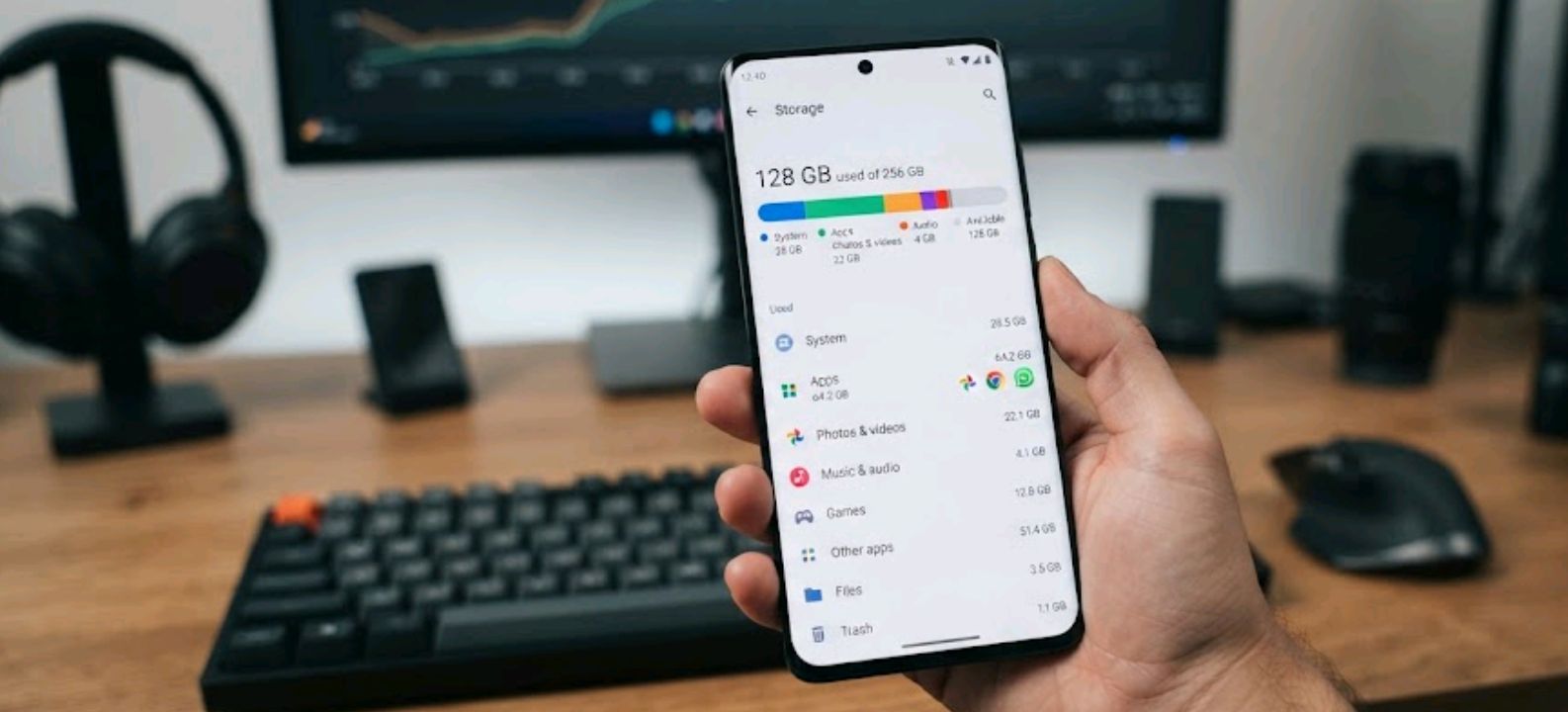
Every time Motorola launches a new Moto G or Edge model, the storage question comes up almost immediately in the comments: is it worth paying extra for 256GB, or will 128GB hold up fine for a couple of years? The honest answer isn’t the same for everyone, and it depends less on the phone and more on how you actually use it.
Let’s skip the marketing talk and look at what really eats up space on a Motorola phone.
Join ReviByte Community
Get instant alerts on new posts, phone deals, and mobile gaming updates.
Join WhatsApp Channel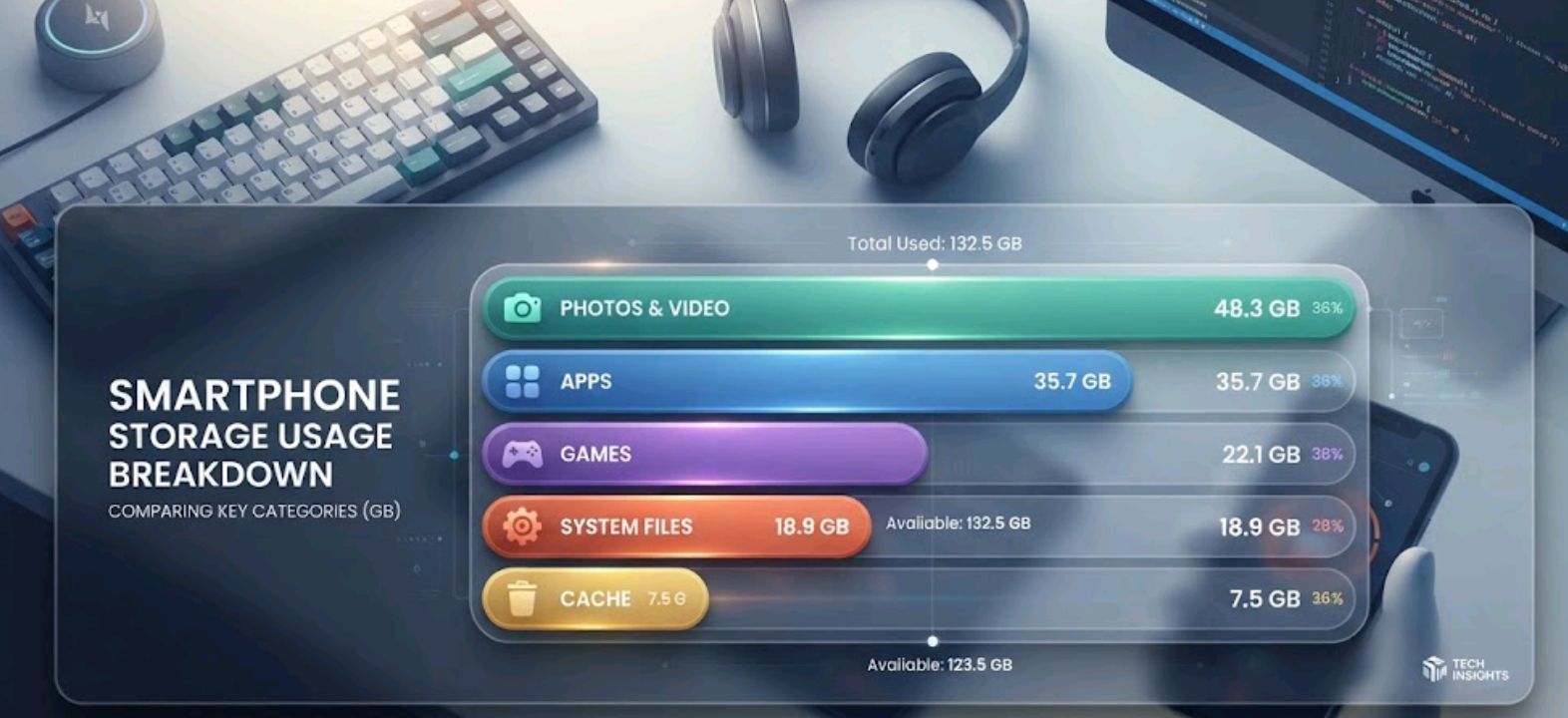
What Actually Fills Up Your Storage
Storage anxiety usually comes from a handful of specific habits, not general “phone use.” Here’s where the gigabytes really go.
| Storage Drain | Typical Space Used | Who Feels It Most |
|---|---|---|
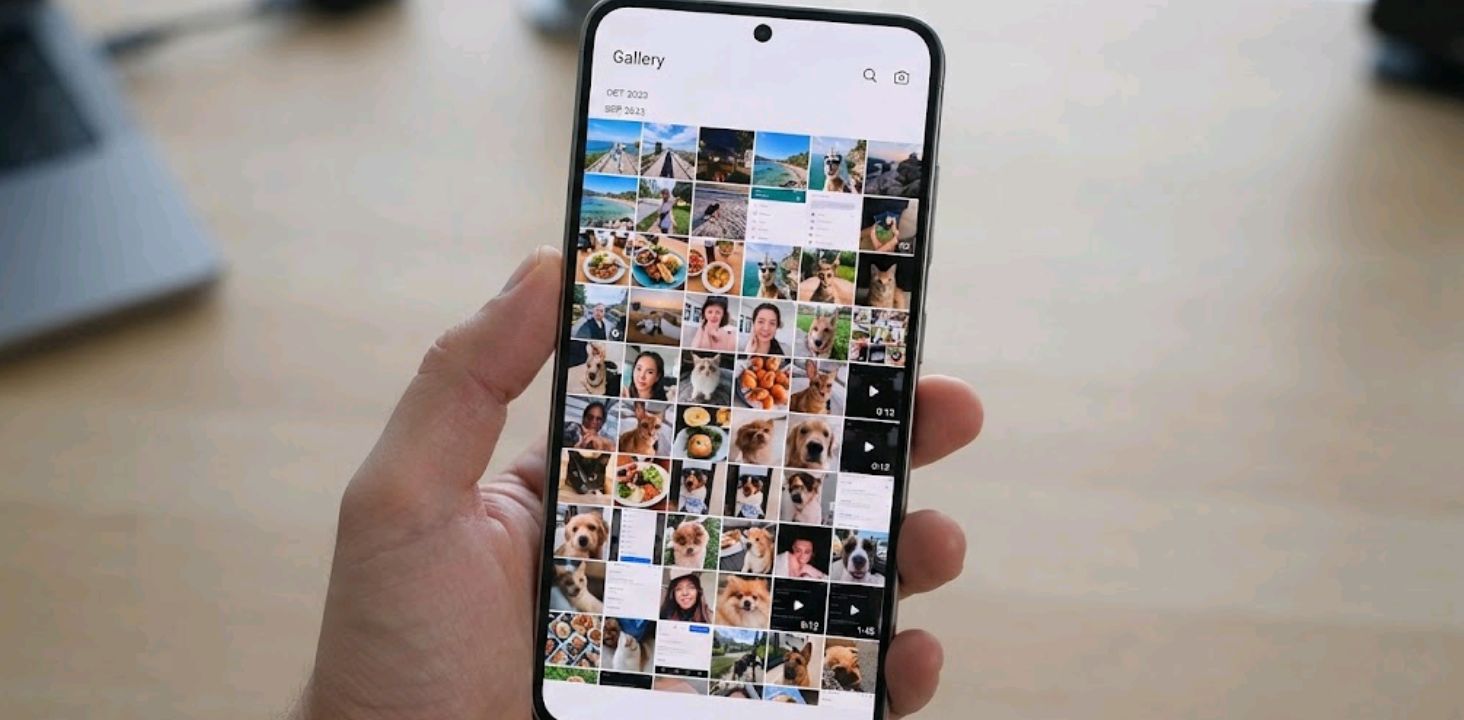
| Camera photos + video | Highly variable; 4K video can consume several GB quickly | Frequent photographers and video shooters |
| System files + pre-installed apps | Varies by model; often several GB | Everyone |
| Social & messaging apps (cache) | 5–15GB over time | Heavy social media users |
| Games (especially 3D titles) | 2–6GB per game | Mobile gamers |
| Offline music/podcasts | 1–10GB | Commuters, gym-goers |
| Screen recordings | Can reach hundreds of MB or more per session | Content creators, streamers |
If you rarely shoot video, don’t download many games, and lean on cloud storage for photos, 128GB stretches a long way. If several of these apply heavily to you, that’s a good reason to consider 256GB.
128GB: Who It’s Actually Fine For
A lot of people upgrade storage out of habit rather than need. On many Moto G-series phones, 128GB can be genuinely comfortable for:
- Light-to-moderate camera use, especially if you back up to Google Photos or a similar cloud service
- One or two “daily driver” games rather than a rotating library
- Streaming music and video instead of downloading everything
- Anyone who reinstalls apps as needed rather than keeping dozens installed at once
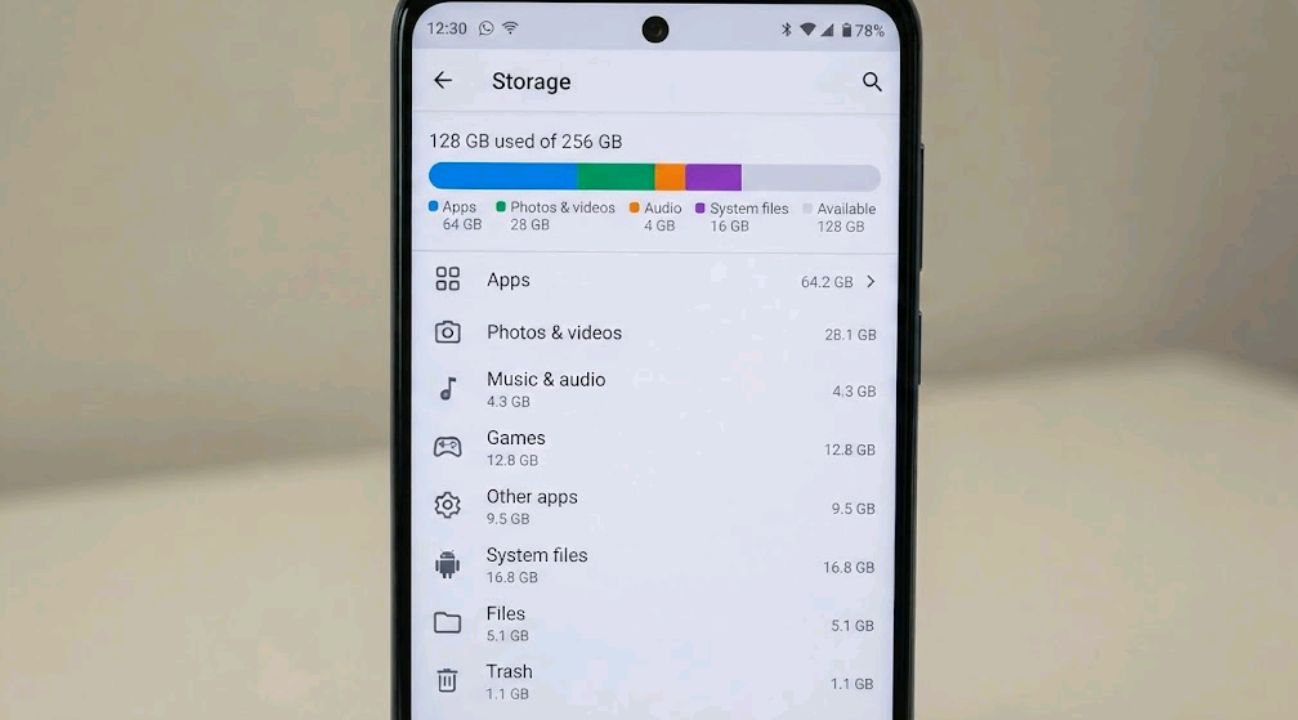
Usable capacity out of the box varies by model, Android version, and how Motorola bundles pre-installed apps, so it’s worth checking the actual available storage listed for your specific phone rather than assuming a fixed number. Even accounting for that overhead, 128GB is still plenty for most day-to-day patterns.
256GB: When the Extra Room Actually Matters
The jump to 256GB stops being a luxury and starts being practical once your habits shift toward local, high-resolution content. This tends to apply if you:
- Shoot a lot of 4K video, especially at 60fps, which chews through storage fast
- Keep a rotating library of large games rather than one or two at a time
- Travel frequently without reliable access to cloud backup or Wi-Fi
- Plan to keep the phone for 3+ years, since apps, games, cached data and downloaded content can become larger over time
- Use the phone as your main device for work files, PDFs, or downloaded documents
On flagship-leaning models like the Edge series, where the camera and display are the whole pitch, pairing that hardware with 128GB can feel like a mismatch. If you bought the phone specifically for photography, the storage should match that intent.
Price Difference vs. Real-World Value
The price difference varies considerably by Motorola model and market, so compare the actual 128GB and 256GB prices before deciding. A large premium can make 128GB the more sensible choice, while a small one shifts the calculus toward paying for the extra room, especially if you plan to keep the phone for years.
A Simple Way to Decide
Check your current phone’s storage settings before buying. If your current phone is already above roughly 70% full and you use it in similar ways, 256GB gives you more breathing room. If you’re comfortably below 50%, 128GB is more likely to be sufficient.
FAQ
Can I add a microSD card to expand Motorola storage? Some Moto G models support microSD expansion, while others — including many Edge models — rely entirely on internal storage. Always check the specific model’s specifications before assuming expandable storage is available.
Does storage size affect phone speed? Not directly by capacity, but when storage gets very close to full, some phones can run into problems creating temporary files, installing updates, or managing cached data. Keeping a reasonable amount of free space is a safer approach.
Is 128GB enough for TikTok, Instagram, and streaming apps? Yes, for the apps themselves. The real space cost comes from cached media inside those apps, which builds up over months. Checking and clearing unusually large app caches can recover some space, although the amount varies by app.
Should I buy 256GB “just in case”? If the price difference is small and you plan to keep the phone multiple years, it’s a reasonable hedge. If you’re on a tight budget or upgrade phones yearly, that money is often better spent elsewhere.
Does cloud backup make storage size irrelevant? It reduces the pressure but doesn’t eliminate it — apps, games, and system files still live locally regardless of how well you back up photos and videos.

Comments 0
Leave a comment