Table of Contents
Open Table of Contents
Overview
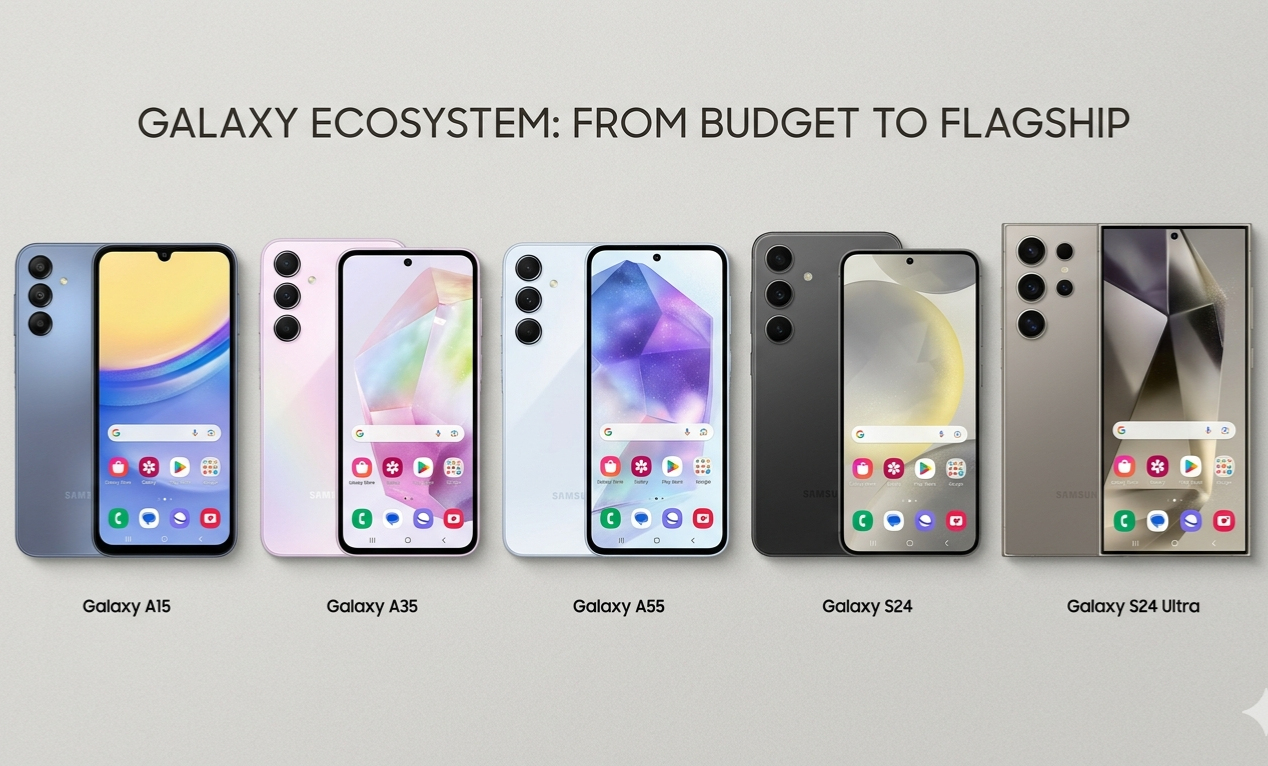
Let me be direct with you: Samsung makes some of the best Android phones on the planet. They also make some of the most stuttery, bloated, overpriced mid-rangers you’ll ever hold. Both things are true simultaneously. And if you’re trying to pick a Samsung that actually performs — not just looks good on a spec sheet — you need to know which camp each model falls into.
I’ve been tracking Android performance for a while now. I’ve written about why 8GB RAM phones still lag in 2026, and the answer isn’t simple. RAM is one piece. Storage speed, thermal design, software optimization, and bloatware load all factor in. Samsung — because of how wide their lineup is — hits both extremes. The Galaxy S25 Ultra runs like glass. The Galaxy A15 5G? Depends heavily on what you’re doing with it and how patient you are.
This post isn’t a spec dump. It’s me breaking down which Samsung phones hold up in daily use, which ones are quietly underrated, and which ones you should skip entirely if smooth performance is a priority.
What “Smooth” Actually Means on a Samsung
Before I name phones, let me be clear about the standard I’m using.
Smooth doesn’t mean benchmark scores. A phone can score well on AnTuTu and still feel choppy when you’re switching between apps, loading a camera, or opening a notification shade mid-scroll. Real-world smoothness comes down to a few things working together:
- The chipset handles multitasking without thrashing RAM
- The storage is fast enough that apps don’t visibly “load in”
- The software doesn’t self-destruct with aggressive memory management
- The cooling solution lets the chip breathe under load instead of throttling in 8 minutes
Samsung’s One UI has improved a lot — but it’s still heavier than Pixel’s Android or stock MIUI on Redmi devices. That means the chipset needs more headroom to deliver the same feel. A Snapdragon 680 in a Redmi phone might feel faster than the same chip inside a Samsung A-series unit stuffed with Samsung’s full suite of apps.
That context matters for everything that follows.
The Samsung Phones That Hold Up
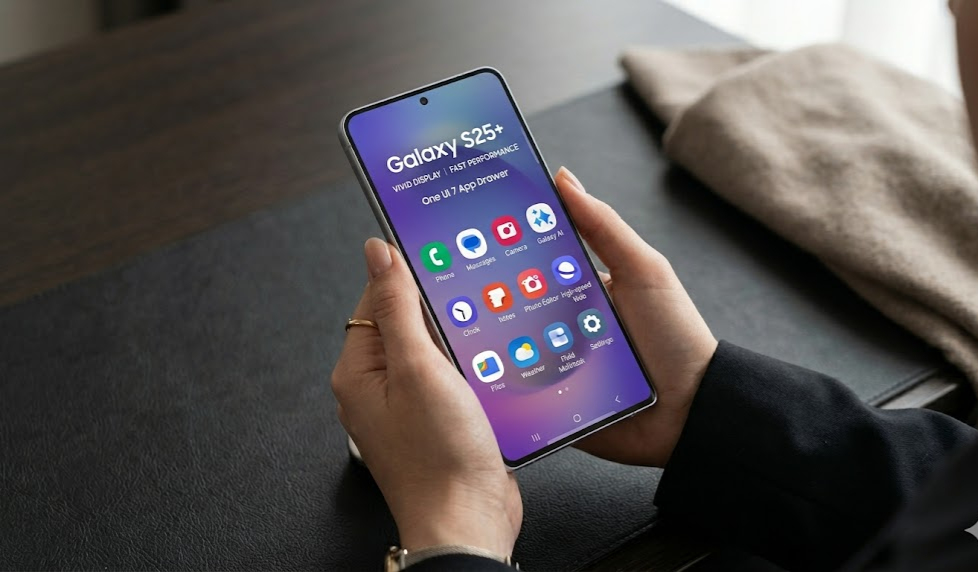 The Galaxy S25 series sets the standard for what smooth actually looks like on One UI.
Galaxy S25 / S25+ — The Baseline for “No Complaints”
The Snapdragon 8 Elite inside the S25 and S25+ is comfortably the best mobile chip available right now. It’s not even close. I’m not going to give you benchmarks — just know that this chip has enough overhead that One UI’s weight becomes irrelevant. Apps open instantly. The camera launches in under a second. You can have 15 things in background memory and switch between them without a single reload.
The S25+ specifically benefits from better thermal management over the base model. The larger chassis gives the vapor chamber more room to work, and in extended use — gaming sessions, video calls, navigation — you’ll feel that difference. The base S25 is still excellent, but it does warm up faster under sustained load.
If you want a Samsung phone that doesn’t lag, period, this is the easy answer. The price is what it is.
Galaxy S24 FE — The Smart Mid-Point
Samsung’s Fan Edition phones exist in an awkward space. Some people think “Fan Edition” means a watered-down flagship. In the S24 FE’s case, you’re getting the Exynos 2500 (in most markets) inside a phone that’s priced significantly below the S24 standard — and the performance is closer to flagship than budget.
One UI 7 on this phone is noticeably snappier than One UI 6 was on the A-series. Samsung clearly optimized the software layer with performance headroom in mind. Scrolling is fluid at 120Hz, gaming sessions don’t thermal throttle in the same aggressive way the older FE models used to, and app switching holds up well even with social media apps, a browser tab, and a streaming service all open.
The catch: Exynos chips have historically run warmer than their Snapdragon counterparts at the same clock speeds. It’s not crippling on the S24 FE, but if you’re gaming for an hour straight, expect the back of the phone to be noticeably warm.
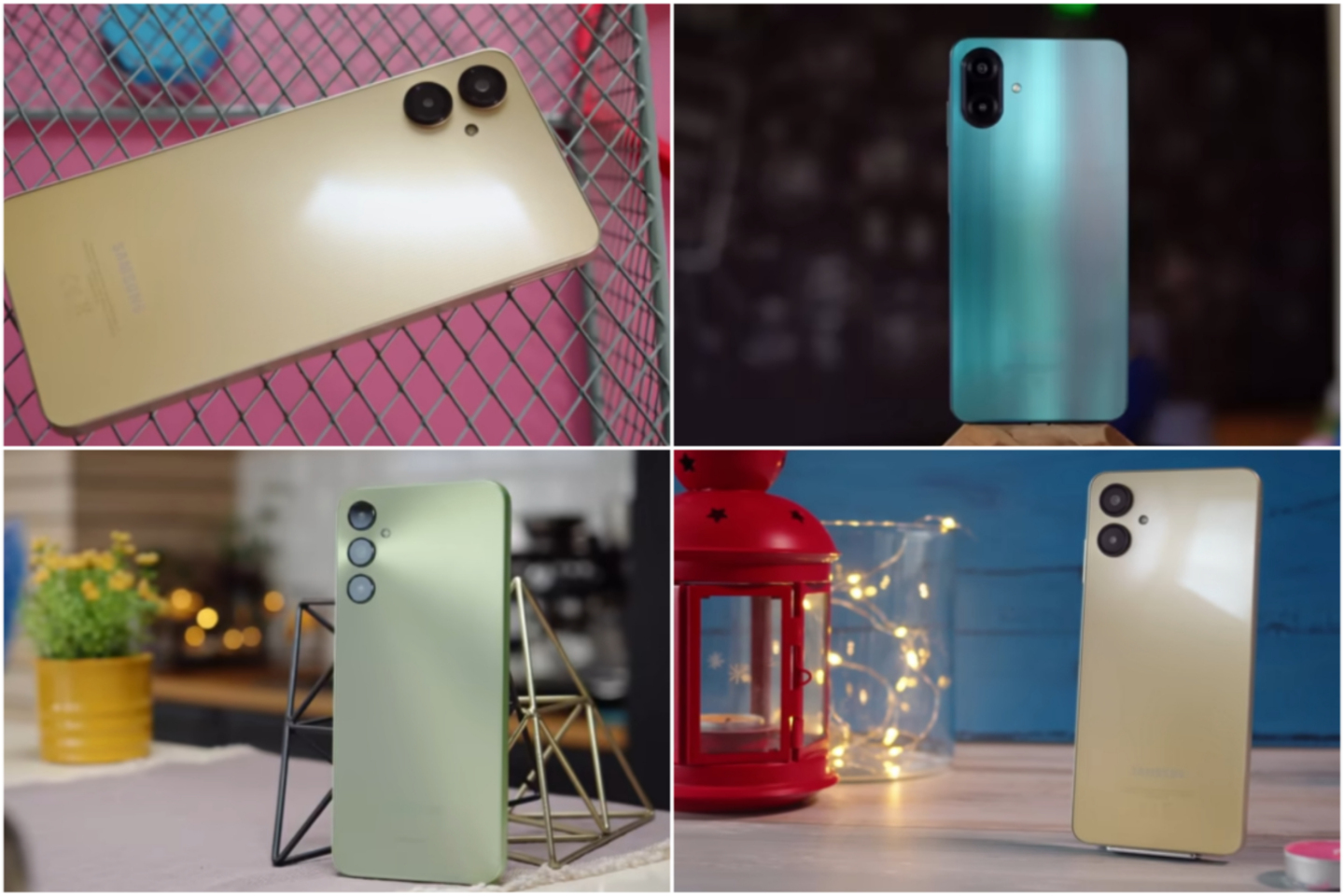
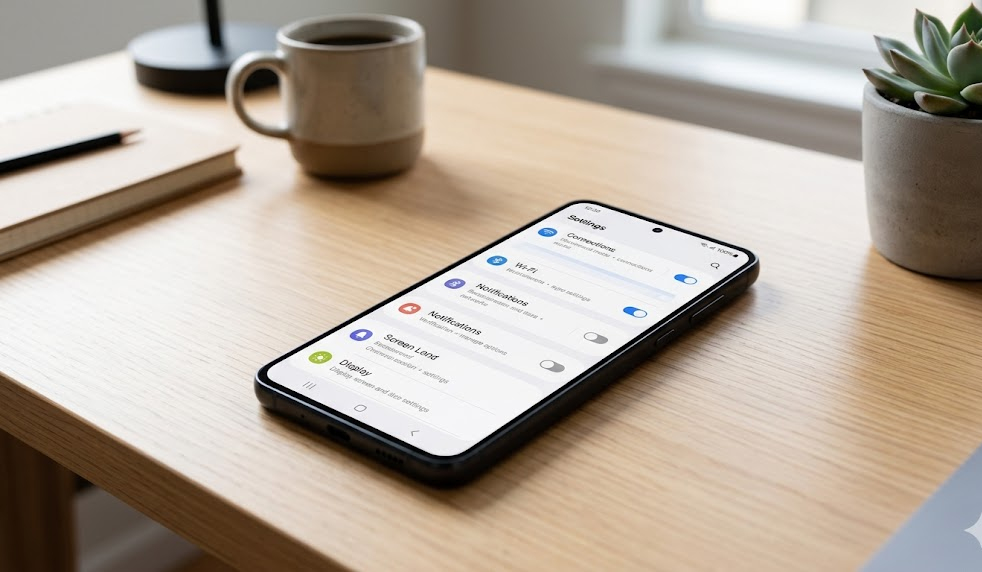 The A55 punches above its weight class — it’s the mid-range Samsung that actually delivers.
Galaxy A55 — The Mid-Range That Earns Its Price
This is the Samsung mid-ranger I recommend most. Not the A35. Not the A25. The A55.
The Exynos 1480 inside the A55 is a real step up from the chips in the phones below it in Samsung’s lineup. It’s built on a 4nm process, which matters for both performance and heat management. Real-world multitasking on the A55 holds up under normal to moderate use — social apps, YouTube, casual gaming, productivity. You’ll notice the difference immediately if you’ve been using an A25 or A15.
What I appreciate more is what Samsung did with the software side. One UI 6.1 on the A55 is trimmed enough that the Exynos 1480 isn’t fighting through layers of overhead just to render an animation. The 120Hz AMOLED display also helps — higher refresh rates make everything feel faster, even when the underlying processing speed is moderate.
The 8GB of RAM is the floor you want. If you’re looking at 6GB variants of any Samsung, I’d push back. You can read about why 8GB RAM phones still lag in 2026 — but the short version is that 6GB leaves almost no margin once One UI, background processes, and a few apps are loaded simultaneously.
Galaxy S23 (2023, Still Available) — Underrated Holdover
People sleep on the S23. It’s last generation, but the Snapdragon 8 Gen 2 is still a genuinely powerful chip. Samsung sells refurbished and carry-over S23 units at reduced prices, and at those prices, it’s one of the most value-efficient smooth-performance picks you can make.
The S23’s compact size is a double-edged sword: it’s pocketable and comfortable to hold, but the thermal headroom is tighter than the S23+. Under extended gaming or navigation, you’ll feel throttling kick in around the 20–25 minute mark. For everyday use — switching apps, browsing, shooting photos — it’s fast and stays fast.
If you can find an S23 at a sensible price point and you’re not a mobile gamer, this is a legitimate recommendation in 2026.
Quick Comparison Table
| Phone | Chip | RAM | Display | Best For |
|---|---|---|---|---|
| Galaxy S25 | Snapdragon 8 Elite | 12GB | 120Hz LTPO AMOLED | Everything — no compromises |
| Galaxy S25+ | Snapdragon 8 Elite | 12GB | 120Hz LTPO AMOLED | Extended use, gaming, content |
| Galaxy S24 FE | Exynos 2500 | 8GB | 120Hz AMOLED | Flagship feel, mid budget |
| Galaxy A55 | Exynos 1480 | 8GB | 120Hz AMOLED | Mid-range daily driver |
| Galaxy S23 (used) | Snapdragon 8 Gen 2 | 8GB | 120Hz AMOLED | Budget flagship performance |
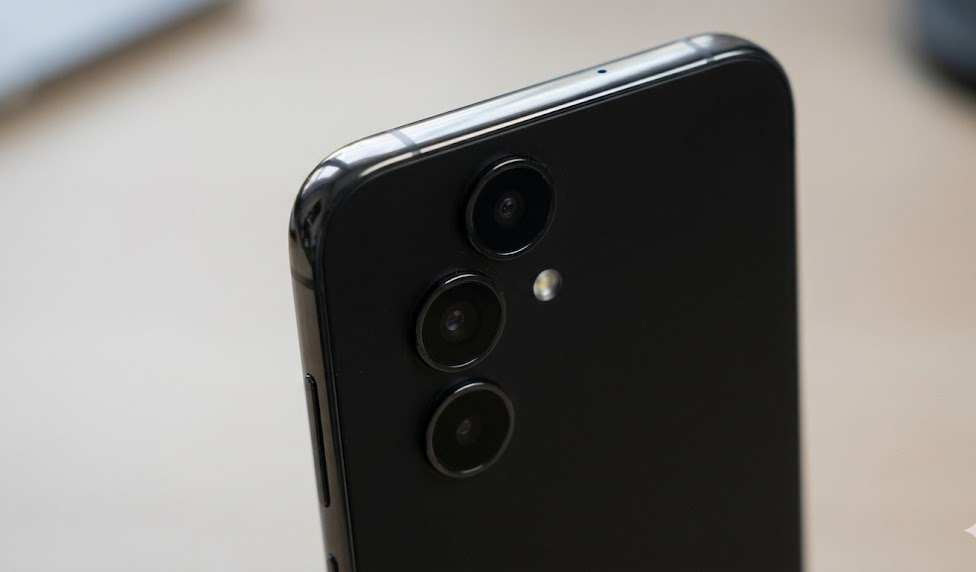 Build quality on the A55 is solid — the kind of phone that doesn’t feel like a compromise even two years in.
Phones to Avoid If Smoothness Is the Goal
I’ll keep this short because the topic deserves its own post, but here’s my quick take:
Galaxy A15 / A15 5G — The Helio G99 and Dimensity 6100+ chips in these units are entry-level chips doing mid-range work under One UI’s weight. They’re fine for calls, messages, and light browsing. The moment you open Instagram Reels, switch to a camera, and come back — you’ll notice freezes. Here’s what’s actually causing that kind of lag.
Galaxy A25 — Better chip than the A15, worse value than the A35 or A55. The positioning makes no sense unless you’re getting it at a steep discount.
Any Samsung with 4GB RAM in 2026 — Hard pass. One UI alone eats into that, and you have no headroom left for background processes. You’re one multitasking session away from lag.
What About One UI 7 and Performance?
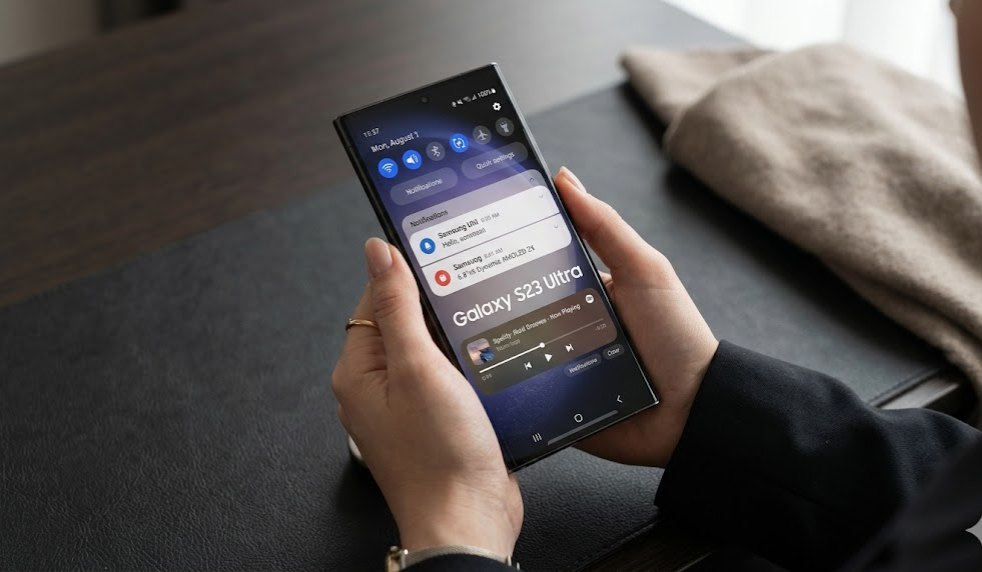
One UI 7 is meaningfully better than One UI 6 in terms of animation smoothness and responsiveness. Samsung clearly invested time in reducing jank on mid-range hardware. The transition animations are more fluid, the notification shade is faster to pull down, and app launching feels snappier on equivalent hardware compared to the same phone running an older One UI version.
That said: One UI is still a heavy skin. Samsung includes a lot of first-party apps, and many of them run background services. If you want to get the most out of any Samsung phone — even the ones I’ve recommended here — learning how to make Android feel fast again by managing background apps and turning off unnecessary features will compound your experience significantly.
One UI 7 also changed how memory management works slightly. Kill-happy background culling is less aggressive now, which means apps actually stay open longer and reload less. That’s a genuine improvement, and it makes the A55 and S24 FE perform noticeably better than their raw specs suggest.
Storage Is a Hidden Variable
Here’s something most Samsung buyers don’t think about until it’s too late: the internal storage speed varies across the lineup, and it matters more than people realize.
Samsung’s flagship S-series uses faster UFS 4.0 storage. Mid-range A-series phones sit at UFS 2.2 or even UFS 2.1. The difference shows up when you’re loading large apps, switching between apps with large memory footprints, or doing anything that reads/writes data quickly — like saving a photo from the camera.
If you want to understand why storage speed affects how “fast” a phone feels in real use, I go deeper on this in the 1TB storage post — but the short take is that slow storage creates artificial lag even when the CPU and RAM have plenty of headroom. The phone is waiting on the disk.
This is part of why the A55 earns its spot on this list: UFS 2.2 isn’t UFS 4.0, but it’s fast enough that it doesn’t become the bottleneck in everyday use. The A15 is where storage speed starts dragging the experience down.
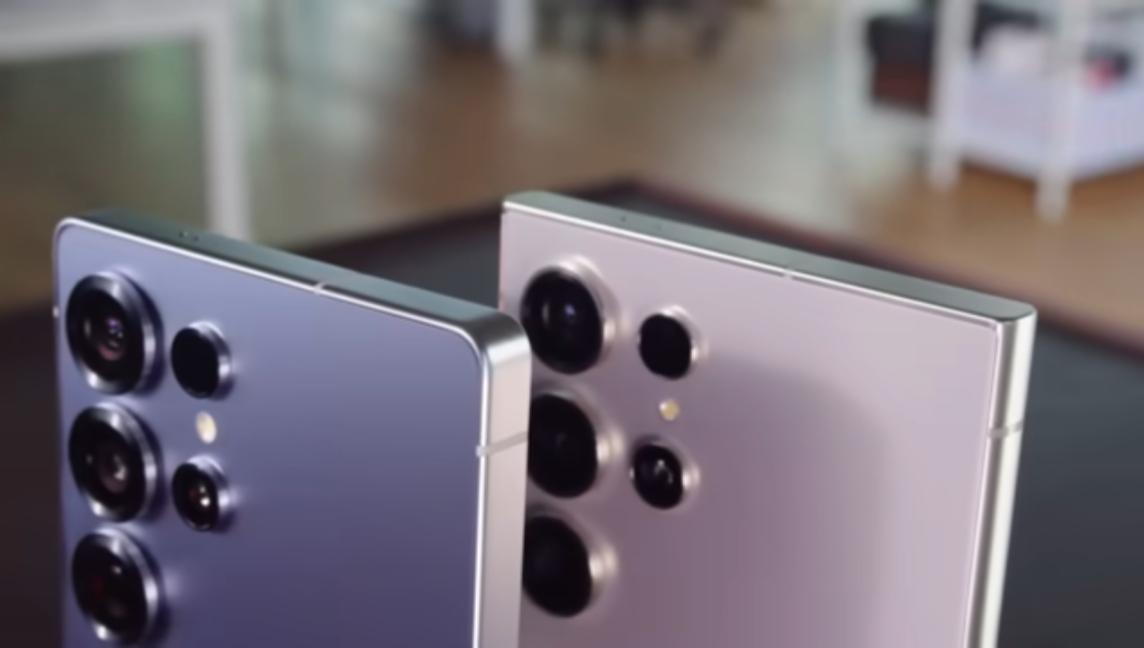
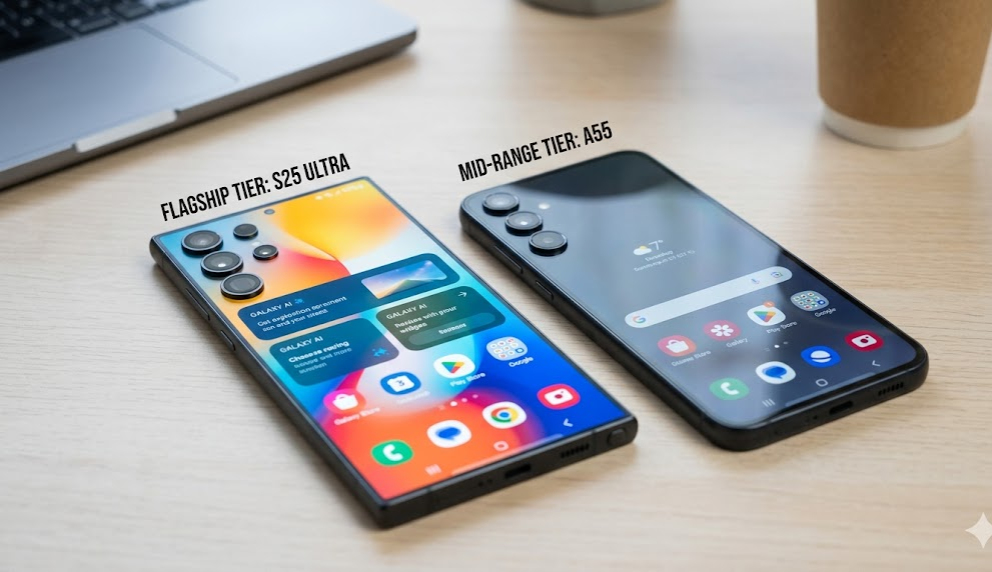 More money doesn’t always mean more smoothness — but it does on the S25 Ultra.
Frequently Asked Questions
Is Samsung’s One UI slow compared to other Android skins? It depends on the hardware underneath. On flagship Snapdragon chips, One UI is fast and fluid. On entry-level chips, the skin’s weight becomes a visible problem. The issue isn’t One UI itself — it’s One UI running on underpowered hardware.
Does the Galaxy A35 lag? Light to moderate use, no. Heavy multitasking or gaming, yes — more than the A55 would. The Exynos 1380 is a capable chip, but it doesn’t have the headroom the Exynos 1480 does, and One UI’s overhead narrows that gap fast.
Which Samsung phone is best for gaming without lag? The S25 or S25+ if budget isn’t a constraint. The S24 FE is a solid alternative if you’re trying to spend less. For casual mobile gaming (COD Mobile on medium settings, eFootball), the A55 handles it fine, but you’ll want to close background apps first.
Does more RAM automatically mean a smoother Samsung? Not automatically. More RAM reduces the chance of app reloads during multitasking, but if the chip is too slow or storage is the bottleneck, extra RAM won’t save you. The chip and RAM need to work together — which is why 8GB on an Exynos 1480 (A55) is genuinely good, while 8GB on a Helio G85 would be wasted.
Is the Galaxy S23 still worth buying in 2026? For smooth performance at a reduced price, yes — especially refurbished from a reliable seller. The Snapdragon 8 Gen 2 is still fast. The only caveat is longevity: Samsung’s software support window means you’re closer to the end of official updates than with a current model.
How long before a Samsung phone starts lagging with age? Flagship models (S-series) typically hold smooth performance for 3–4 years with proper maintenance. Mid-range A-series phones start showing performance degradation earlier — usually around year 2, especially if storage fills up. Keeping storage below 80% full and doing occasional cache clears makes a real difference. Here’s the full Android optimization guide.
Final Take
The Samsung phone that “doesn’t lag” depends on your budget and your use case. For no-compromise smoothness: S25 or S25+. For smart mid-range performance: A55 or S24 FE. For budget flagship performance: a refurbished S23 if you can find one at the right price.
What I’d caution against is chasing spec numbers without understanding the full picture. A phone with 12GB RAM and a slow chip will still stutter. A phone with 8GB RAM and the right chip will feel faster than you expect. Samsung’s lineup is wide enough that the difference between a great performer and a disappointing one is often just one or two rungs up the ladder.
Know what you’re buying. The specs are a starting point, not the answer.