Table of Contents
Open Table of Contents
- Beginner’s Guide to Call of Duty: Mobile: Settings, Sensitivity & Best Loadouts
- The Part Nobody Tells Beginners
- Settings That Actually Made a Difference
- Sensitivity: Where I Was Getting It Completely Wrong
- Your Layout Is Probably Holding You Back
- Let’s Talk About Something Most People Won’t Admit
- Loadouts That Actually Work (For Beginners)
- The Mistakes That Kept Me Losing
- What Actually Changed My Gameplay
- Quick Reality Check
- FAQ
- Final Thoughts
Beginner’s Guide to Call of Duty: Mobile: Settings, Sensitivity & Best Loadouts
Let me be honest — I didn’t struggle with Call of Duty: Mobile at first.
The game actually fooled me.
First few matches? Easy kills. Smooth aim. I even thought, “Maybe I’m just naturally good at this.”
Then real players showed up.
And I mean — real players.
Suddenly I was losing gunfights I started first. My aim felt shaky for no reason. Everyone else looked faster, smoother, more deliberate.
That’s when it clicked.
It wasn’t just skill. My settings were quietly working against me.
And if you’re here, you’re probably already at that point.
The Part Nobody Tells Beginners
Most guides will tell you:
“Use this sensitivity"
"Copy this pro setup”
That sounds helpful.
It’s actually the fastest way to stay stuck.
Because what works on someone’s iPhone or high-end Samsung won’t feel the same on a TECNO or Infinix. The touch response is different. The frame timing is different. The heat buildup mid-match is different — and that last one matters more than people admit.
I’ve played this game on a midrange Android. When the phone starts heating up, your touch inputs get sluggish before you even notice it happening. You’ll think your aim is off. It’s not your aim — it’s your device fighting you. I broke that down in detail here if you want to understand what’s happening under the hood: 👉 How TECNO Camon 30 Handles Gaming Heat
So before we even talk about skill — fix what’s in your control.
Settings That Actually Made a Difference
Not everything matters. Some settings are just noise.
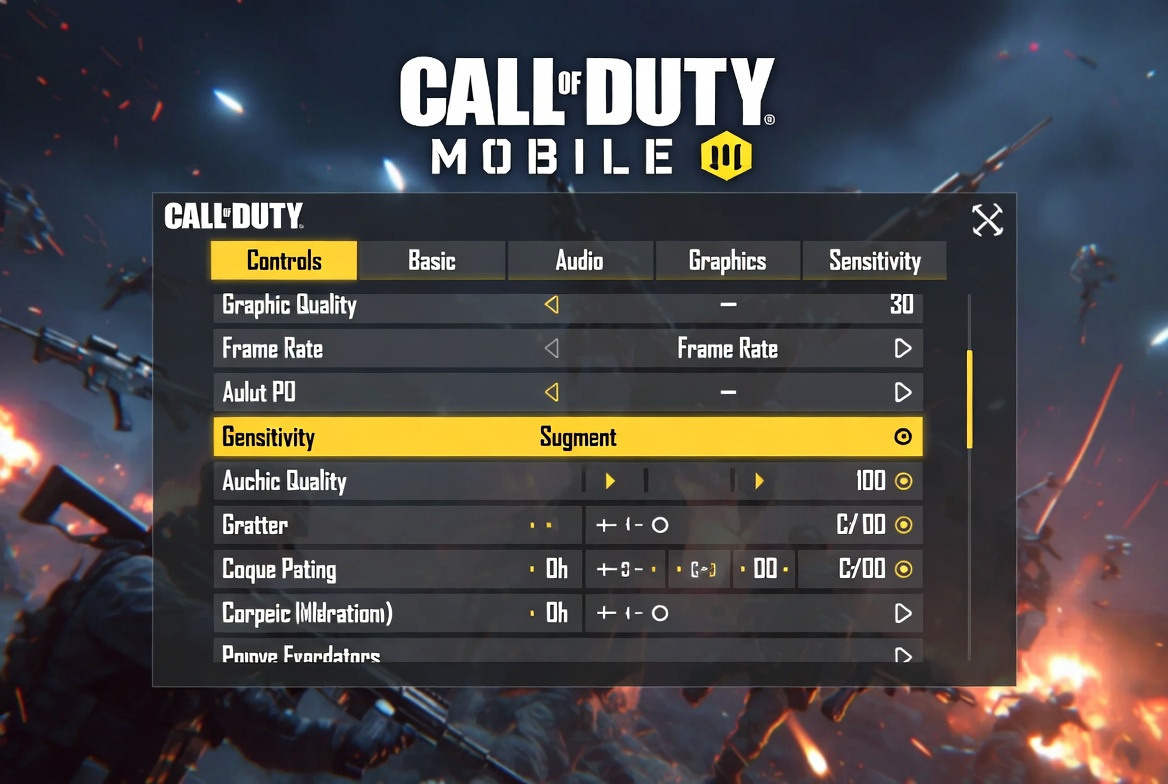
These are the ones that genuinely changed how the game felt for me:
🔧 Core Settings
| Setting | What I Use | Why It Helped |
|---|---|---|
| Aim Assist | ON (but don’t rely on it) | Helps early, but not a crutch |
| Tap to ADS | ON | Faster reactions in close fights |
| Auto Sprint | ON | Movement feels natural |
| Fixed Fire Button | ON | More consistent shooting |
| Sync ADS FOV | OFF | Better control on smaller screens |
Nothing fancy here. Just removing friction between what you intend and what the game does.
You can find all of these inside COD Mobile’s official settings menu — tap the gear icon from the main lobby.
Sensitivity: Where I Was Getting It Completely Wrong
This is where everything changed for me.
And I’ll say something most guides won’t:
If your aim feels bad, it’s probably not your skill — it’s your sensitivity balance.
I used to think my aim was just “off.” Like some people are born with good aim and I wasn’t one of them.
Here’s what was actually happening:
- I’d aim at someone
- Move slightly
- Crosshair flies past them
At first I thought my sensitivity was too low. So I cranked it up.
Wrong move.
My ADS sensitivity was already too high. Making it higher just made the problem worse.
That’s the thing nobody explains — bad aim and high sensitivity feel identical at first. You overshoot, you miss, you assume it’s you. But you’re just fighting your own settings.
What I Did Instead
I stopped copying numbers and started testing patterns.
After every few matches, I asked one question: am I overshooting or struggling to track?
- Overshooting enemies → reduce ADS by 2–3 points
- Struggling to follow movement → increase slightly
Not big changes. Two or three points at a time, one session at a time.
That’s when my aim stopped feeling random.
And this is where most people stop improving — they tweak once, give up after two matches, and go back to default. The adjustment process is the training.
A Real Starting Point (Not a Rule)
| Type | Range |
|---|---|
| Standard | 70–90 |
| ADS | 80–110 |
| Sniper | 40–60 |
Start here. Then adjust based on what your matches are telling you.
Your Layout Is Probably Holding You Back
I didn’t realize this early enough.
I was using default controls and wondering why I felt slow — why I’d see an enemy, want to shoot, and my thumb would land a half-centimeter off the button.
Default layout isn’t designed around your hands. It’s designed around nobody’s hands.
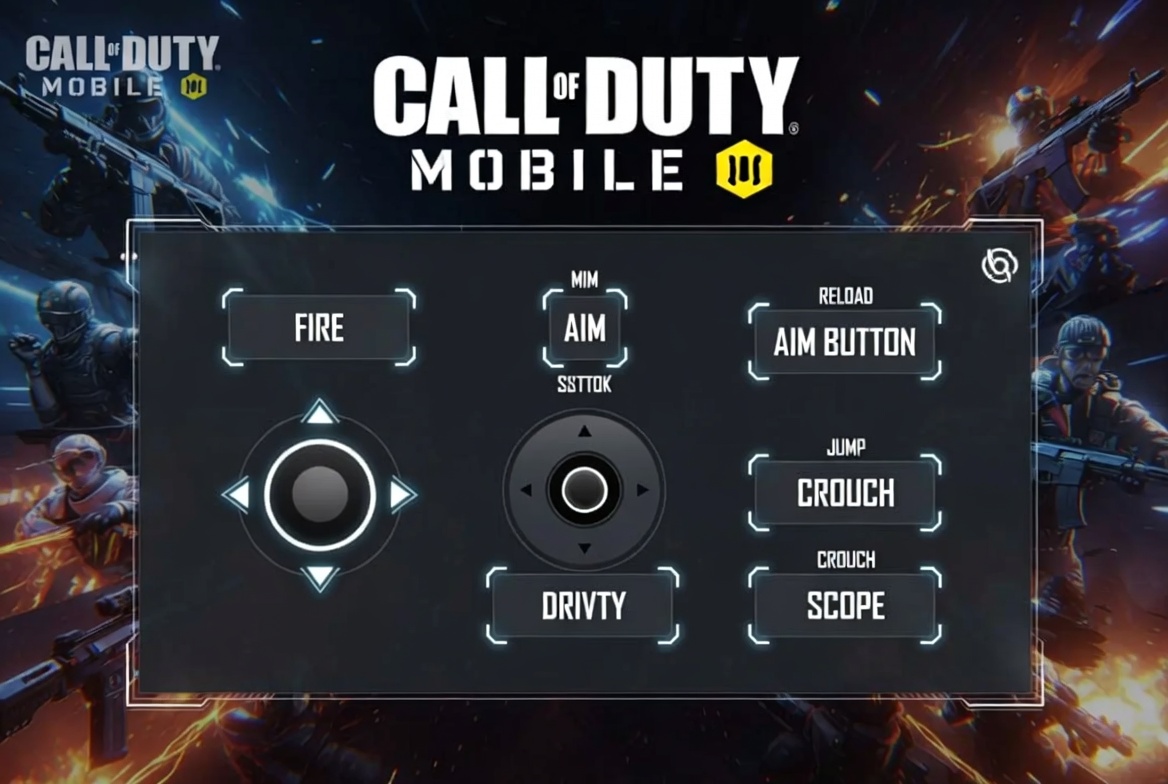
Here’s what I actually changed:
- Fire button: Moved it slightly higher and made it bigger. This alone improved my reaction speed because I stopped missing it under pressure.
- Crouch/prone: Moved closer to where my thumb naturally rests during movement.
- ADS button: Reduced size slightly — it doesn’t need to be large, you’re tapping it cleanly, not hunting for it.
The goal isn’t a “pro HUD.” The goal is a layout where every button is exactly where your thumb already wants to be. Comfort over complexity.
If you’re missing shots and your sensitivity seems fine, spend 15 minutes rebuilding your layout before touching anything else.
Let’s Talk About Something Most People Won’t Admit
Aim assist is helping you and limiting you at the same time.
At beginner level, it feels like magic. Your crosshair nudges toward enemies. You think you’re developing aim. You’re not — you’re borrowing it.
After a while:
- You depend on it
- Your raw tracking doesn’t develop
- Better players break your aim assist bubble and you have nothing left
Same thing with snipers.
I know they look cool. The montage clips, the quick-scopes — it’s compelling. But for beginners, snipers are a trap.
Miss once — you’re punished hard. The time-to-kill margin is unforgiving. You’re not learning movement or positioning. You’re just gambling on one shot.
You don’t need style right now. You need patterns that work consistently under pressure.
Loadouts That Actually Work (For Beginners)
Forget “meta builds.” Use what makes fights feel manageable while you’re still learning positioning and movement.
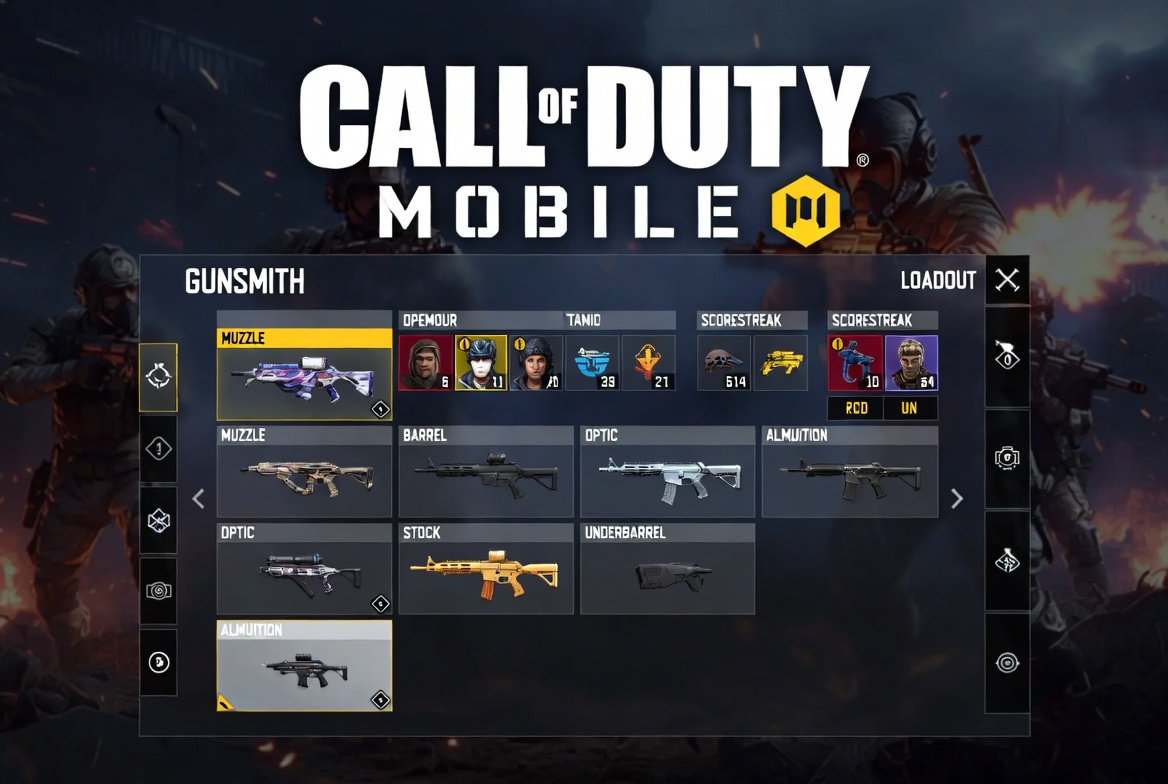
COD Mobile’s gunsmith system lets you build around your playstyle — if you want to understand how attachments actually interact, Activision’s gunsmith breakdown is worth a quick read.
🔫 My Go-To Beginner Loadout
| Slot | Choice |
|---|---|
| Primary | M4 |
| Secondary | MW11 |
| Perk 1 | Lightweight |
| Perk 2 | Vulture |
| Perk 3 | Dead Silence |
Why the M4? It forgives mistakes. Low recoil, decent range, consistent TTK. For attachments, start with: OWC Ranger barrel, No Stock, Stippled Grip Tape, and Tactical Foregrip. This combination keeps recoil manageable while improving ADS speed — exactly what a beginner needs.
⚡ If You Like Playing Fast
| Slot | Choice |
|---|---|
| Primary | RUS-79U or QQ9 |
| Secondary | Knife |
| Perk 1 | Lightweight |
| Perk 2 | Ghost |
| Perk 3 | Dead Silence |
For the RUS, try: MIP Extended Light Barrel, No Stock, Stippled Grip Tape. You’re trading range for speed — this works at close range but punishes you hard if you try to fight across open space.
Be honest with yourself here. If you’re still figuring out positioning, the M4 build is safer.
The Mistakes That Kept Me Losing
This part matters more than any setting.
❌ Copying YouTubers
Their device, their ping, their muscle memory — none of it translates. Use their reasoning, not their numbers.
❌ Ignoring Movement
Sliding, repositioning, and breaking line-of-sight wins more gunfights than aim does. Most beginners stand still and wonder why they die first.
❌ Forcing High Graphics
Smooth gameplay wins. Pretty visuals lose you frames at the worst moment.
If your phone is already running hot during matches — and on midrange Androids, it often does — you’re losing reaction time you don’t realize you’re losing. Dropping to Medium graphics and balanced frame rate can feel like upgrading your aim overnight. If you’re looking at a device that handles gaming heat better, I covered the best options here: 👉 Best Gaming Phones 2025
❌ Playing Without Adjusting Anything
If something feels off, it usually is. The game will tell you what’s wrong if you learn to read what’s happening — not just blame aim.
What Actually Changed My Gameplay
It wasn’t one setting. It wasn’t even a series of settings.
It was learning to read losses differently.
- Losing close fights consistently → my ADS sensitivity was too slow
- Missing shots that should’ve hit → sensitivity imbalance, usually ADS too high
- Dying mid-movement → layout issue, I was fumbling buttons under pressure
I fixed them one by one. No overhauls. No copying. Just one adjustment, a few matches, honest evaluation.
That’s it.
Quick Reality Check
| Problem | Likely Cause |
|---|---|
| Shaky aim | ADS sensitivity too high |
| Slow reactions | Layout doesn’t match your hand position |
| Frame drops mid-match | Graphics too high, or device overheating |
| Losing gunfights you start | Movement and positioning, not aim |
Fix the cause — not just the symptom.
FAQ
❓ What is the best sensitivity in COD Mobile?
There isn’t one universal answer. The best sensitivity is the one that matches your reaction speed and your device’s touch response. Start in the ranges above and adjust from there.
❓ Should I use gyroscope?
If you’re willing to spend time learning it — yes, it’s genuinely powerful. But it’s a skill in itself. Don’t add it while you’re still sorting out basic settings.
❓ What gun should beginners avoid?
Snipers. They punish hesitation too hard and they don’t teach you the movement habits that actually carry you forward.
❓ Why do I keep losing gunfights?
Usually one of three things: sensitivity imbalance, poor positioning, or over-reliance on aim assist. Check your settings first, then look at where you’re standing when you die.
❓ Is COD Mobile pay-to-win?
No. Cosmetics don’t affect performance. Good awareness and dialed-in settings matter far more than anything in the store. The Google Play Store listing confirms it’s free to download — everything that matters is earned in-game.
Final Thoughts
COD Mobile doesn’t reward hype.
It rewards adjustment.
The players who improve aren’t the ones with the flashiest loadouts or the highest sensitivity. They’re the ones who notice something’s off, change one thing, and actually pay attention to what happens next.
Once your settings, sensitivity, and movement start working with you instead of against you — the game slows down. Gunfights make sense. And for the first time, it actually feels fair.
That’s when you start getting good.

Comments 0
Leave a comment