Table of Contents
Open Table of Contents
Overview
I’m a physics and electronics student. My phone doesn’t get babied — it gets dragged through early morning practicals, long hours in the lecture hall, late-night problem sets, and everything that happens after hours back at the villa with the guys. I’ve watched people around me make expensive phone mistakes, and I’ve almost made a few myself.
This isn’t a list built from spec sheets and YouTube summaries. It’s built from what actually matters when you’re in school — how long the battery survives a full day without a charger nearby, whether the phone still performs two years in when your mates start asking why yours is hanging, what it costs to fix when something goes wrong, and whether you can sell it for something reasonable when you finally move on.
If you’re searching for the best cheap iPhone for students in 2026, or just trying to figure out which iPhone to buy as a student on a budget, this is the one post that’ll actually give you a straight answer.
Why Students Keep Choosing iPhones Over Android
I’ll be honest — you can make a strong case for Android at this price range. Some Android phones punch harder on paper. But paper doesn’t survive four years of student life.
Software support that outlasts your degree. Apple supports iPhones for 6–7 years minimum. The iPhone 13, released in 2021, is still receiving iOS updates in 2026 — five years later. An Android phone at a similar refurbished price point is likely on its last update cycle or already cut off entirely. For a student buying in 100 level who wants the same phone to still feel relevant in final year, that gap is not small.
Resale value that doesn’t collapse. A used iPhone 13 in 2026 still commands a meaningful resale price. Most Android flagships at the same age? You’re lucky to get 30–40% of what was paid for them. When it’s time to upgrade, iPhone owners are starting from a better financial position.
Durability you can actually observe. My hostel mate has been using an iPhone 13 since 200 level. It’s now 400 level. Battery health is sitting at around 87%. The phone has been dropped, used without a case for stretches, carried everywhere, and it still doesn’t hang or throttle. That’s four years of real student abuse and the phone is still reliable — that’s not marketing, that’s what I’ve watched firsthand.
One ecosystem, less friction. If your school uses MacBooks in labs, or your project partners use AirDrop, or your group chats run on iMessage — owning an iPhone removes a layer of friction you didn’t realize was there until it’s gone.
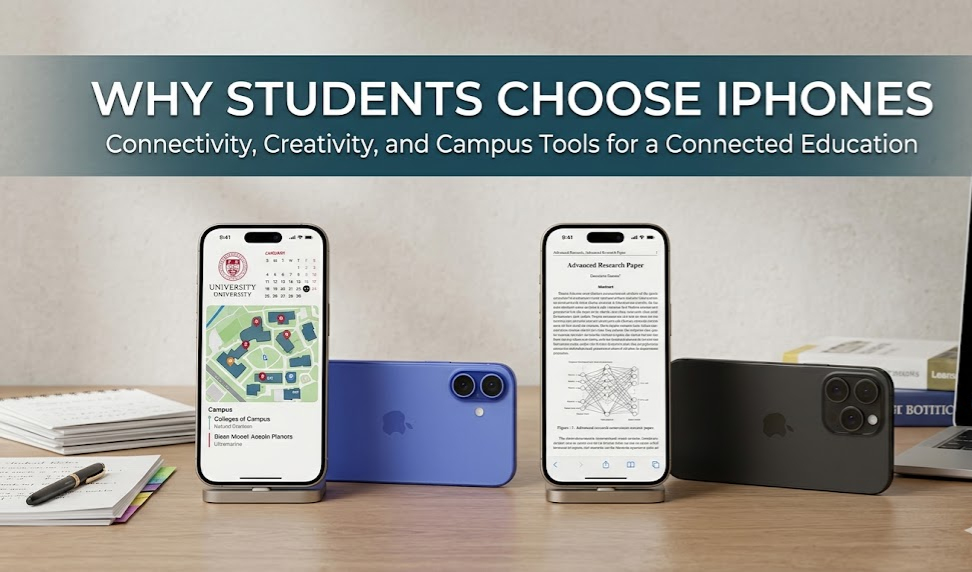 Software longevity is the real reason students keep gravitating toward iPhones over Android.
The Best iPhones for Students in 2026
1. iPhone 13 — The Smartest Student Buy Right Now
This is the one I’d tell a younger version of myself to buy without overthinking it. The iPhone 13 sits at a point on the price-to-performance curve that’s genuinely hard to beat in 2026 — cheap enough that you’re not wrecking your finances, powerful enough that you won’t feel the need to upgrade before you graduate.
The chip is not a compromise. The A15 Bionic inside the iPhone 13 is the same processor Apple shipped in the iPhone 13 Pro and used again in the iPhone 14 a year later. It’s built on a 5nm process, which means it runs cool and efficient under load. In real terms: multitasking across Notion, Chrome with 6+ tabs open, WhatsApp, and a YouTube video running in the background — no slowdowns, no thermal throttling, no drama. I’ve tested this exact combination.
Battery life is where the iPhone 13 changed the conversation. Apple’s official rating is up to 19 hours of video playback, but what that actually means in student use is this: running Wi-Fi + WhatsApp + YouTube + notes apps + occasional calls, the iPhone 13 consistently delivers 7 to 9 hours of screen-on time and still has 20–30% battery left by the time you’re back in your room. The iPhone 12 under the same conditions was often gasping below 20% before evening. That improvement comes from a larger 3,227mAh battery combined with the efficiency of the 5nm A15 chip — both working together, not just one or the other.
For a full battery breakdown across iPhone models, I covered this in my best iPhones for battery life post.
The camera is genuinely capable. 12MP main sensor with sensor-shift OIS means handheld low-light shots don’t come out as motion-blurred messes. Photographing whiteboards, lab setups, handwritten notes, or just everyday moments — it handles all of it reliably. You’re not getting the 48MP sensor of the iPhone 15, but you’re getting images that are sharp, well-exposed, and usable without post-processing gymnastics.
How long will Apple support it? Based on Apple’s historical pattern of 6–7 years per device, the iPhone 13 should receive iOS updates through at least 2027–2028. If you’re buying this as a 100 or 200 level student today, you’ll almost certainly finish your degree on the same phone still receiving security patches.
What I like: A15 Bionic chip, 7–9 hrs real-world screen time, strong resale value, excellent value for a budget iPhone hunt
What to watch: Lightning port (not USB-C), no ProMotion display, no always-on display
2. iPhone 14 — More Runway, Worth the Small Premium
The iPhone 14 is a tricky recommendation because on paper it looks almost identical to the iPhone 13. Same A15 Bionic chip (technically the A15 from the Pro tier, with one additional GPU core — roughly 5–7% better GPU performance in practice), same 12MP main camera resolution, same general form factor. So why does it make this list?
One extra year of iOS updates. The iPhone 14 sits one model year closer to Apple’s current lineup, which realistically translates to one additional year of software support compared to the 13. For a student starting a four or five year program, that year is not insignificant — you don’t want a phone losing OS support in your final year when you’re least able to deal with it.
Crash detection. I know this sounds like a gimmick until you think about what student life actually looks like — late nights, okada rides, unfamiliar roads, long distances from home. A phone that detects a serious crash and automatically contacts emergency services is not a small thing. A coursemate told me about a road incident where a student’s iPhone 14 triggered crash detection and alerted their emergency contact before anyone else could respond. That feature costs nothing extra after purchase.
Emergency SOS via satellite. In areas with no network coverage — and depending on your school’s location, that’s a real possibility in Nigeria — the iPhone 14 can still reach emergency services via satellite. The iPhone 13 cannot. If your campus is in a low-coverage area, that alone changes the risk calculation.
Battery life mirrors the iPhone 13 — Apple rates it at up to 20 hours video playback, and real-world screen-on time lands in the same 7–9 hour range. Not a dramatic jump, but you’re not losing anything either.
If you’re working within a specific price range, my best iPhones under 300k Nigeria 2026 post breaks down where the iPhone 14 sits in the local market.
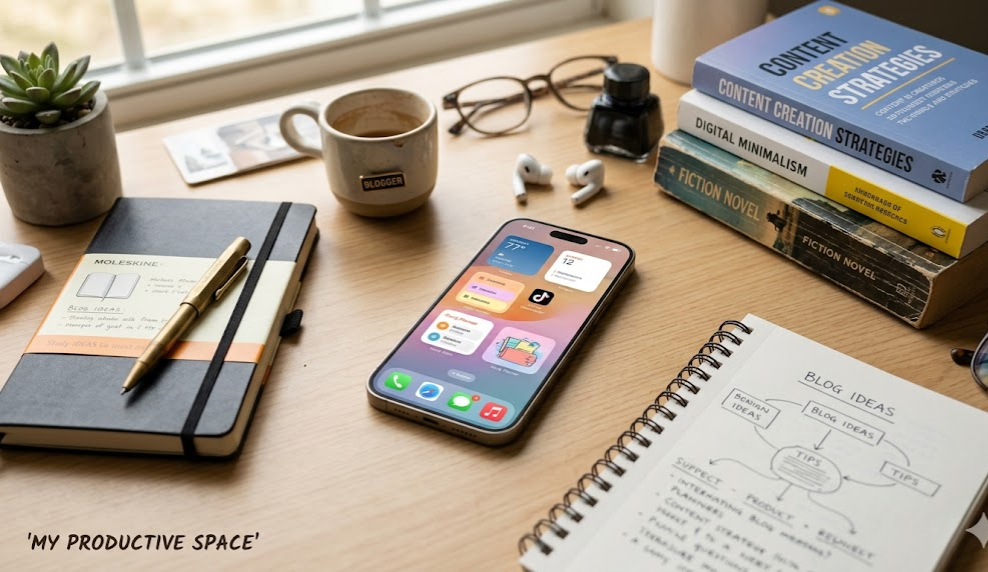 The iPhone 14 is the kind of phone that quietly handles everything without drawing attention to itself.
What I like: One extra iOS support year vs iPhone 13, crash detection, satellite SOS, marginally better GPU
What to watch: Chip gap vs iPhone 13 is minimal (not a standalone reason to upgrade), still Lightning
3. iPhone 15 — The Right Call If Your Budget Has Room
If you can genuinely afford the iPhone 15 without financial pressure, buy it. Not because it’s the newest or the flashiest, but because it solves actual day-to-day problems in ways the older models don’t.
USB-C changes how you carry your bag. As a student who already juggles a laptop, earbuds, a power bank, and whatever else makes it into the bag, the last thing you need is a separate cable ecosystem for your phone. The iPhone 15 charges via USB-C — the same port as most modern laptops, many Android phones, and common accessories. One cable covers everything. It’s a small change with outsized daily quality-of-life impact.
The camera jump is real. Going from 12MP on the 13 and 14 to 48MP on the iPhone 15 is not just a bigger number — it means more image data captured, better cropping flexibility, and sharper detail in good light. In low-light, Apple’s computational photography carries it well even when the lighting situation is bad. For students who shoot content alongside their studies — lab documentation, social media, YouTube, anything visual — the difference in output is noticeable, not imaginary.
The A16 Bionic chip adds meaningful headroom. The A16 in the iPhone 15 is approximately 10–15% faster in CPU tasks and around 20% better in GPU performance compared to the A15 in the 13 and 14. In daily student use, you won’t feel that gap constantly. But over a three to four year ownership window, a faster chip means the phone ages more gracefully under increasingly demanding apps and iOS updates.
Battery efficiency is the best on this list. Apple rates the iPhone 15 at up to 20 hours video playback, but the real advantage is the A16’s processing efficiency — it completes tasks faster and drops back to idle more quickly, which means less sustained power draw. In practical mixed student use, expect 8–10 hours of screen-on time comfortably.
Dynamic Island on the base model. Starting with the iPhone 15, Apple brought Dynamic Island to the standard tier. Live activities, music controls, timers, calls — they sit at the top of the screen without interrupting whatever you’re doing. When you’re writing or reading, that matters more than it seems.
For detailed camera output comparisons, I went deep in my top iPhones for best camera 2026 post.
What I like: USB-C, 48MP main camera, A16 Bionic, Dynamic Island, best battery efficiency here
What to watch: Price is noticeably higher — if it means financial stress, the iPhone 13 covers 90% of your actual needs
4. iPhone SE (3rd Gen) — Entry Point With Honest Caveats
The iPhone SE 3rd gen is the cheapest iPhone you can buy, and it has a genuinely impressive chip — the A15 Bionic. It supports 5G, receives iOS updates, and runs every app in the App Store. On spec sheets, it looks like a budget steal.
Here’s what spec sheets don’t tell you.
The display is 4.7 inches with thick bezels top and bottom — the same design from the 2017 iPhone 8. Reading long PDFs, watching lecture recordings, or using note-taking apps on that screen for hours gets tiring in a way the 6.1-inch OLED panels on the 13, 14, and 15 simply don’t. There’s no ProMotion, no OLED contrast — it’s an LCD panel in 2026.
Single 12MP camera with no ultra-wide, no Night Mode in the traditional sense — low-light photos are the weakest on this entire list.
Battery life is the real problem. The SE’s smaller physical battery combined with the LCD screen means real-world screen-on time of roughly 4–5 hours under heavy student use. That’s not enough to survive a full day on campus without hunting for a power source. The iPhone 13, by comparison, gives you 7–9 hours — nearly double — in the same usage conditions.
If the iPhone SE is genuinely all your budget allows right now, it works. Buy it, use it well, manage battery expectations from day one. But if the price gap between the SE and iPhone 13 is manageable, the 13 is a far better four-year investment.
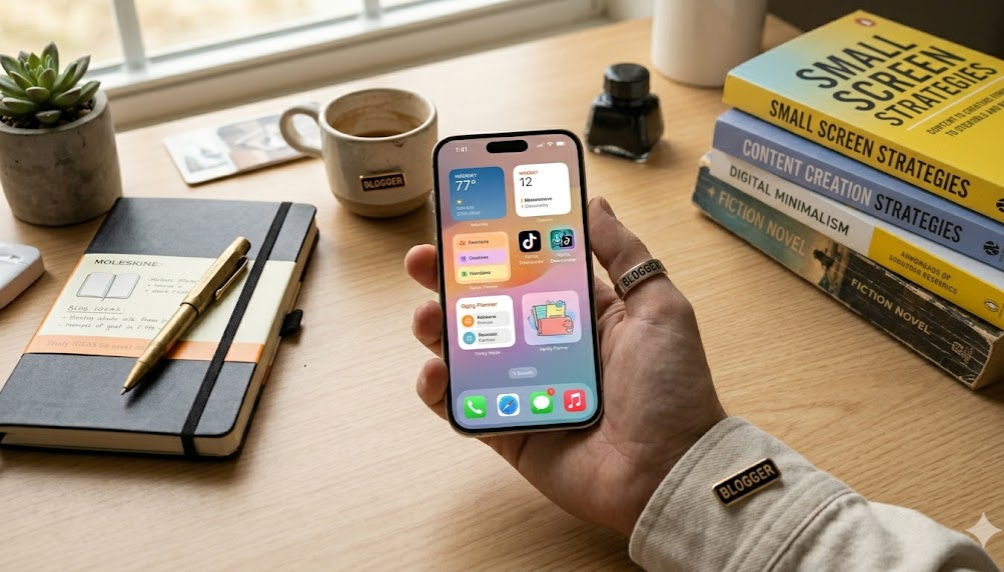 The A15 chip is strong, but the real-world experience is limited by the display and battery.
What I like: Most affordable iPhone, A15 Bionic chip, 5G support, long software life
What to watch: ~4–5 hrs real-world screen time, dated 4.7” LCD design, single camera, small screen
Full Comparison Table
| iPhone | Chip | Display | Real-World Battery | Main Camera | USB-C | Supported Until (Est.) | Best For |
|---|---|---|---|---|---|---|---|
| iPhone SE (3rd Gen) | A15 Bionic | 4.7” LCD | ~4–5 hrs SOT | 12MP | ❌ | ~2027 | Absolute budget limit |
| iPhone 13 | A15 Bionic | 6.1” OLED | ~7–9 hrs SOT | 12MP OIS | ❌ | ~2027–2028 | Best student value overall |
| iPhone 14 | A15 Bionic+ | 6.1” OLED | ~7–9 hrs SOT | 12MP OIS | ❌ | ~2028–2029 | Longevity + safety features |
| iPhone 15 | A16 Bionic | 6.1” OLED | ~8–10 hrs SOT | 48MP | ✅ | ~2029–2030 | Best all-round + content |
SOT = Screen-On Time. Estimates based on mixed student use: Wi-Fi on, WhatsApp active, YouTube, note-taking apps.
Which iPhone Should You Actually Buy? (Decision Framework)
Here’s how I’d genuinely think through this depending on your situation:
100 or 200 level, tight budget → iPhone 13, no hesitation. Fast chip, solid battery, enough software life to see you through graduation. If you’re also comparing with Android options, check my best Samsung phones for students post before committing — Samsung has strong alternatives at certain price points.
200 or 300 level, can spend slightly more → iPhone 14. The extra year of support and the crash detection make it worth the marginal premium if the gap isn’t painful.
Content creator, in Apple’s ecosystem, or budget has room → iPhone 15. USB-C, 48MP camera, A16 chip — this is the version that ages best and simplifies your workflow the most.
Strict budget, nothing else is realistic → iPhone SE. Manage battery expectations and plan to upgrade when you can.
One important thing before you decide: If choosing the iPhone 15 means dipping into savings you can’t rebuild, buying the SE to “save money” when the 13 is within reach, or taking a loan — stop and recalibrate. The iPhone 13 handles 90% of what a student needs daily. Owning it without financial anxiety is a better decision than owning an iPhone 15 while stressing about next semester’s fees. The best phone for a student is the one that doesn’t add a new source of stress.
 The right phone is the one that handles your workload without creating new financial pressure.
Final Verdict
The iPhone 13 is the answer for most students reading this. It’s not a compromise — it’s a genuinely excellent phone that happens to be affordable because time has passed, not because anything is defective about it. The A15 chip is fast, the battery gets through a full school day, and Apple will keep supporting it for years.
If the iPhone 14 is within reach, that extra year of support and the safety features make it a smarter long-term pick than the 13 for first-year students. If the iPhone 15 is realistic without financial stress, it’s the one that’ll age best and work hardest over a long ownership window.
The best affordable iPhone for students isn’t always the cheapest option — it’s the one that still makes complete sense two or three years after you buy it. That’s the whole point of this list.
Frequently Asked Questions
Which iPhone is best for a student on a budget in 2026?
The iPhone 13 is the strongest answer for most students. It runs the A15 Bionic chip, delivers 7–9 hours of real-world screen-on time, and still has meaningful software support remaining. On the refurbished market in 2026, it’s more accessible than it was at launch — making it the best-value iPhone for students right now.
How long do iPhones last for students?
Apple supports iPhones for 6–7 years minimum. The iPhone 13 (released 2021) is still receiving iOS updates in 2026 — five years later. If you buy an iPhone 13 or 14 today as a 100-level student, you’ll realistically finish your degree on the same phone still receiving security patches.
Is it better to buy a new or refurbished iPhone as a student?
Refurbished is a legitimate option — especially for the iPhone 13 and 14. Look for sellers offering at least a 3-month warranty and battery health above 85%. Avoid no-warranty open-market deals unless you’re experienced enough to assess the phone yourself.
Is the iPhone SE good enough for university?
For light use — calls, WhatsApp, basic browsing — technically yes. But the real-world battery life of around 4–5 hours screen-on time is a real problem for a full day on campus. The small 4.7-inch LCD display also gets fatiguing during long study or reading sessions. If the price gap to an iPhone 13 is manageable, that stretch is almost always worth it.
What’s the real difference between iPhone 13 and iPhone 14 for students?
Both use the A15 Bionic — the 14 gets a marginally faster variant with one extra GPU core (roughly 5–7% GPU difference in practice). The meaningful differences: crash detection, Emergency SOS via satellite, a slightly improved front camera, and approximately one extra year of iOS updates. If the price gap is small in your market, lean toward the 14.
Why does USB-C matter on the iPhone 15 for students?
It means one cable type handles your phone, laptop, earbuds, and power bank. As a student already managing a packed bag, removing a separate Lightning cable from that equation is a genuine daily quality-of-life improvement, not a marketing talking point.
How does iPhone battery life compare to Android phones at the same price?
Apple’s A-series chips are extremely efficient — they complete tasks quickly and drop to idle states fast, which reduces sustained battery drain. The iPhone 13’s 7–9 hours of screen-on time in real student use is competitive with or better than most Android phones at equivalent used-market prices. For a full battery comparison across iPhone models, see my best iPhones for battery life breakdown.